










Average response time
Per agent, channel and department. Where things slow down is obvious at a glance.
Teletype brings WhatsApp**, Telegram, MAX, KakaoTalk, VK, Avito, your website, email and CRM requests into one workspace. Your agents respond faster, nothing gets lost, and managers see the full picture. 4,500+ agents and 1,000+ companies work this way every day.
When requests come from everywhere and every employee works in their own windows, the company loses customers, time and money.
WhatsApp** belongs to one person, Telegram to another, Avito to a third. No one knows that a customer has been waiting for two hours.
A returning customer means starting from scratch. Agents re-ask the name, the order, the promises from the last conversation.
Managers don't know how many requests come in per day, who's coping and who's overloaded. No numbers — only gut feeling.
An employee leaves and takes the customer conversations with them. The company is left with no contacts, and the brand suffers.
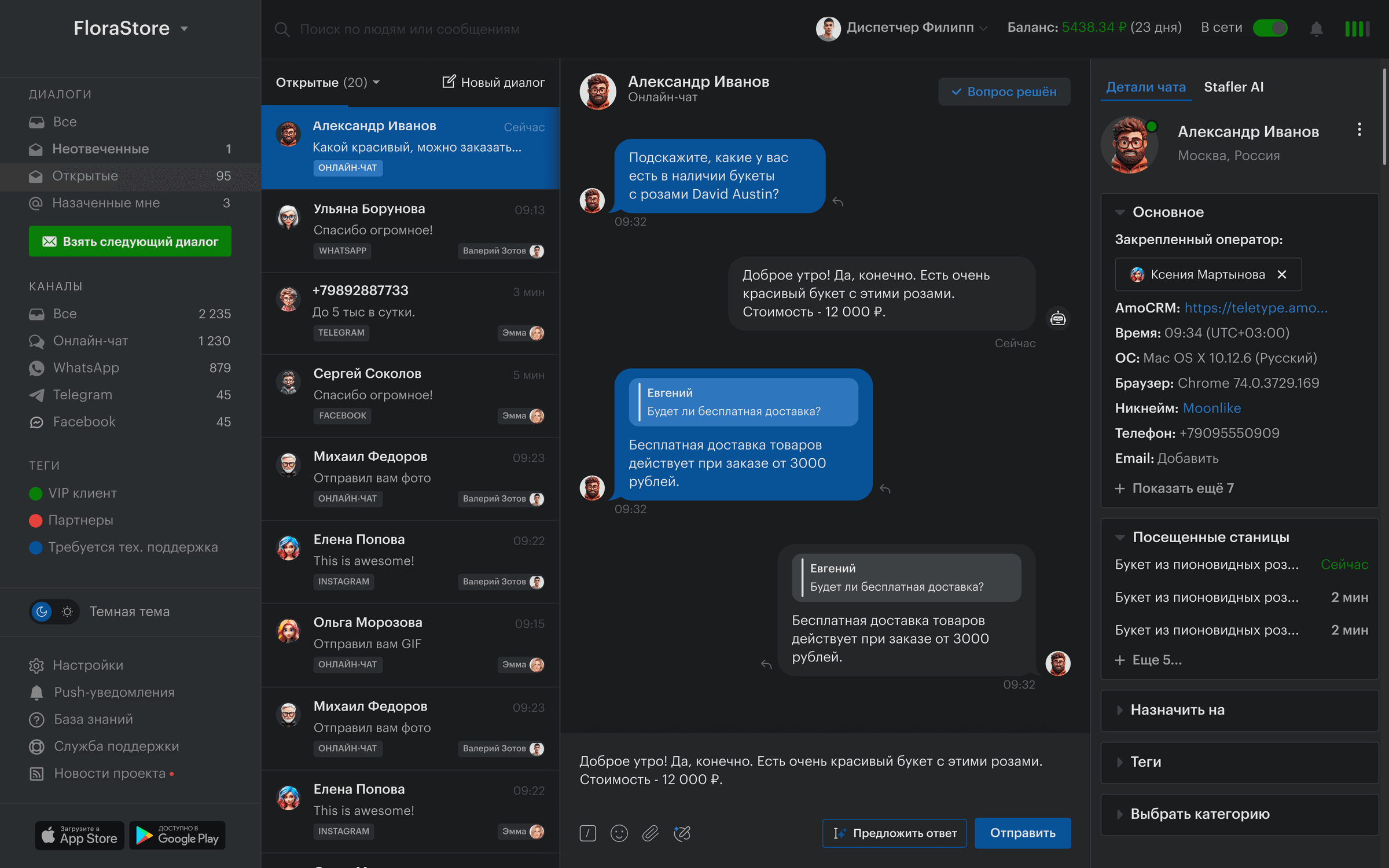
Every request from every channel lands in one interface, like an inbox. Agents work in a single tool and managers see everything.
WhatsApp**, Telegram, MAX, KakaoTalk, VK, Avito, your website and email line up in one queue, sorted by priority and time.
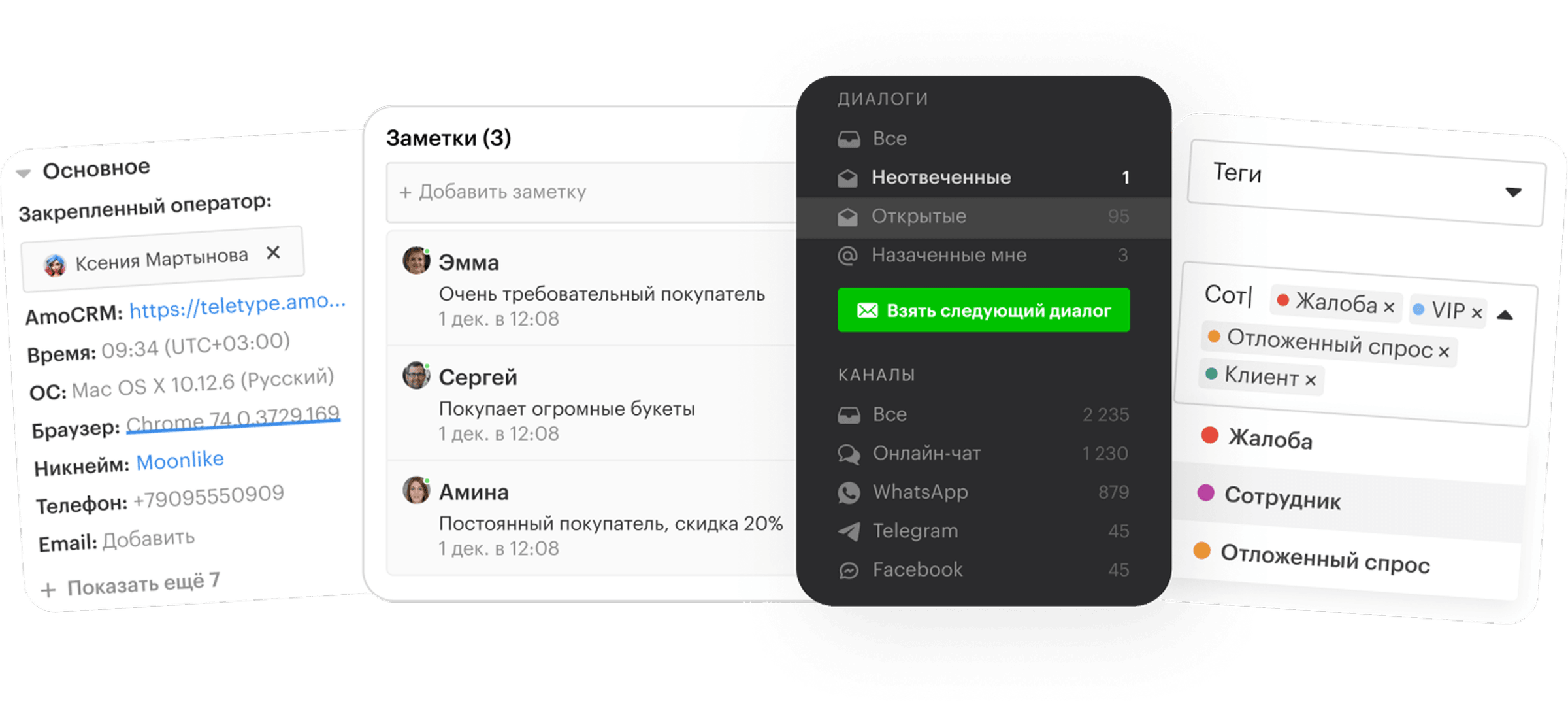
Conversation history, contacts across all channels, tags and CRM deals — everything next to the active chat.
Agents don't juggle eight tabs and apps. One login, one interface, one place for every customer conversation.
Every step is designed for speed. Fewer clicks, fewer mistakes, more output.
See your queue — the conversations routing has assigned to you.
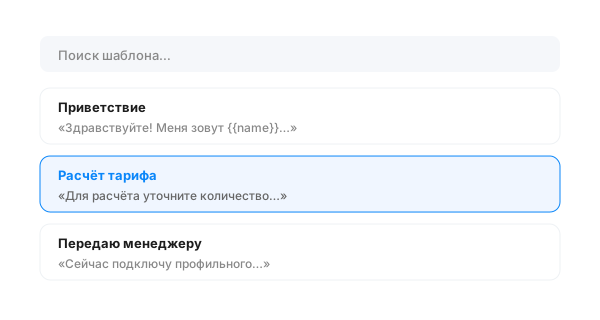
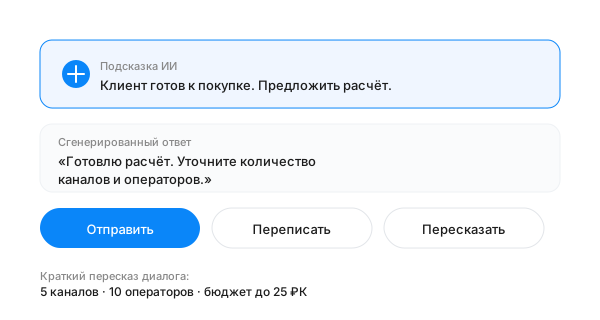
Templates for common scenarios; the AI assistant drafts a reply for you.
If a specialist is needed, one click routes the chat to the right team with full context.
Add a tag, update the CRM deal, close the request. The history stays in the customer's card.
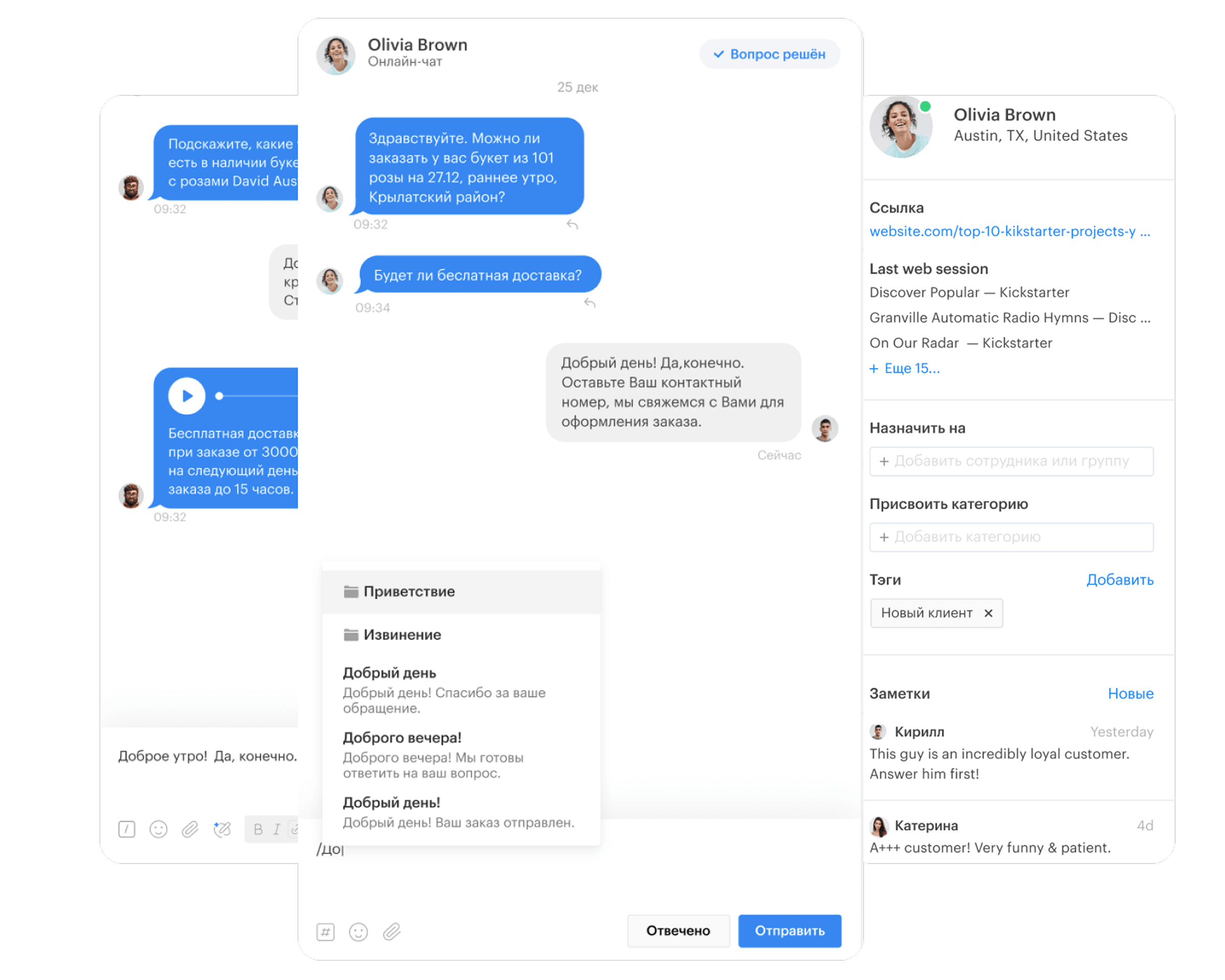
Every popular customer channel is already inside. Connecting takes minutes — no developers, no integrators.
Try for freeNot just charts for the sake of charts. Teletype metrics answer the specific questions a team asks.
Per agent, channel and department. Where things slow down is obvious at a glance.
A survey after every conversation. A drop in quality means it's time to dig into the sample.
A direct measure of how well templates and the knowledge base are working.
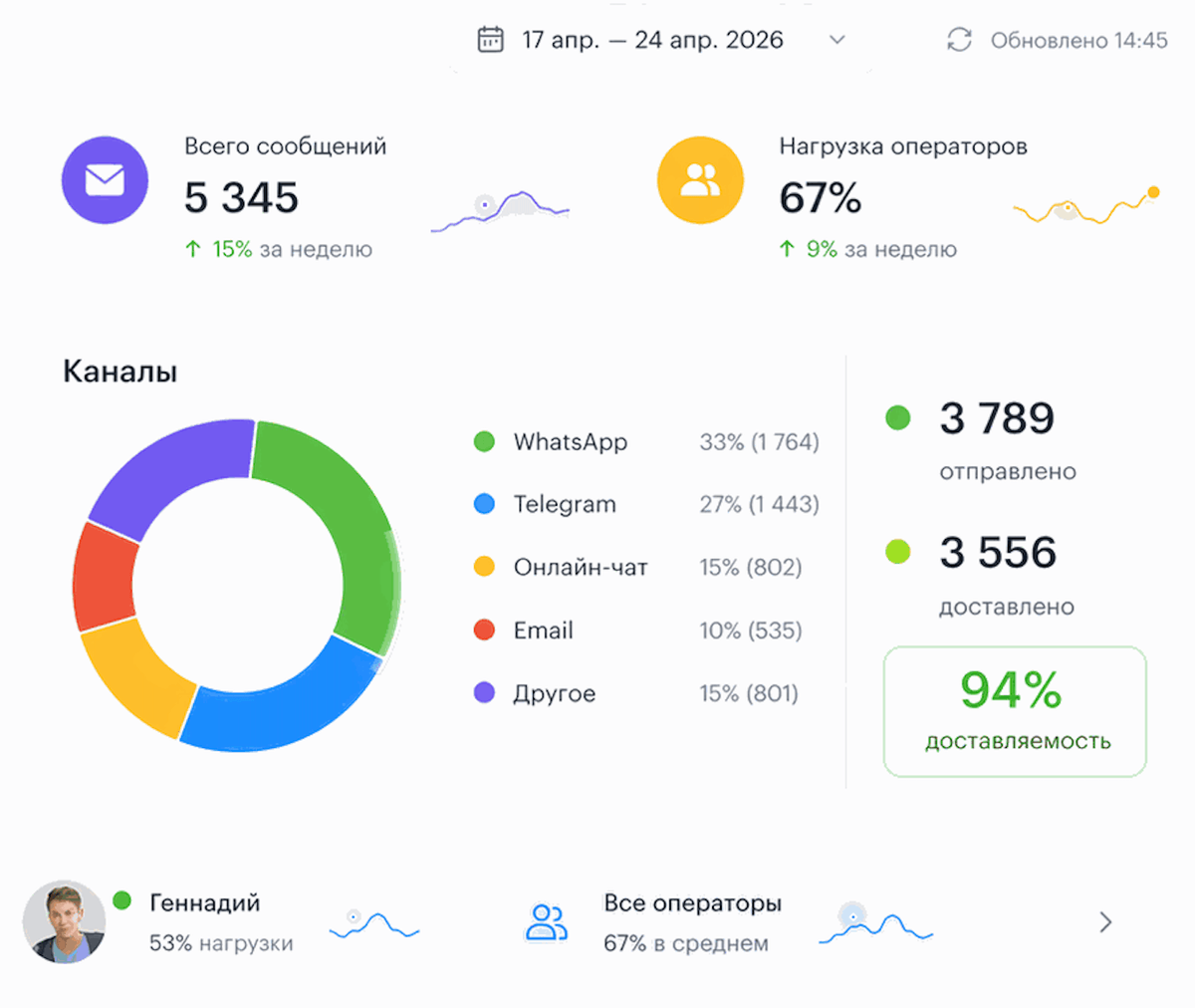
How many requests turn into sales — broken down by channel and agent.
Where you're short-handed, where you have slack, when the peaks hit.
How many requests went unanswered and why — by channel, department and agent.
Everything is designed to be as simple and intuitive as possible — so your team's daily work feels effortless.
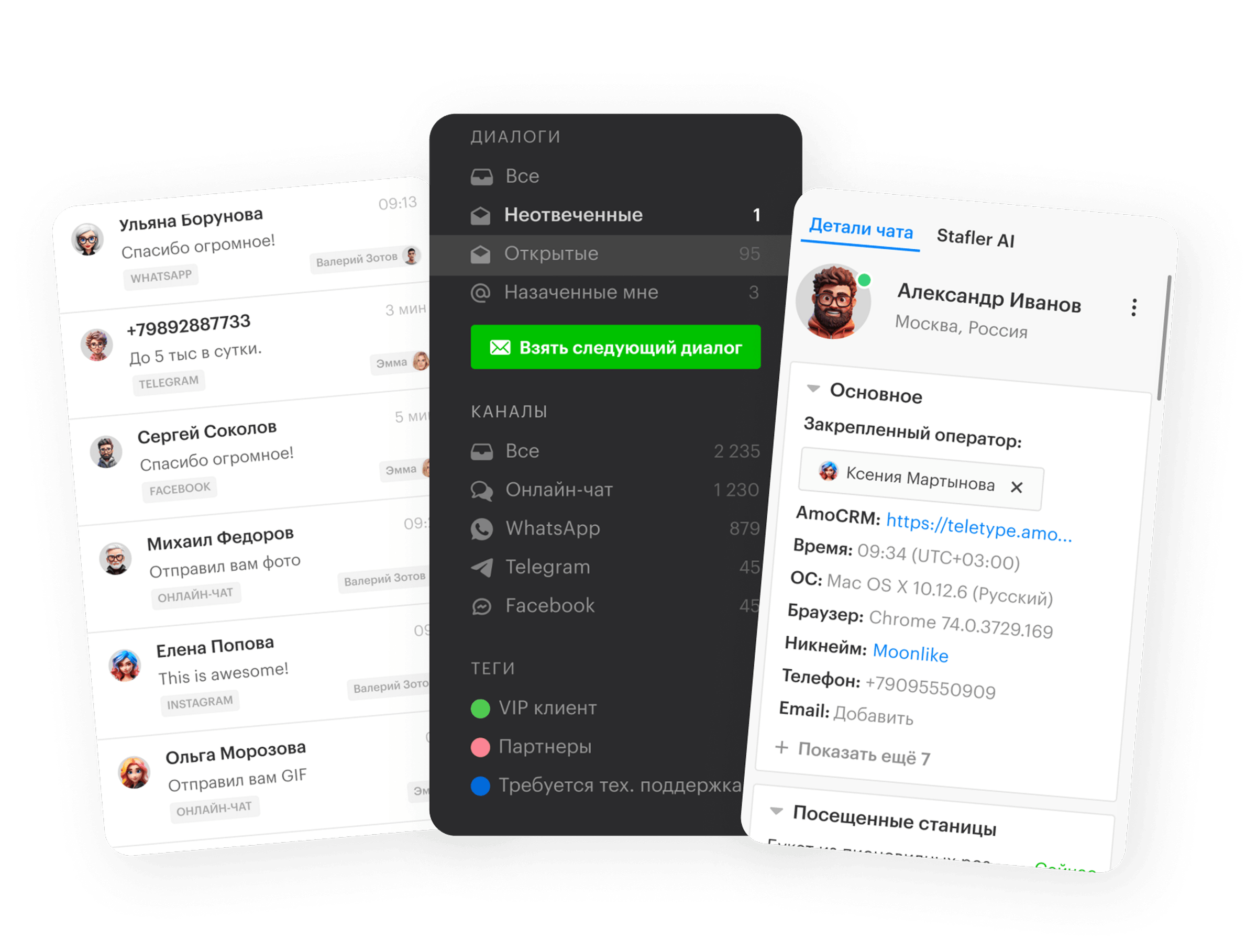
Switch between channels in one click, or view the combined inbox feed.
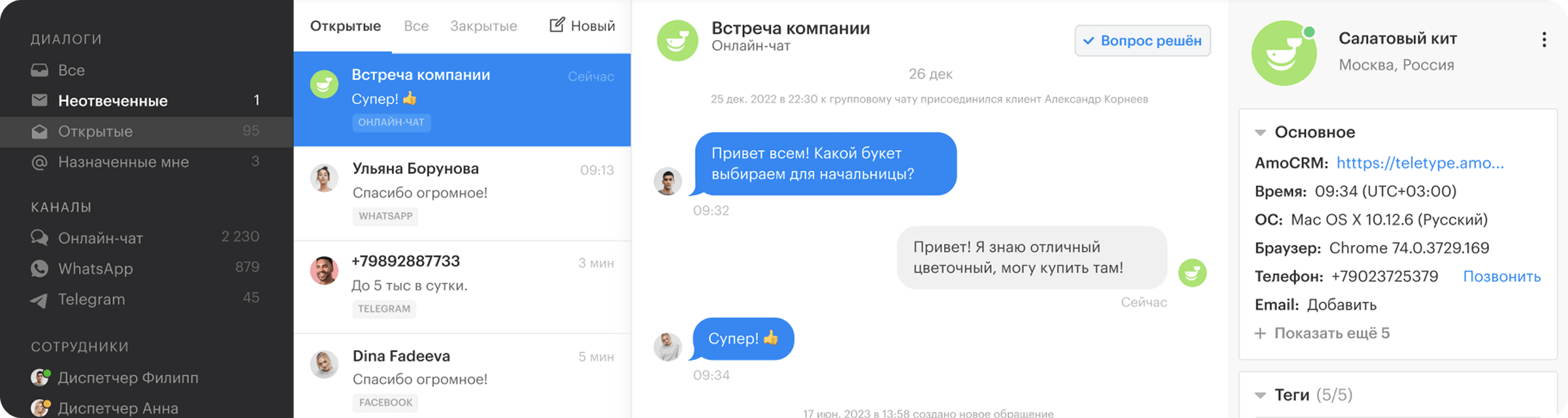
Every dialog in one list: color, tag, channel, response time — all visible at a glance.
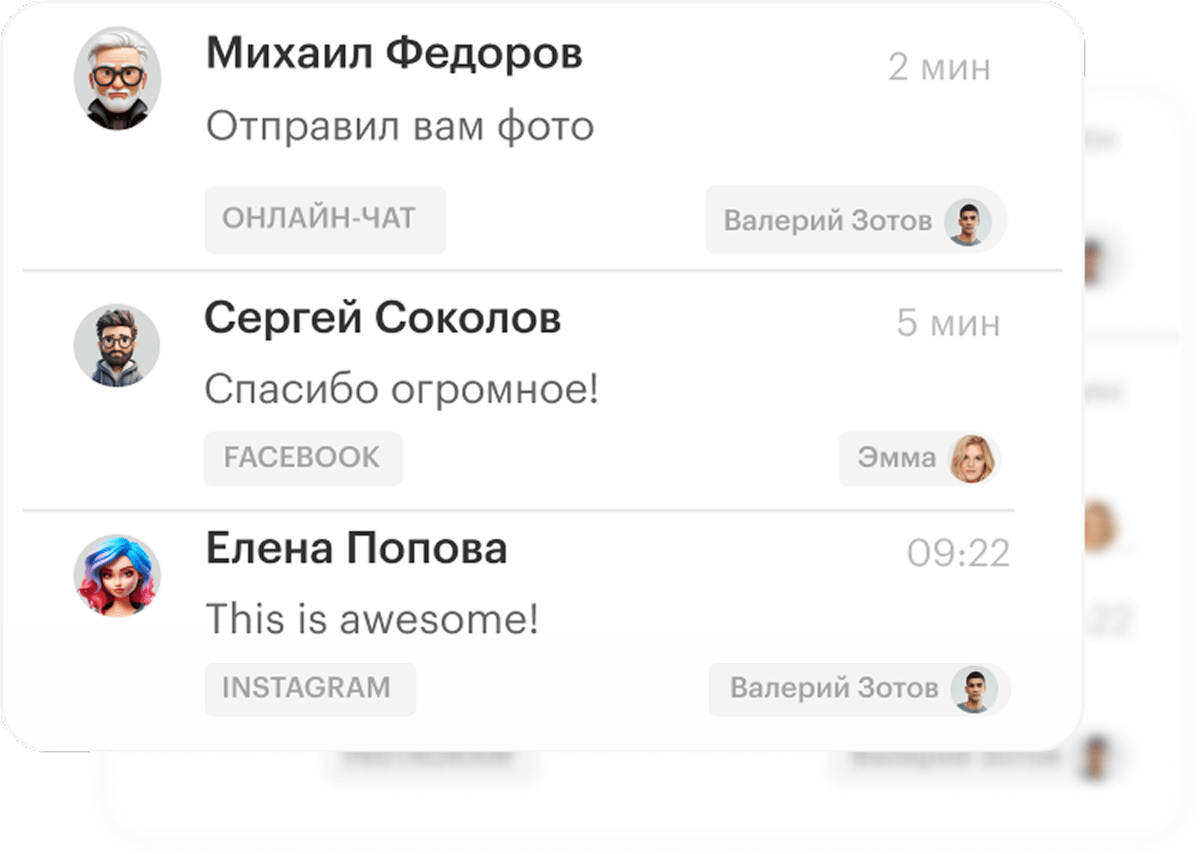
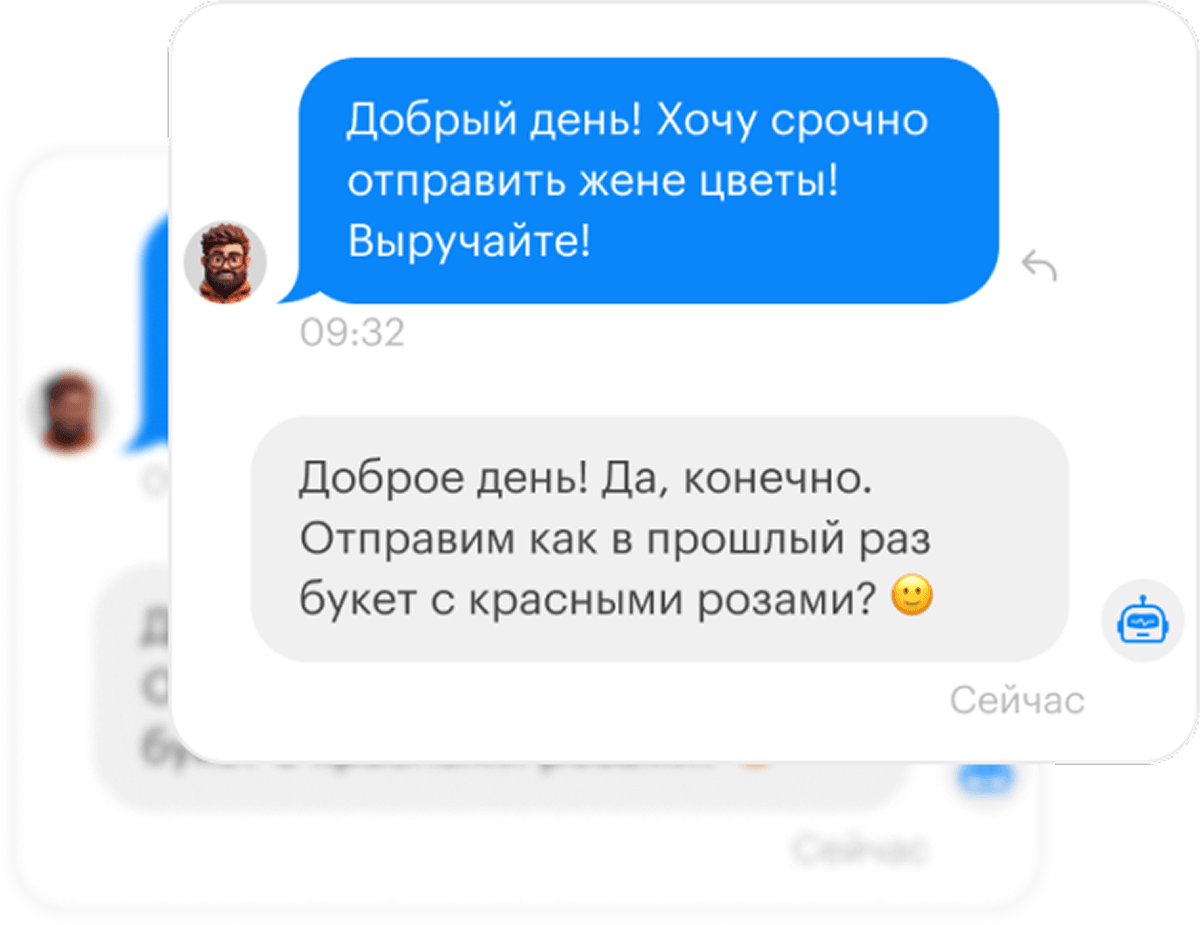
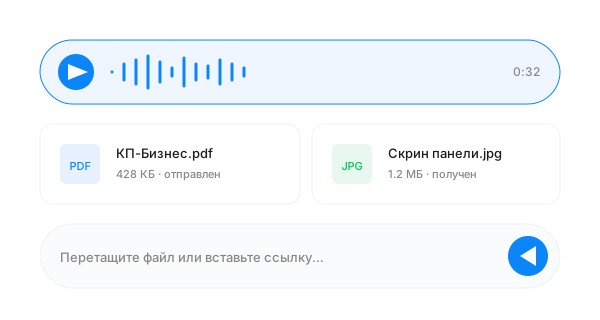
Message history, files, voice messages and templates — all in one place.
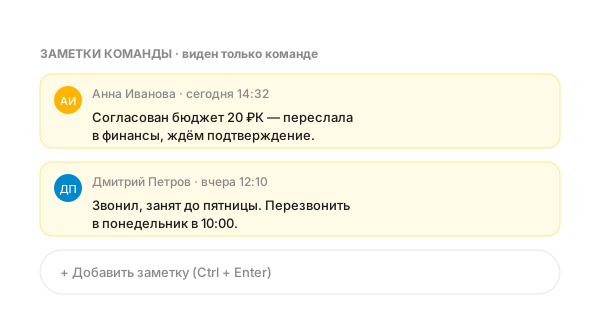
A customer isn't just a chat — it's a full history. Contacts, tags, CRM deal and team notes — all on one screen.
Every feature comes from the experience of teams handling thousands of conversations a day.
Personal and shared templates with variables like customer name or order number.
Suggests reply drafts, summarizes long conversations, classifies incoming requests.
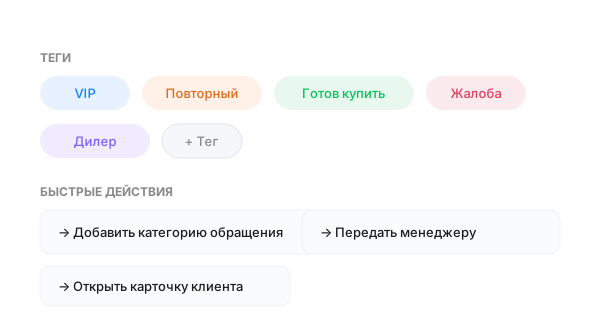
One click to categorize a conversation, add a tag or hand it off to a manager.
Send and receive whatever your customers share — without losing quality.
Discuss the customer inside their card — they never see it.
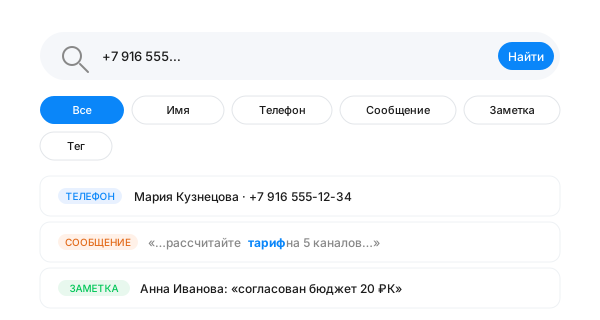
Search by name, phone, message text, note or tag. Find any conversation in seconds — even one from a year ago.
Teletype gives managers a view of how the team talks to customers — through data exports, Telegram notifications and conversation ratings.
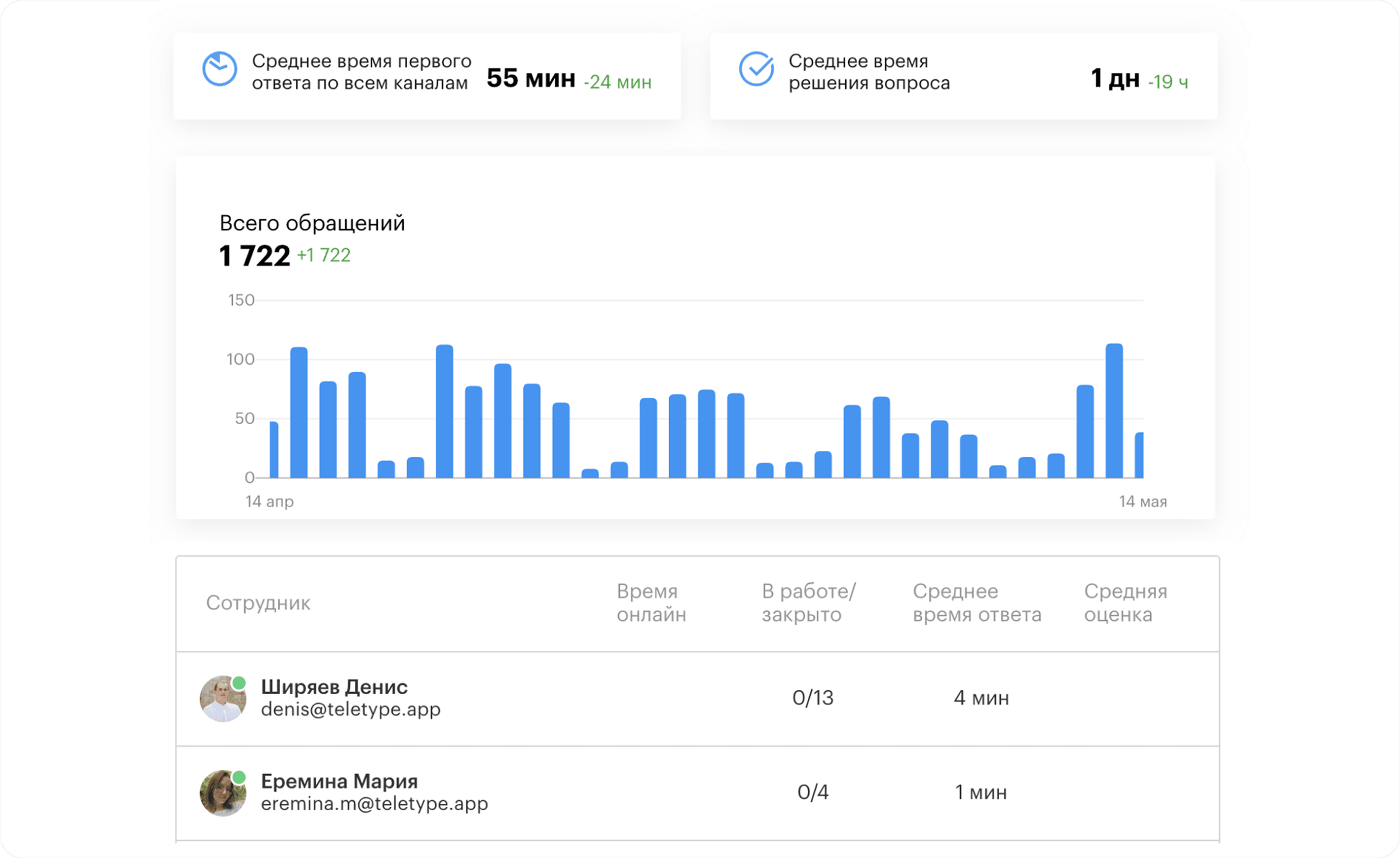
Get custom exports by conversation, agent and channel to analyze your team's work in the format that works for you.
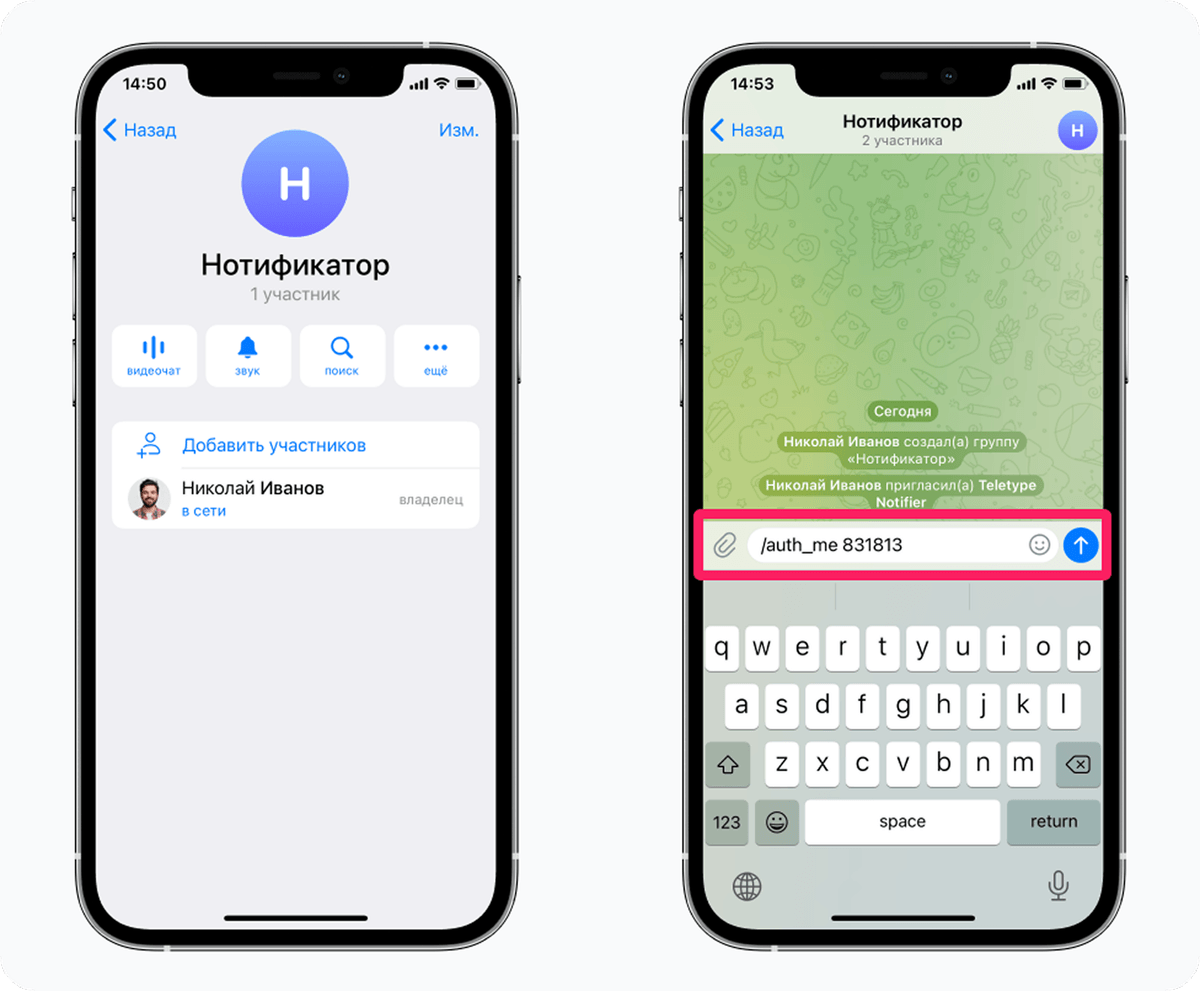
The Telegram notifier mirrors agent conversations in real time and helps you spot important requests faster.
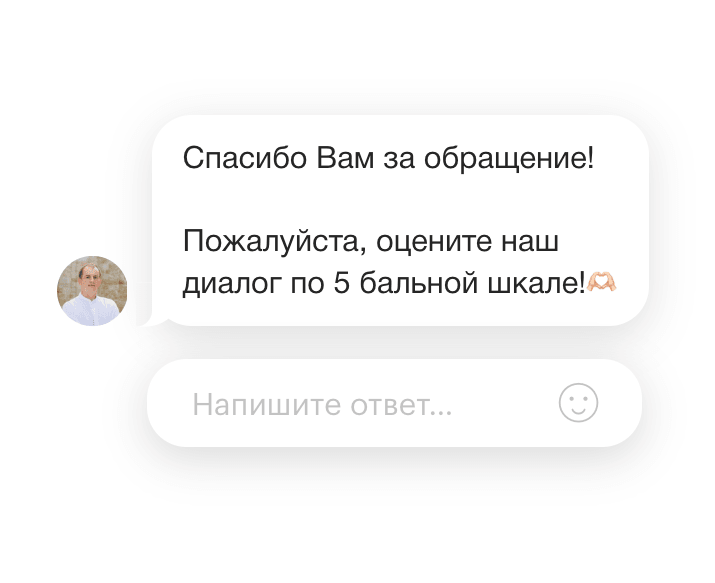
Customers can rate the conversation after it ends, so managers see service quality not just by response time but by direct feedback.
No developers, no long rollouts. The team connects channels step by step.
Create an account and connect the messengers and email you need, following simple guides.
Create departments, add agents and define routing rules.
Connect amoCRM, Bitrix24 or another CRM — data sync is configured with a wizard.
The team works in the new interface from day one. Our support is by your side throughout the rollout.
Conversations are routed automatically: by department, channel, assigned agent and workload.
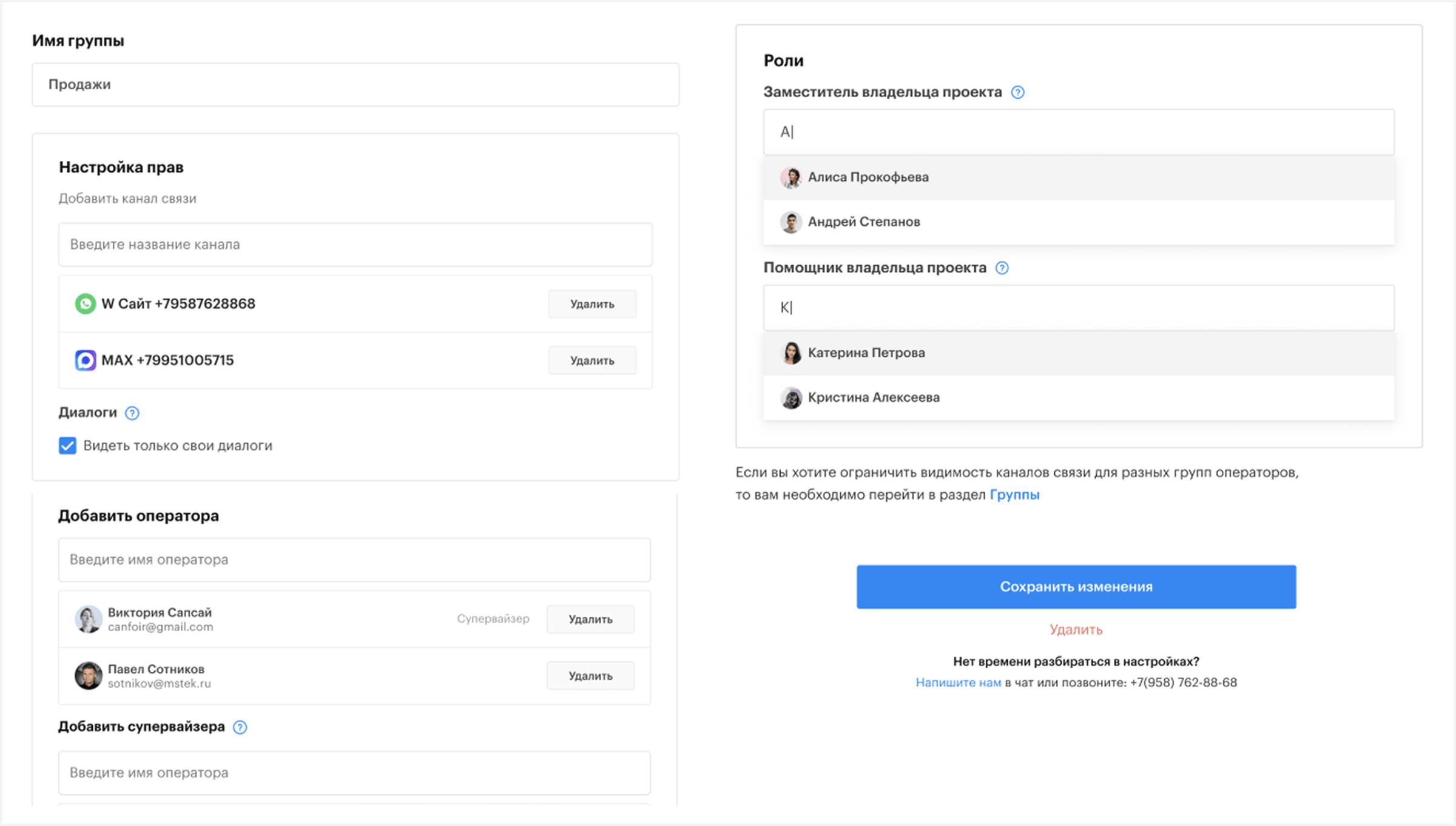
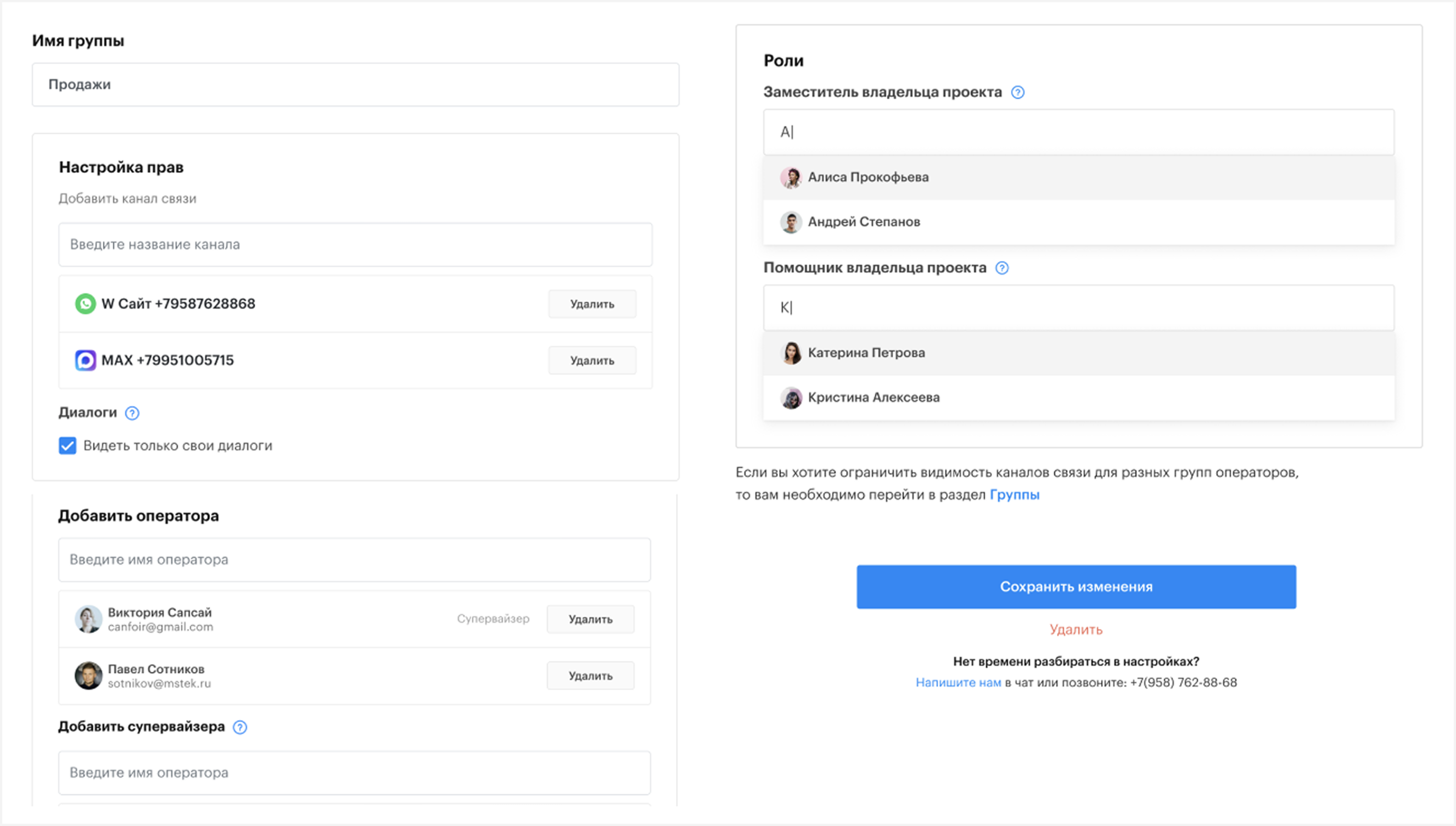
Configure access for different employees and organize them into departments and groups that match your business processes.
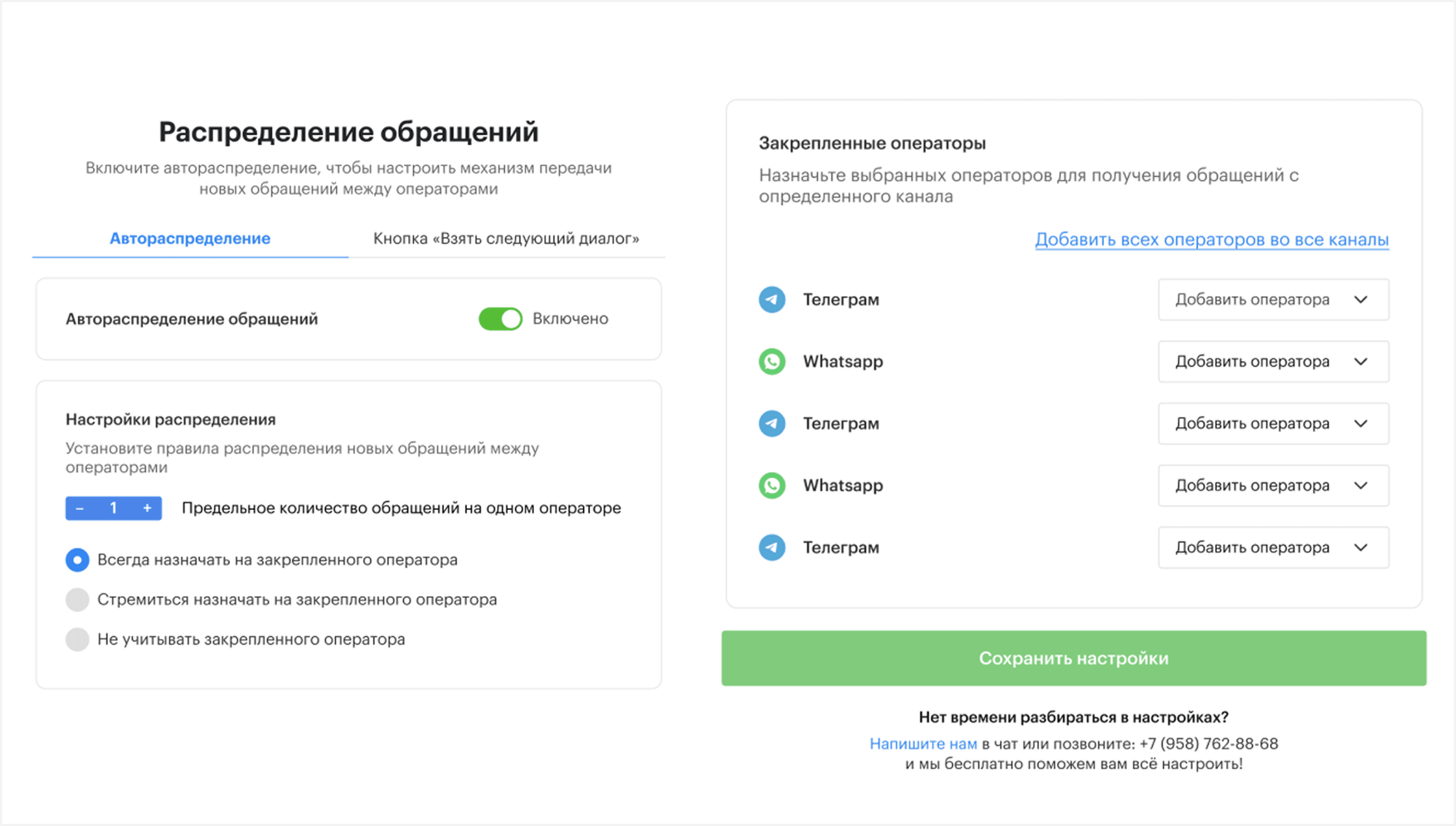
By channel, agent, workload or conversation status — build the logic that fits your team.
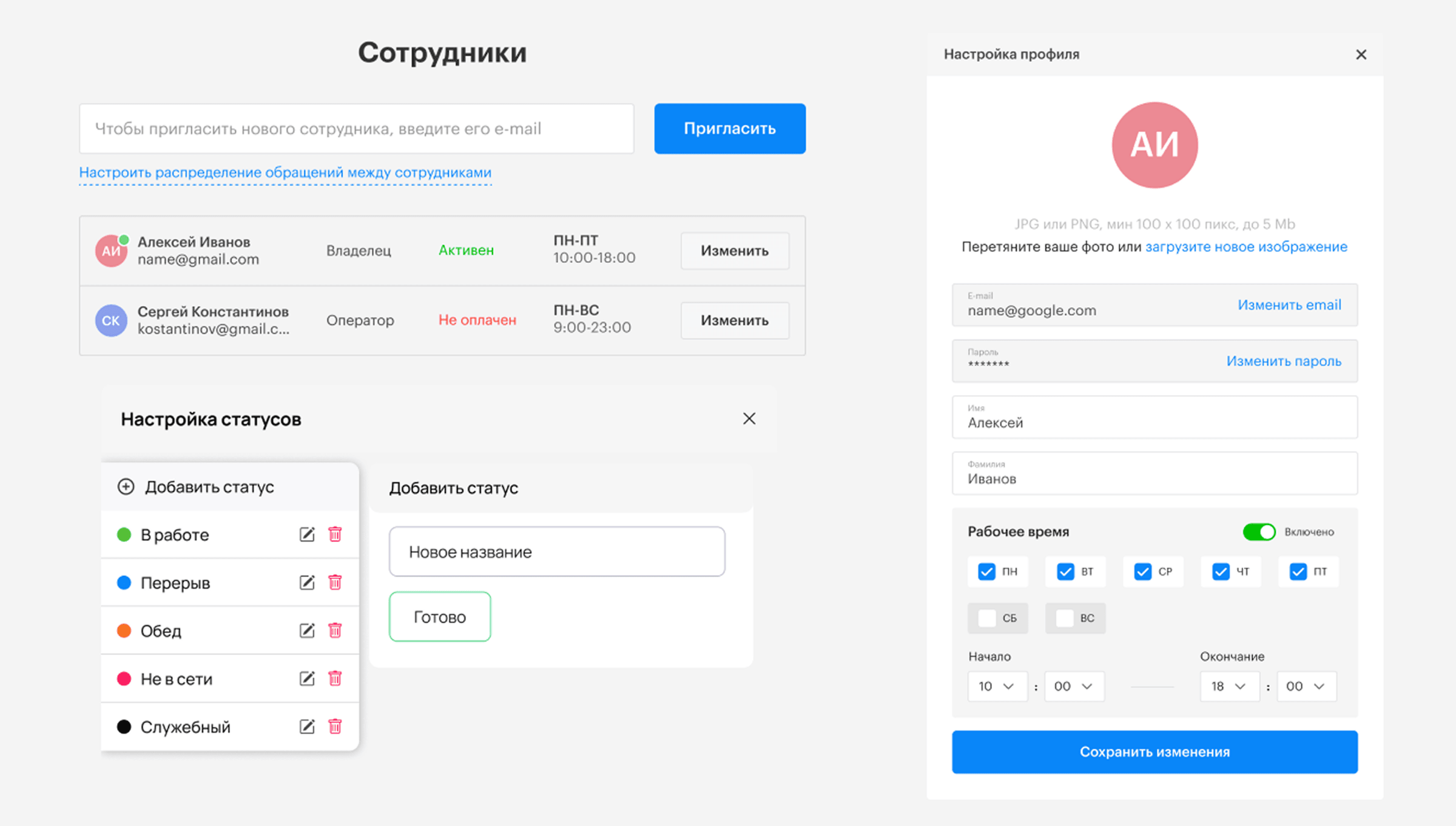
Chats go to whichever agent is on shift. At night — a bot or autoresponder.
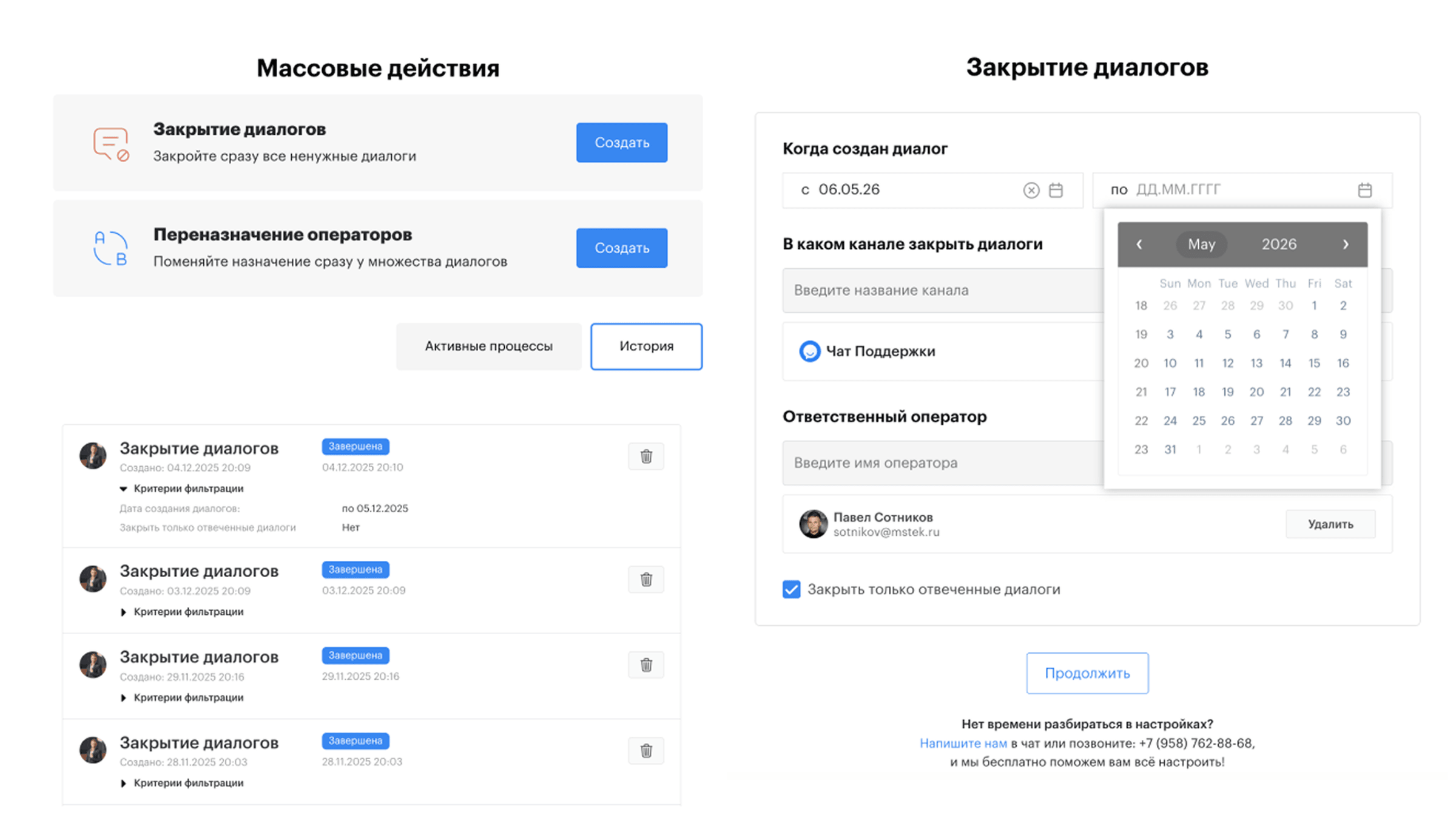
Stop doing repetitive work by hand. Close or reassign conversations across agents in bulk.
Every department has its own permissions: who sees other employees' chats, who handles only their segment, who can change settings. People don't get tangled across tasks or see anything irrelevant.
Teletype works hand-in-hand with your CRM. Managers run deals and conversations where they're used to, and every message syncs into the customer card.
New request → new deal with filled fields: channel, source, contact info and the first message.
Open a deal in the CRM and see the full conversation history — without leaving for Teletype.
Reply right from the customer card or a widget inside the CRM — the message goes out through the right channel.

Teletype was designed for the people who open the panel every day. Fewer context switches, more transparency - for every role on the team.
*based on Teletype customer data
Before - 8 open tabs: WhatsApp** on a phone, Telegram on a desktop, VK in a browser, CRM somewhere else. Every switch is lost context. In Teletype the agent works in a single queue: sees a customer card with history across all channels, replies with a template or an AI suggestion, sends voice notes and files right in the chat. History search - in seconds, even if the dialog happened a year ago.
Sees the whole team queue in real time: who is overloaded, whose chats are stalling, where SLA is on the edge. Bulk-reassigns conversations between shifts, opens any chat for coaching, joins the conversation without breaking context for the customer. Complex requests are routed to the right specialist in one click - with full message history.
Metrics for every agent, channel and department: average response time, first-response resolution rate, deal conversion, CSAT from customer ratings. A Telegram notifier surfaces critical dialogs in real time - no need to sit in the panel. Data exports for your own reports. Decisions on hiring, bonuses and training are made by the numbers, not by gut feel.
Setup in 15 min. No coding
The platform fits a range of teams — we keep seeing the same successful patterns.
Fast qualification and hand-off to CRM. Conversion grows on the speed of the first reply.
Tickets, SLAs, templates and a knowledge base — all in one tool.
Requests from Avito, marketplaces, your website and WhatsApp** in one queue.
Delivery questions handled fast — nothing lost between drivers and managers.
Appointments, reminders, follow-ups — through the messengers your clients already use.
Several brands, projects and managers — in one workspace with flexible separation.
Start with 3 free days, no limits. Our support team will help you connect channels and your CRM.
3 days unlimited · We'll transfer your balance from another service · Set up in 15 minutes