How can we help?
Tariff Configurator
Tariff Configurator
You can manage your project’s services in the Teletype Tariff Configurator. To do this, follow these steps:
- Go to your personal account settings.
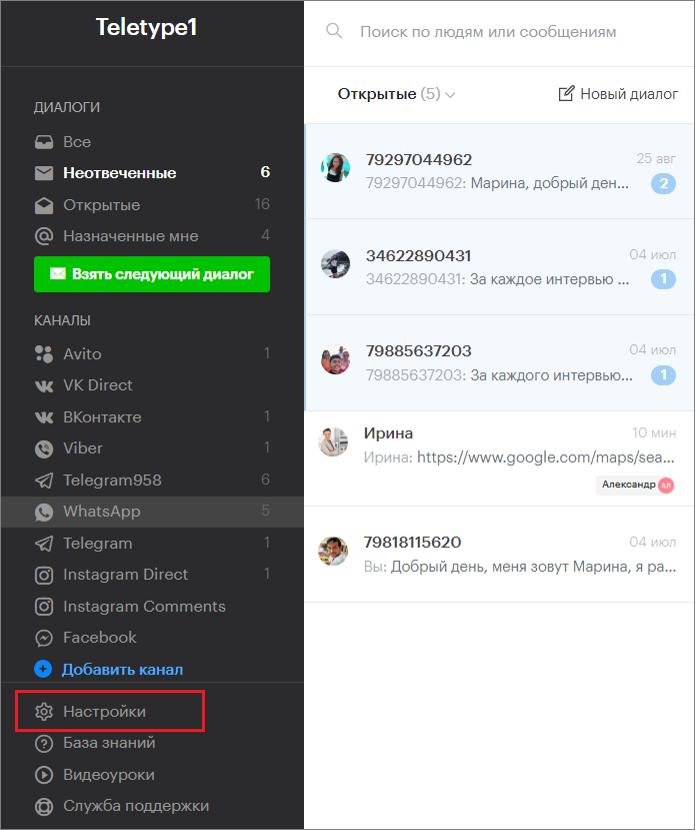
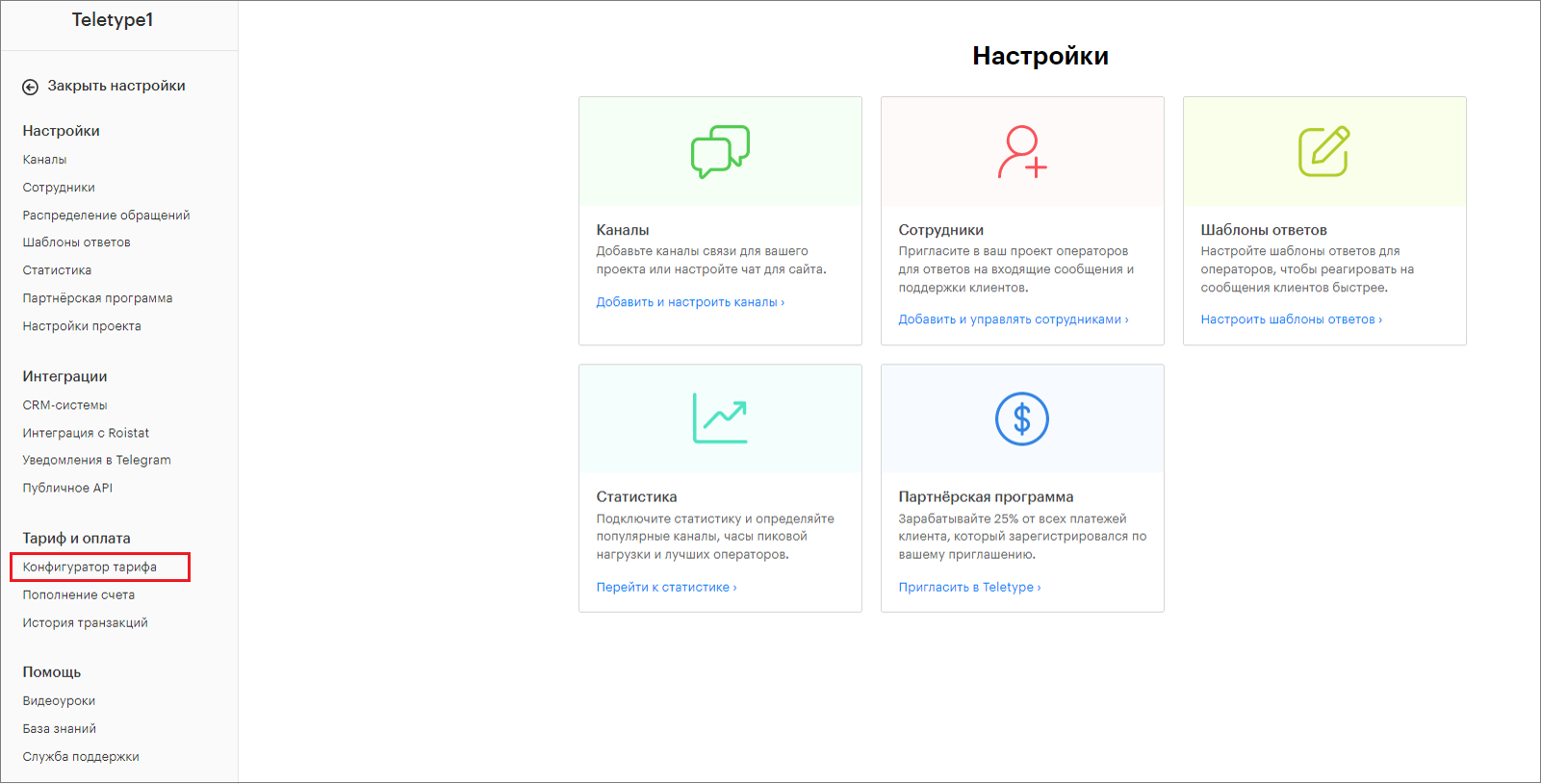
2. Select “Tariff Configurator” from the left menu.
The Tariff Configurator has two sections: basic and additional options.
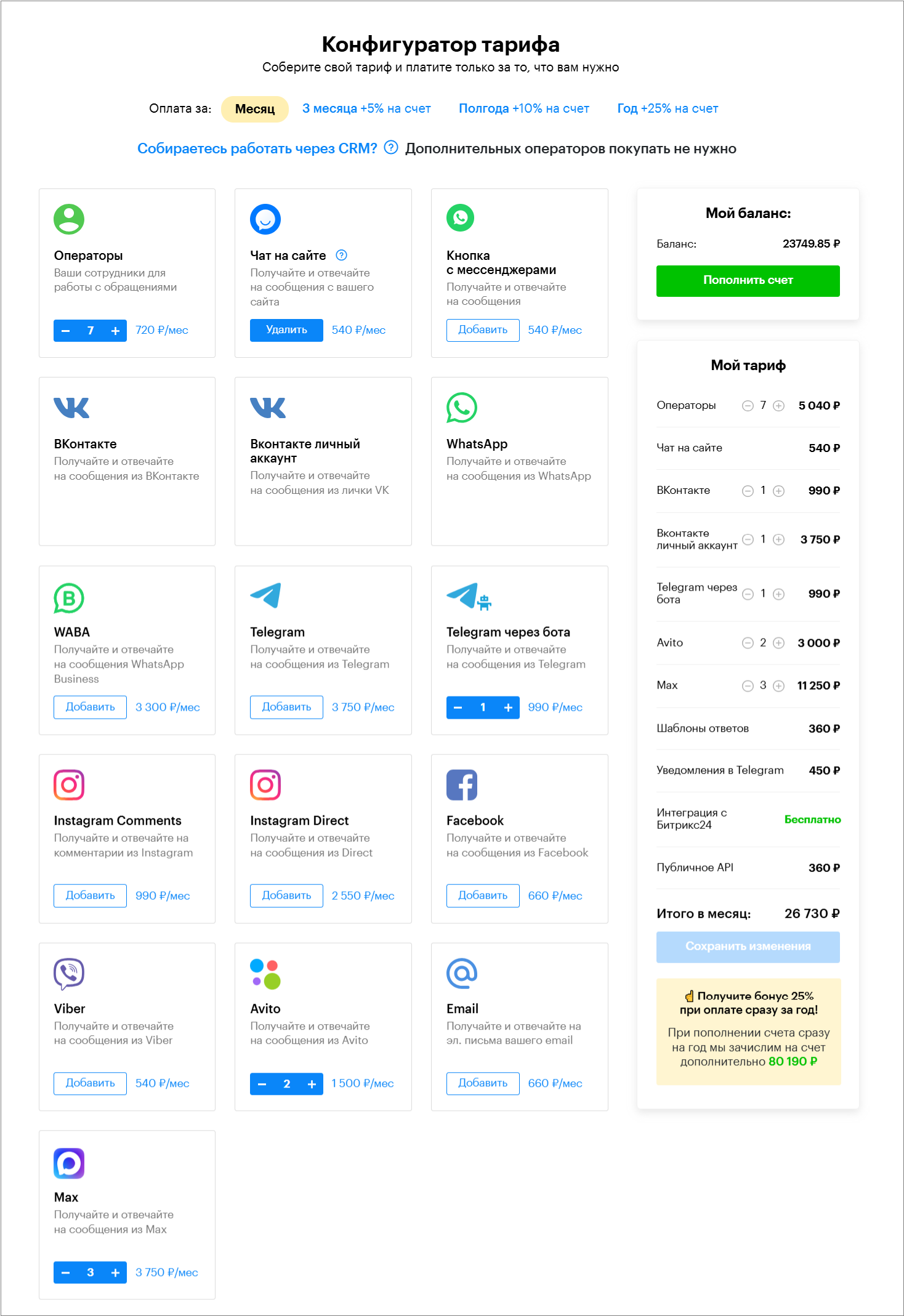
In the “Basic Options” section, you can manage connected channels and add operators.
The “Additional Options” section allows you to manage options such as:
- Advanced statistics;
- Response templates;
- CRM integrations;
- Telegram notifier;
- Roistat integration;
- Sipuni integration;
- Public API;
- Disable Teletype link;
- WhatsApp hosting;
- Categories;
- Groups;
- Tags;
- Statuses;
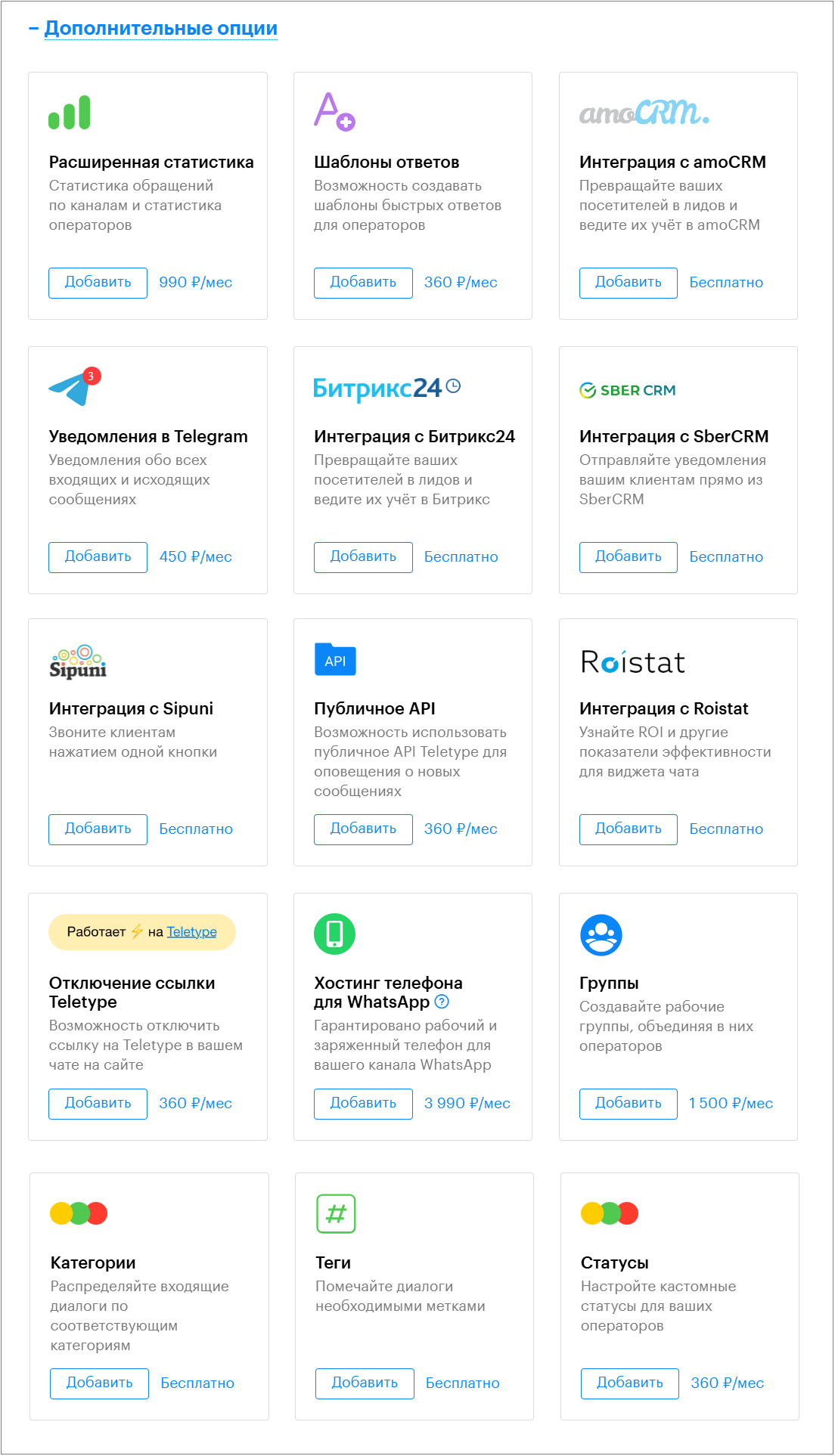
Adding an Option to the Tariff
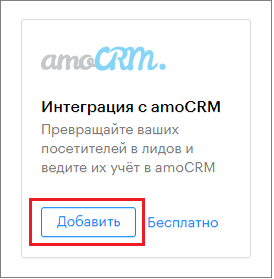
- Click “Add” in the block for the desired option.
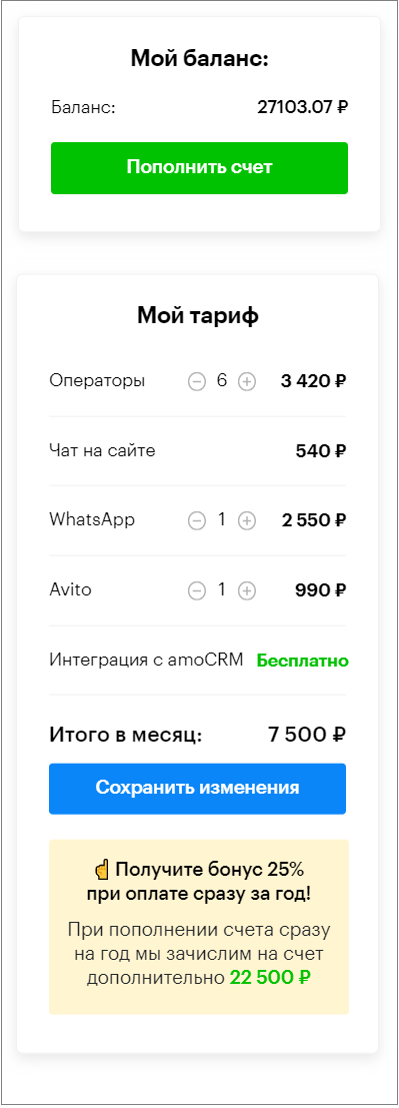
2. Make sure the option appears in the left part of the window under the “My Tariff” block.
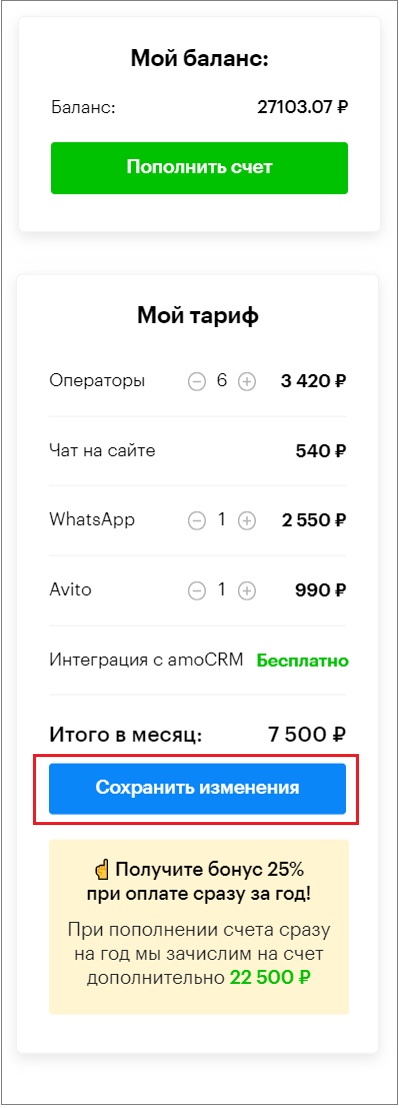
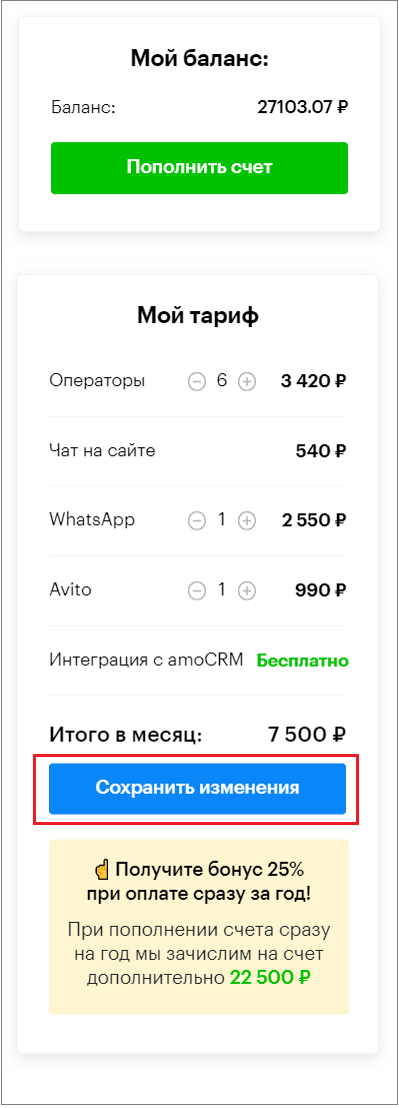
3. Click “Save Changes.”
Removing an Option from the Tariff
- Click “Remove” in the block for the corresponding option.
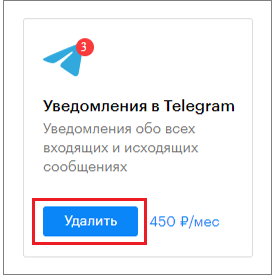
2. Make sure the option no longer appears in the left part of the window under the “My Tariff” block.
3. Click “Save Changes.”
How to Get a Discount When Paying for a Tariff
Teletype offers a discount (a refund credited to your Teletype account) when paying for a tariff for 3, 6, or 12 months:
- When paying for 3 months, 10% of the payment amount will be credited back to your Teletype account;
- When paying for 6 months, 15% of the payment amount will be credited back to your Teletype account;
- When paying for 1 year, 25% of the payment amount will be credited back to your Teletype account.

Special Conditions
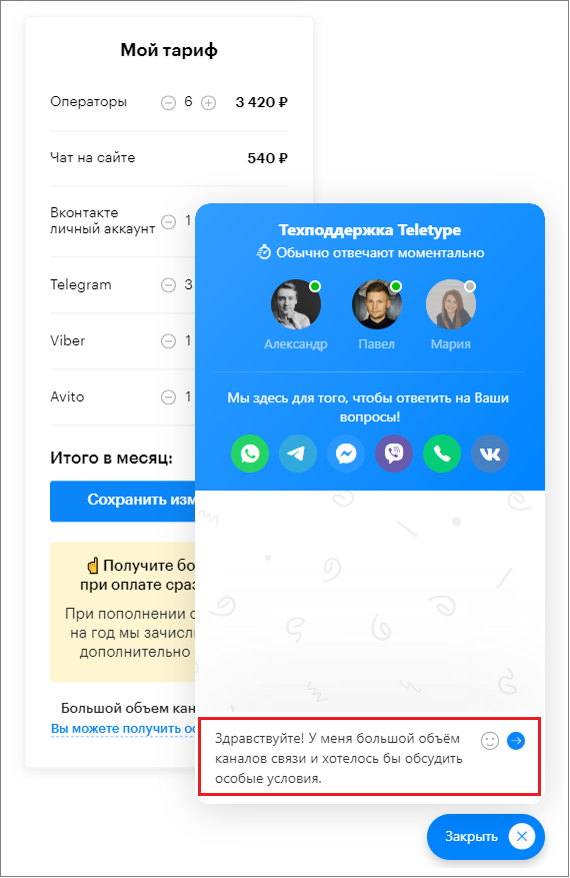
If you add more than 5 channels to your tariff, the text “You can get special conditions” will appear at the bottom of the My Tariff block.
- Then click on “You can get special conditions.”
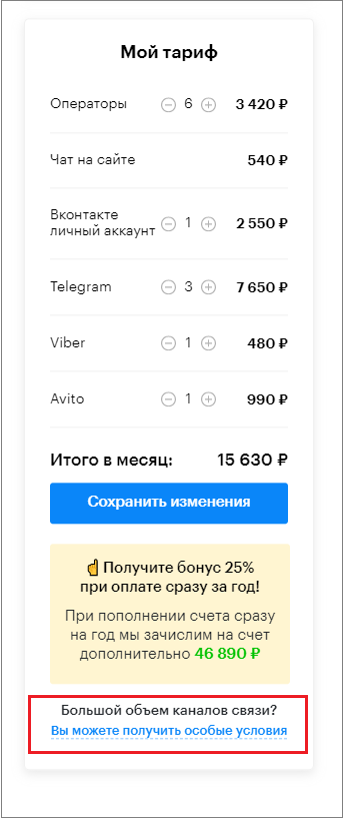
2. Send a message to Teletype support in the online chat window.