How can we help?
Working with Groups
Working with Groups
Working with groups allows you to restrict operators’ access to conversations, i.e., to create groups that include specific communication channels and the operators responsible for them.
Operators in a group will only see the communication channels added to that group in their panel, and accordingly, only the conversations coming through those channels.
For example, if a company has several departments (sales, technical support, marketing, etc.), you can create a group for each department with its own communication channels and operators.

How to Create Groups in the Teletype Panel
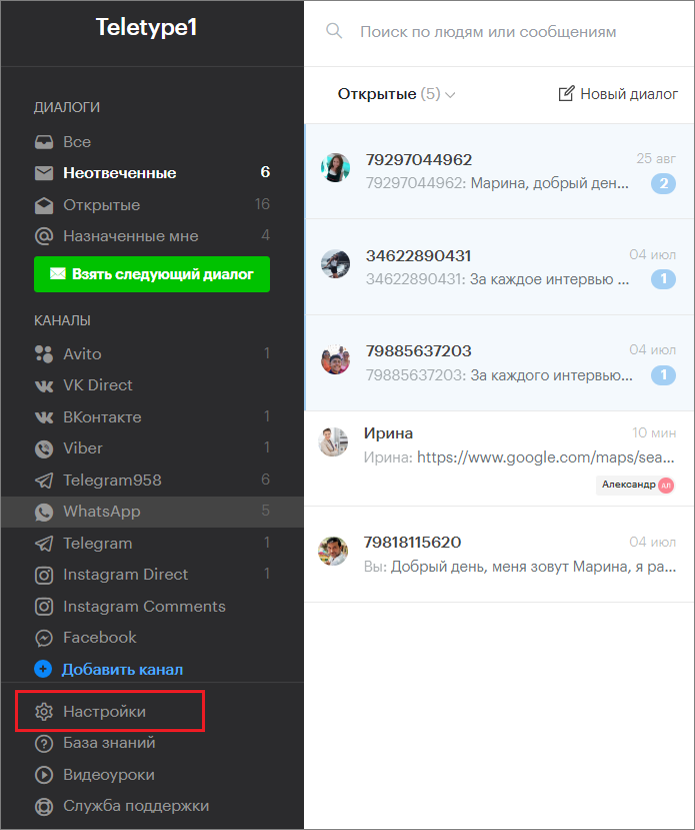
- Go to the project settings.
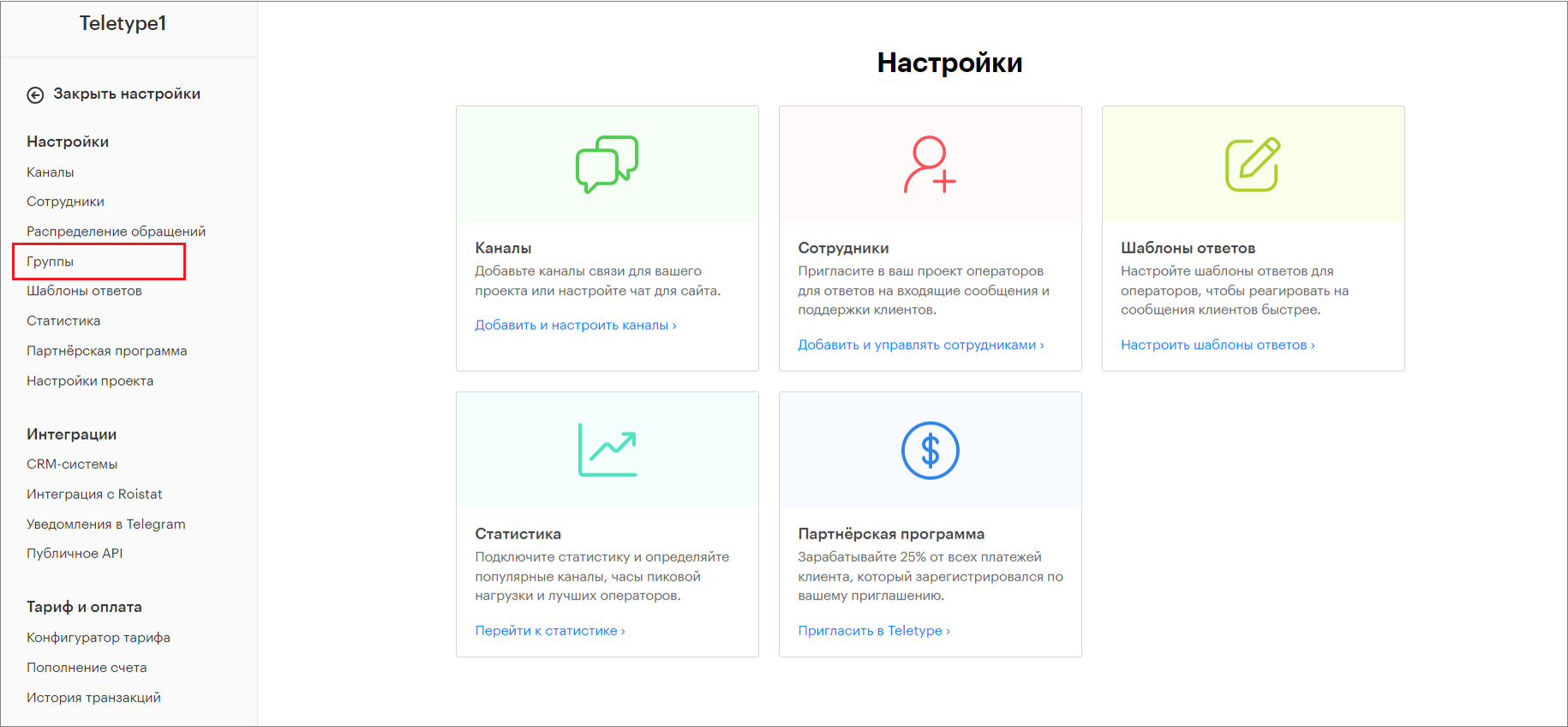
2. In the project settings, go to the Groups section.
3. Click “Add groups to the plan.”
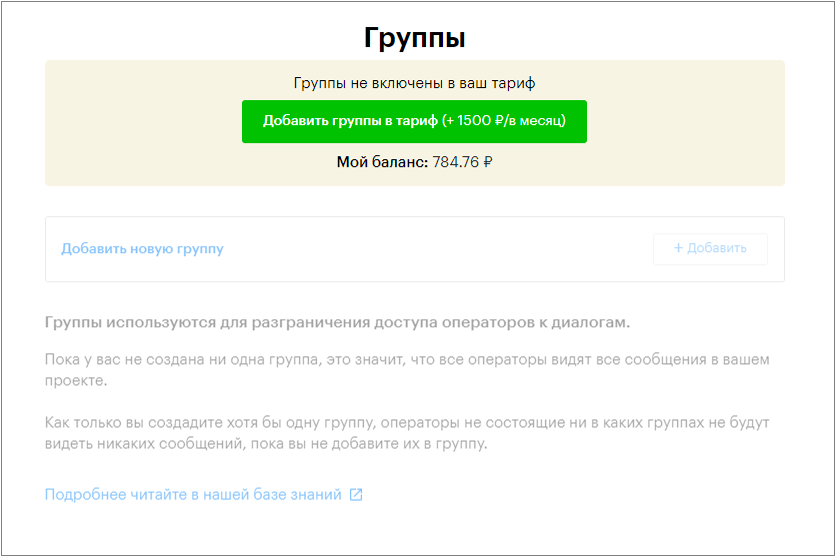
4. In the Groups section, click “Add” or “Add new group.”
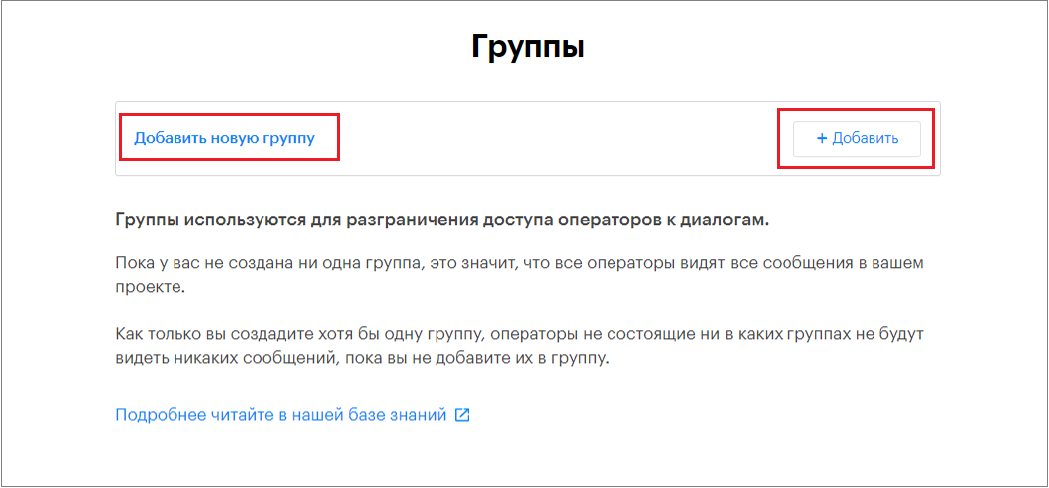
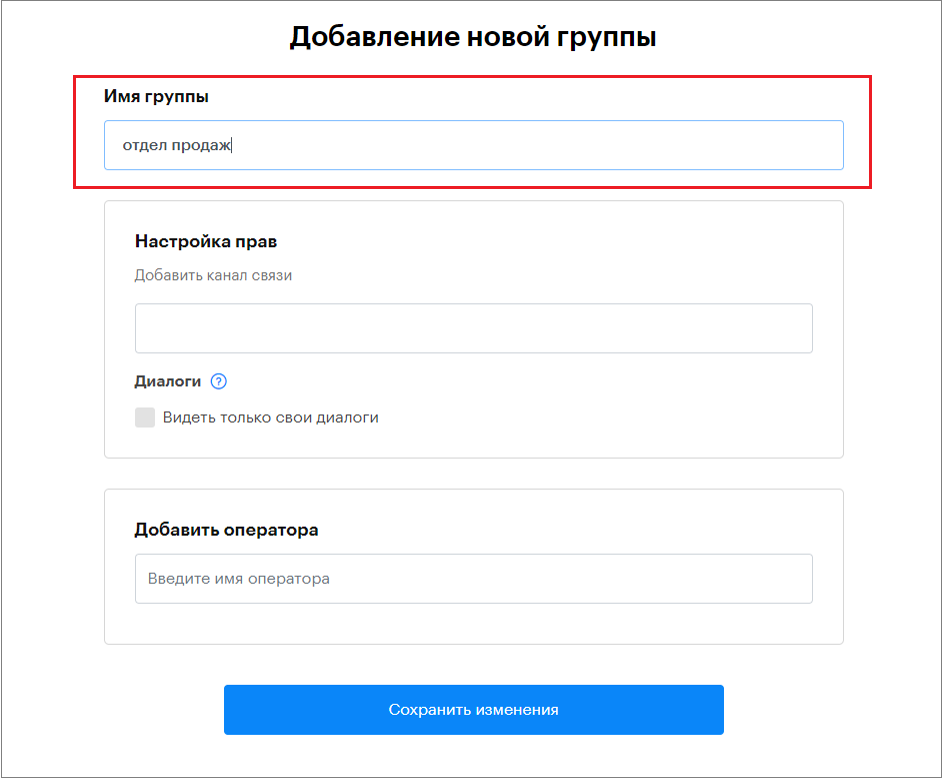
5. In the “Add new group” window that opens, enter the group name.
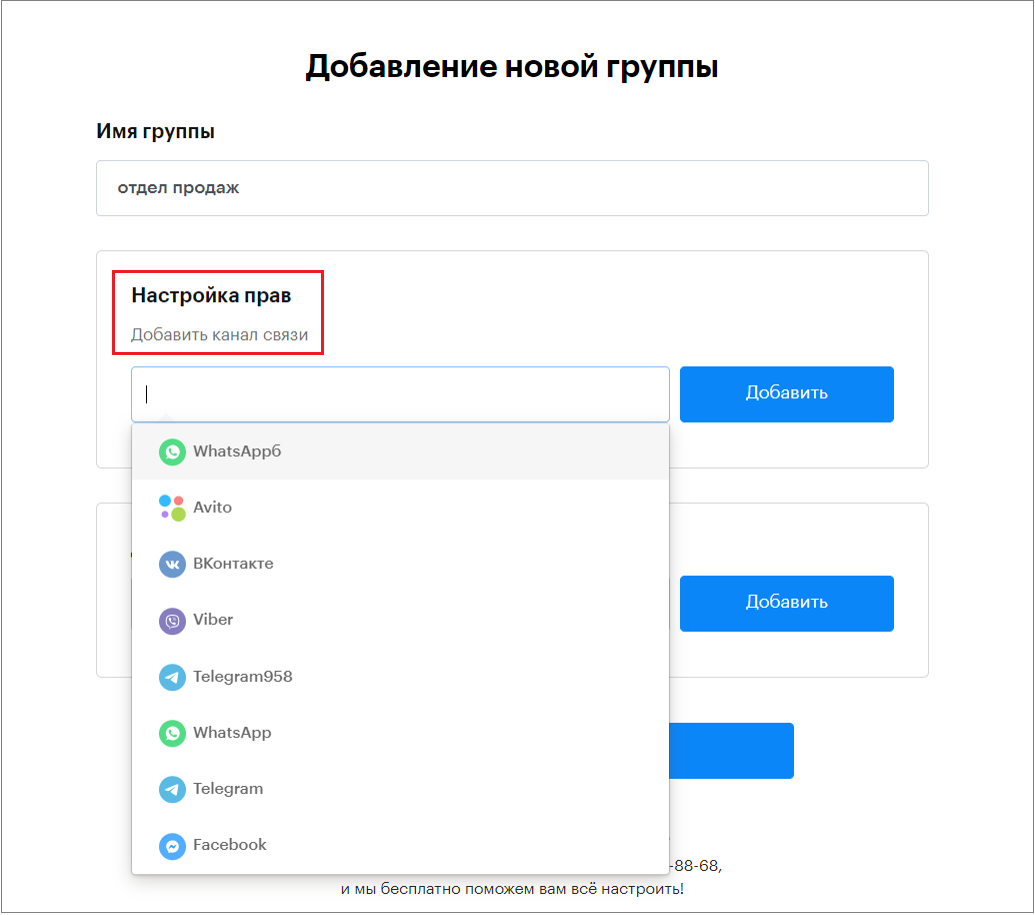
6. Then add communication channels for this group.
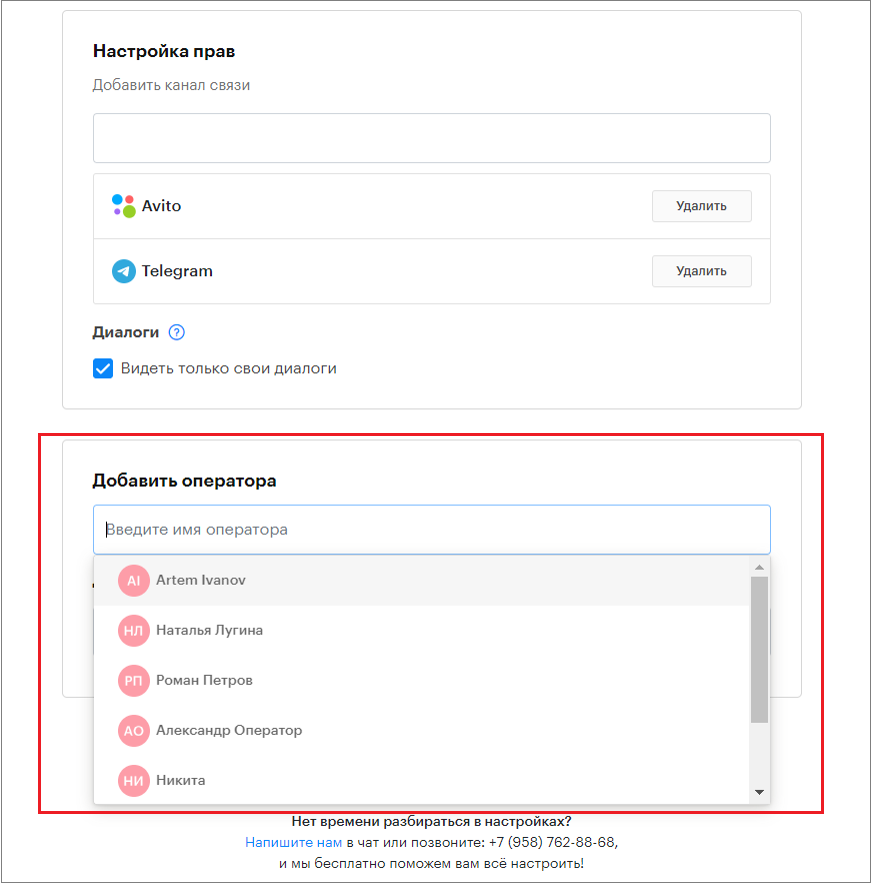
7. Add operators to this group.
8. Select the Template Folder for this group.
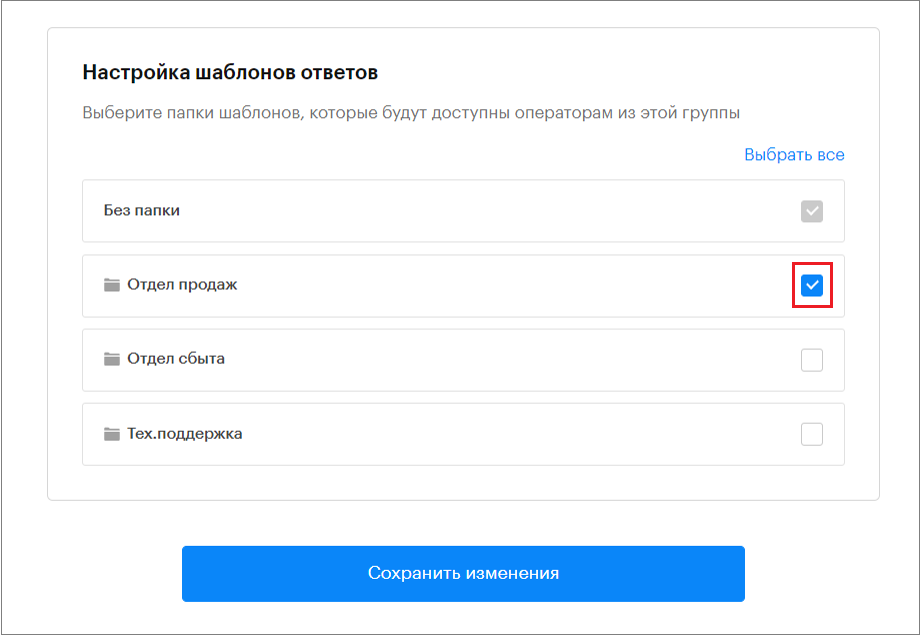
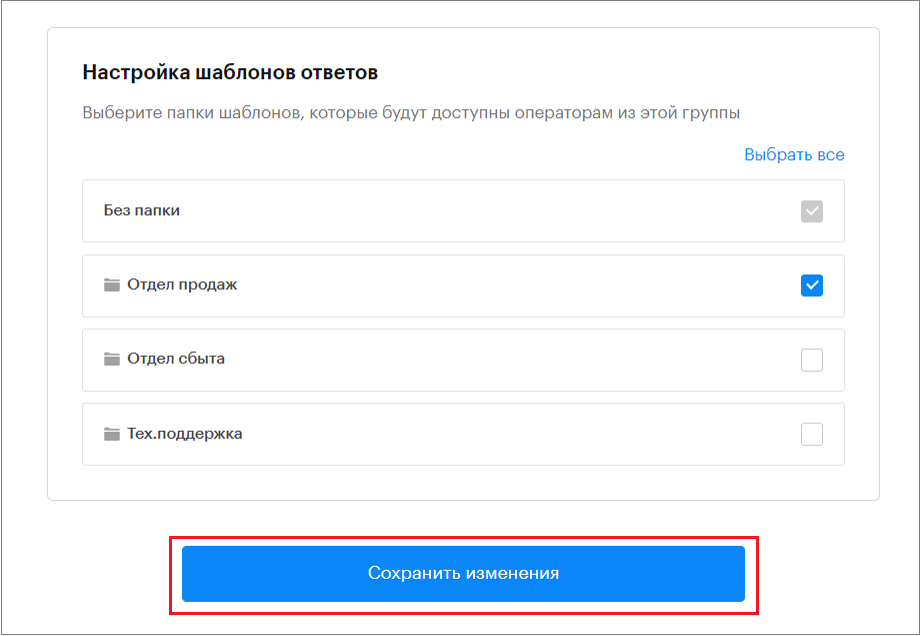
9. Click “Save changes.”
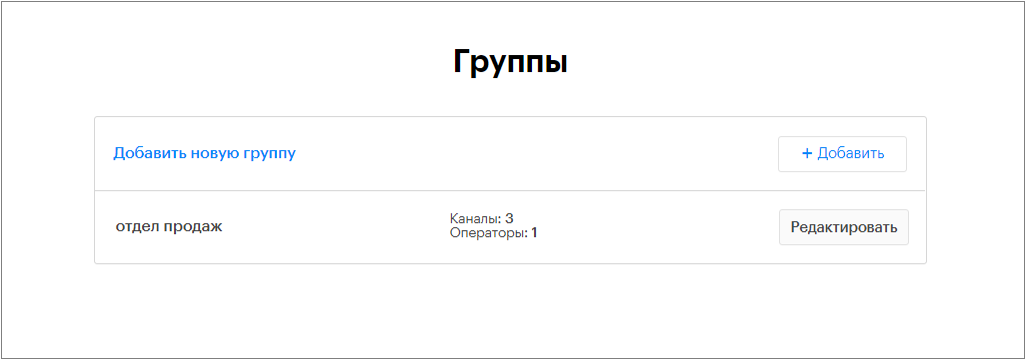
10. The created group will appear in the list of groups.
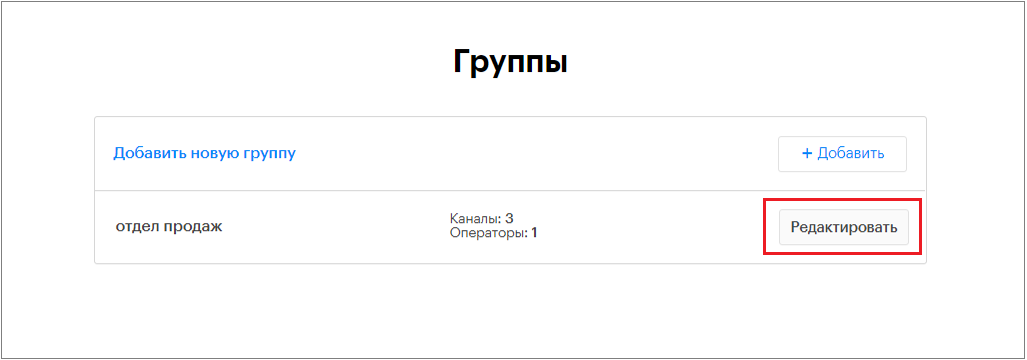
11. If necessary, you can edit the group.
Restricting Conversation Visibility and Supervisor Role
In the “Permissions settings” section when creating a group, you can check the box “See only own conversations.”
After that, each operator within the group will only see conversations assigned to them and conversations not yet assigned to any operator.
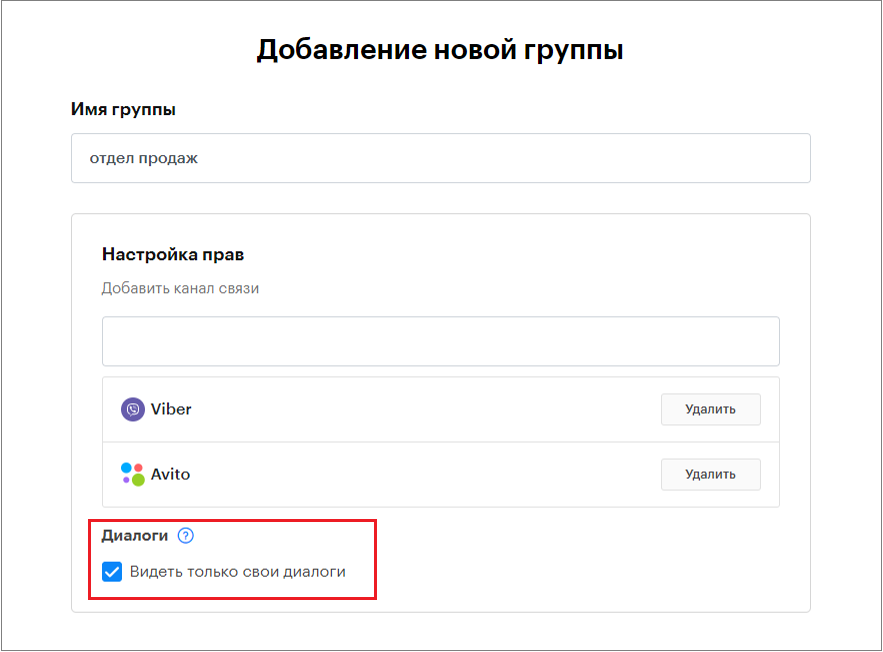
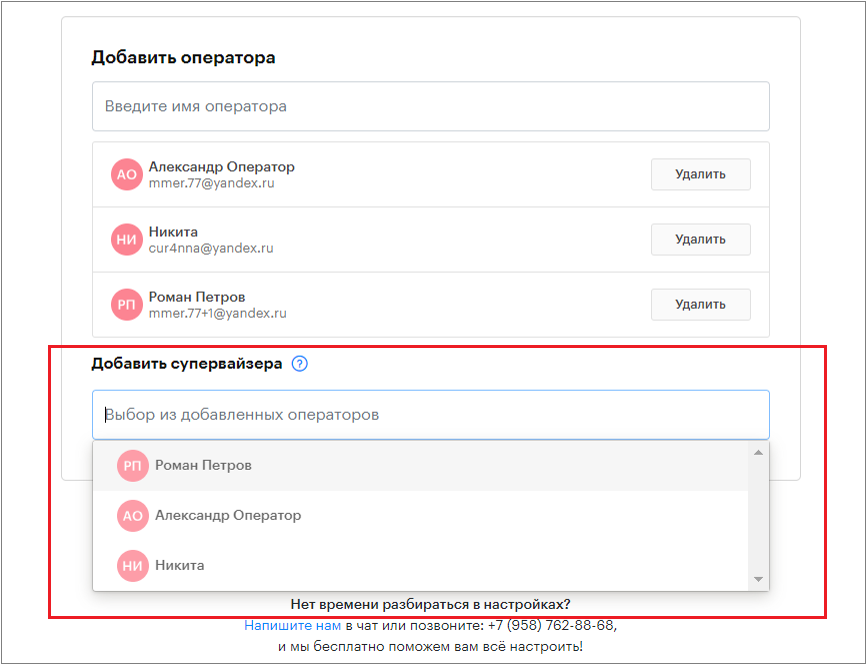
If the “See only own conversations” box is checked, the “Add supervisor” section becomes active.
Supervisors can be selected within the group from the list of operators. A supervisor will see all conversations within the group, including those assigned to other operators.