
How can we help?
Viber Bot
Before Connecting
Before connecting the channel, you need to install the Viber app on your smartphone or PC.
You can connect an unlimited number of Viber accounts to a project in Teletype.
Connection
If you don’t have a Viber bot yet
1. Go to the website https://partners.viber.com/.
2. Select your country (Country)
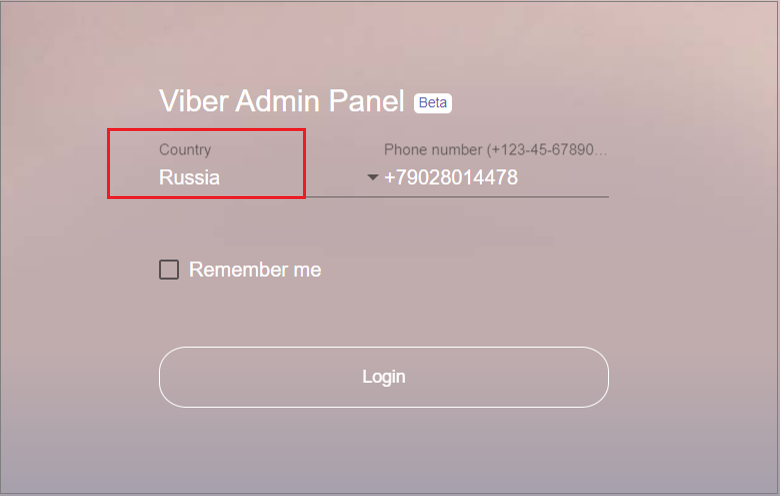
3. Enter your phone number (Phone number).
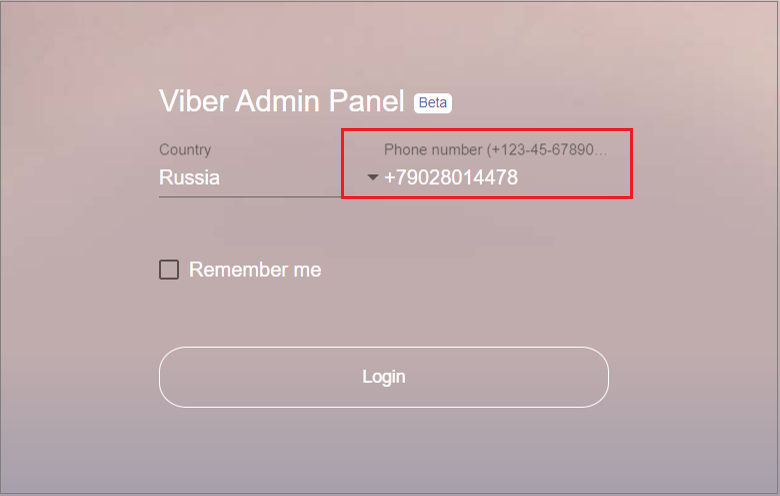
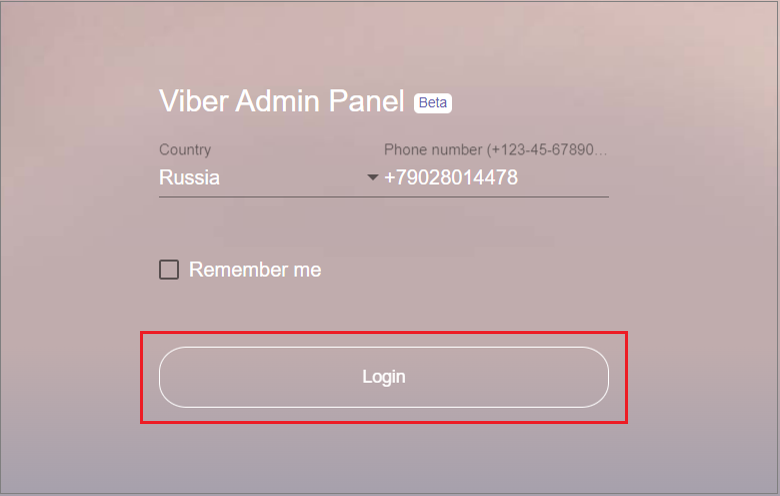
4. Click “Login”.
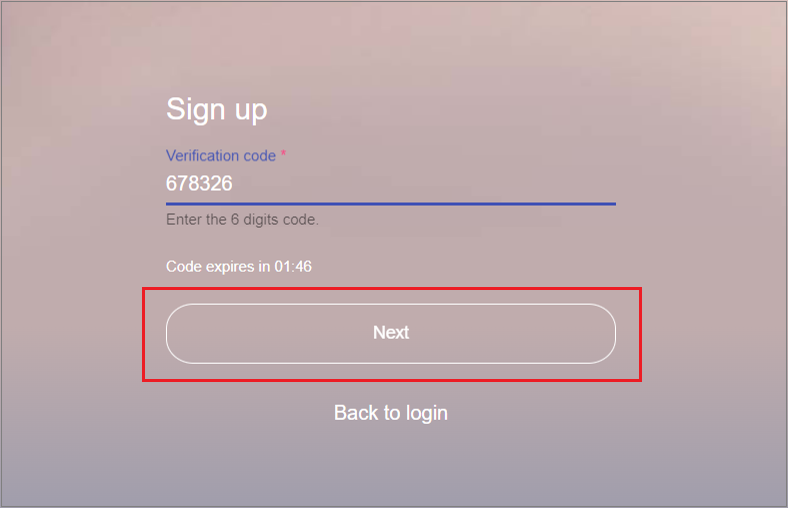
5. Enter the verification code sent to the specified phone number in the “Verification code” field.
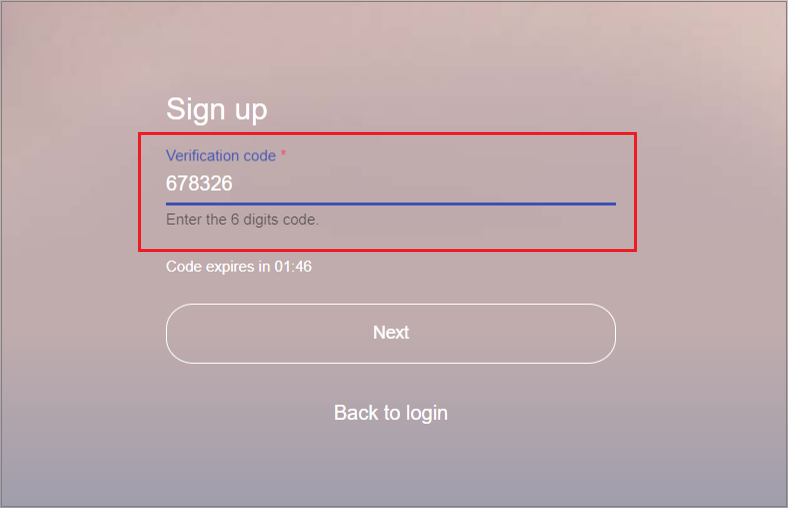
6. Click “Next”.
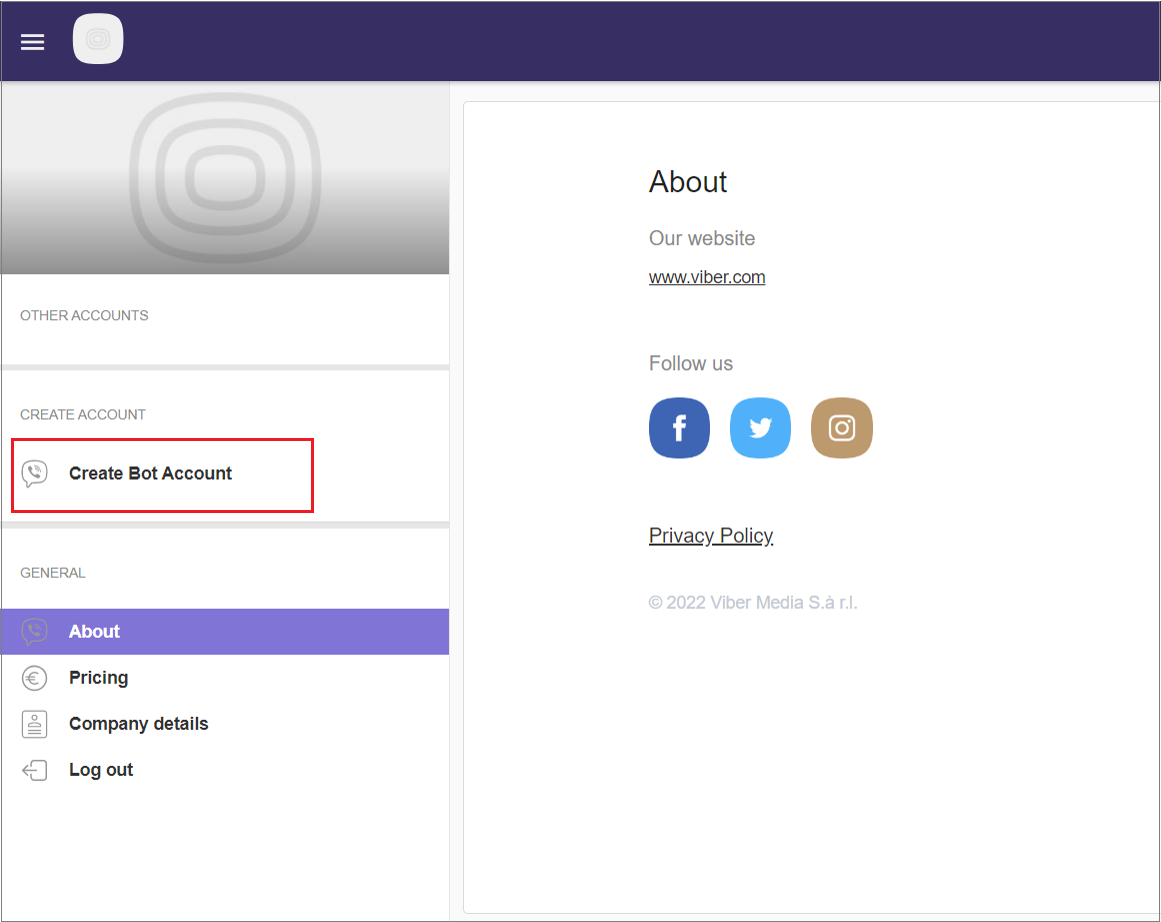
7. Click “Create Bot Account” in the left panel.
8. Fill in the bot information:
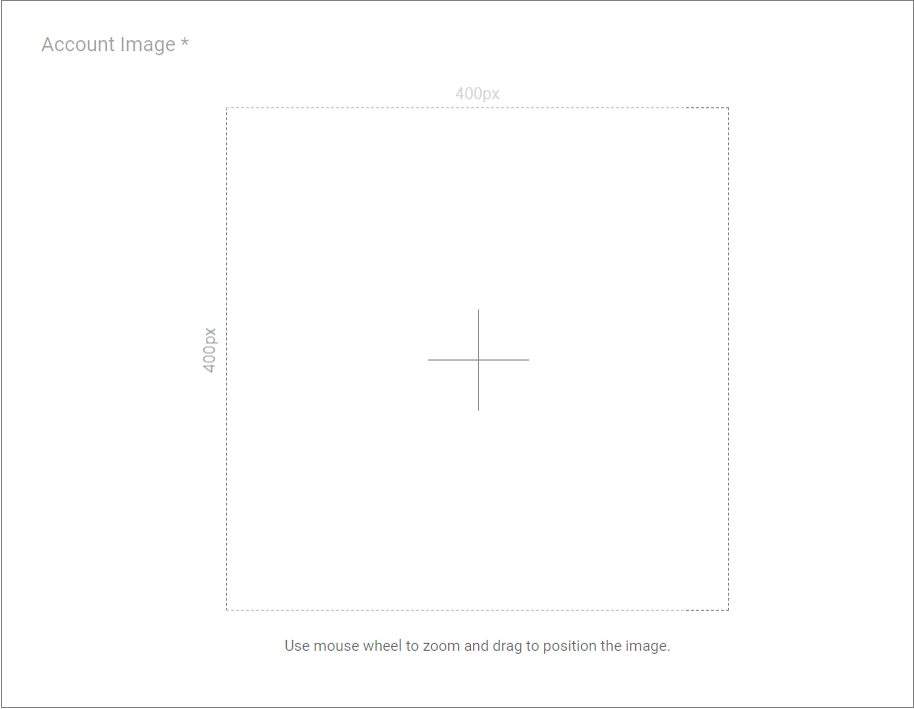
- Set the bot avatar: click the “+” sign in the center of the Account Image field and upload an image from your PC (recommended image size is 400×400 pixels).
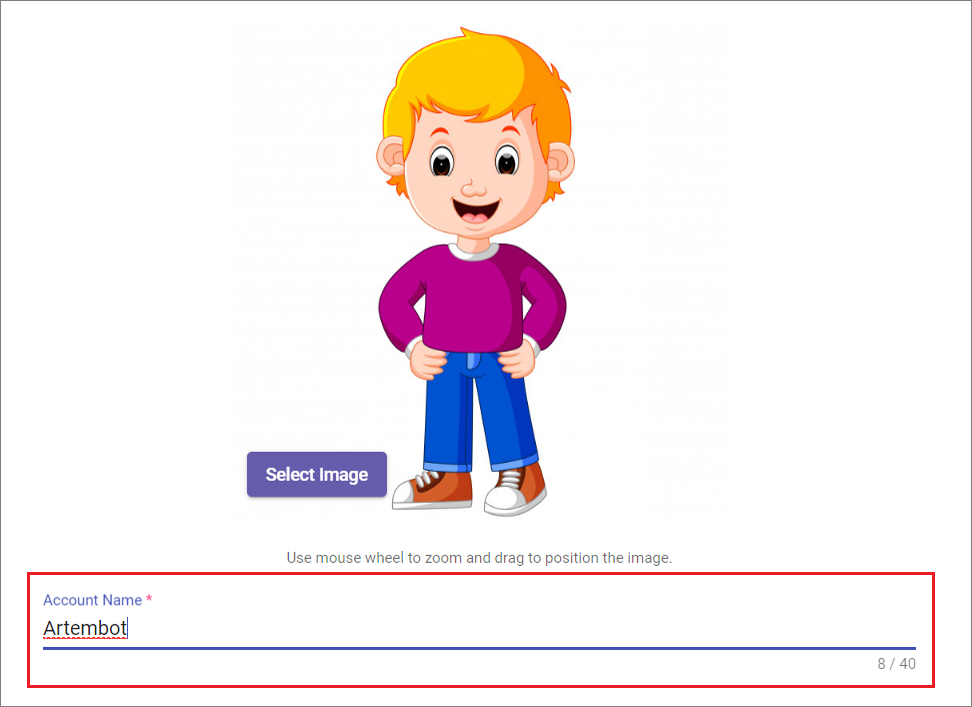
- Enter the bot name in the “Account name” field, which will be displayed to users.
- Specify the Uri (bot’s technical name) in the “Uri” field.
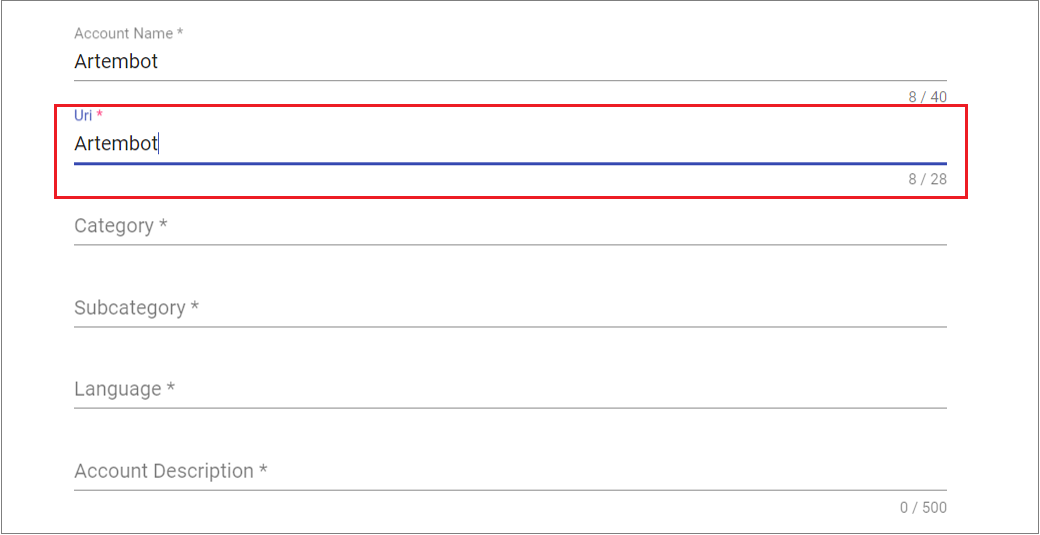
- Select the business category: click the “Category” field and choose a category from the dropdown list.
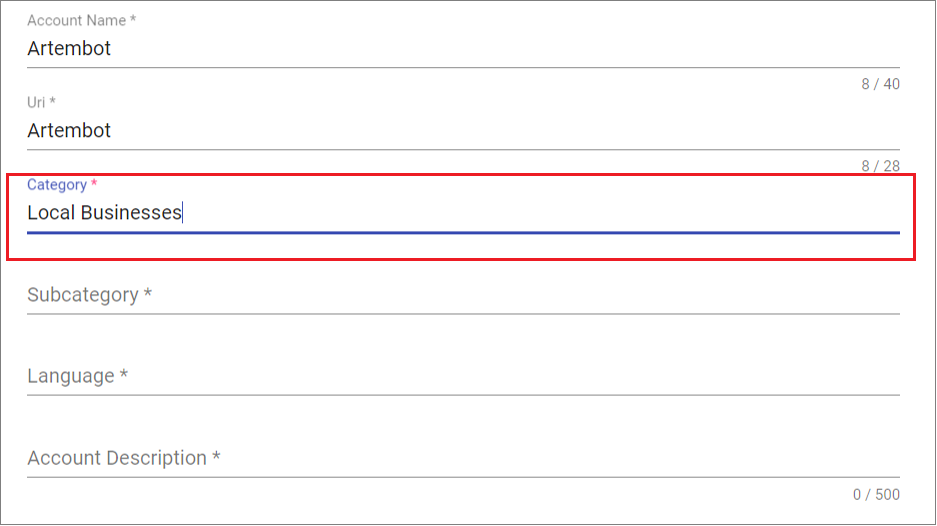
- Select the business specialization: click the “Subcategory” field and choose a specialization from the dropdown list.
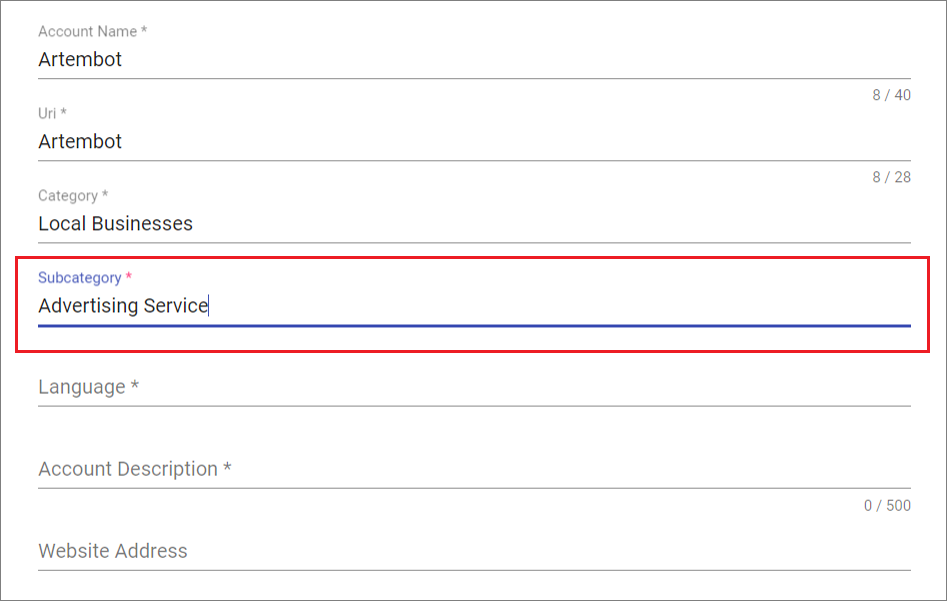
- Select the account language: click the “Language” field and choose a language from the dropdown list.
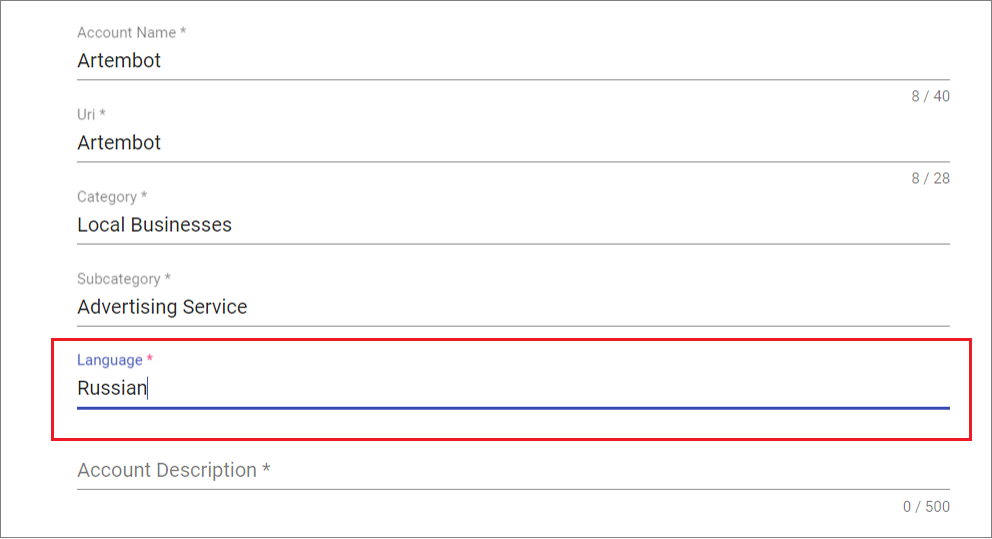
- Fill in the company (bot) description in the “Account Description” field.
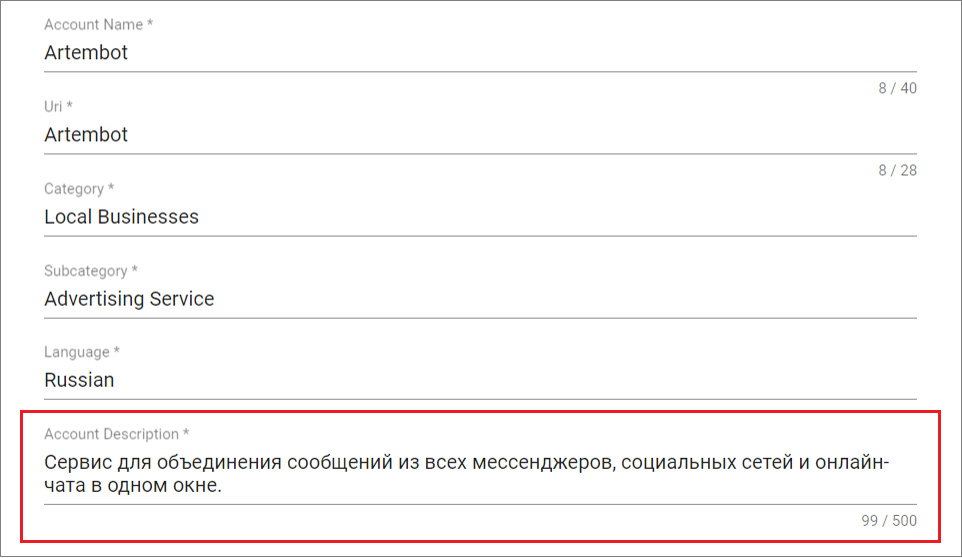
- Specify the company website address in the “Website address” field (if available).
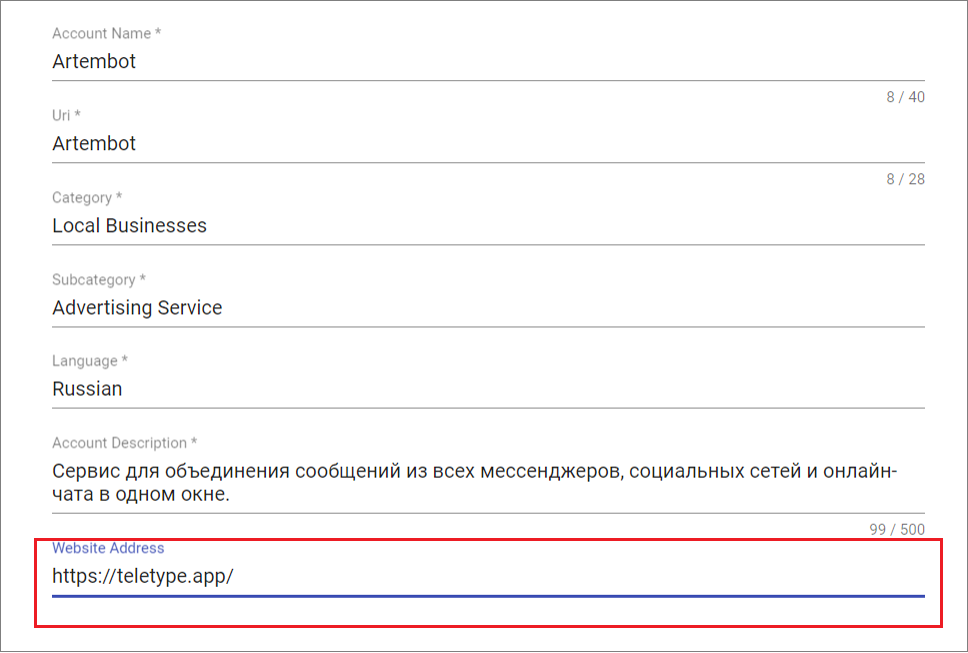
- Enter a contact email in the “Email address” field.
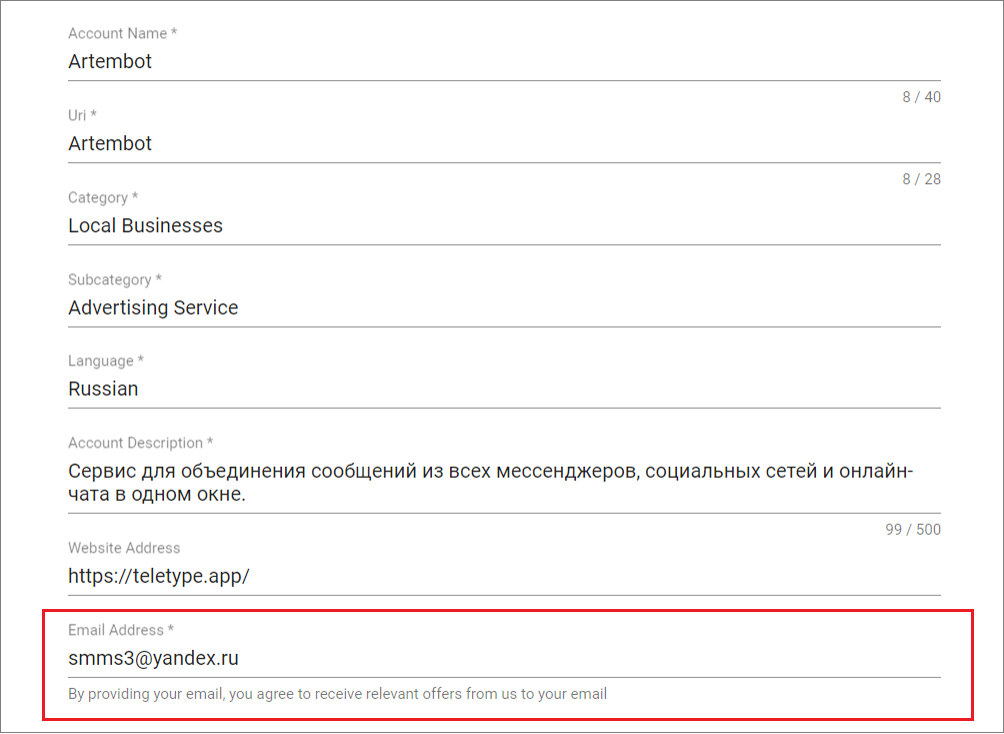
- Specify your address on the map in the “Location” field.
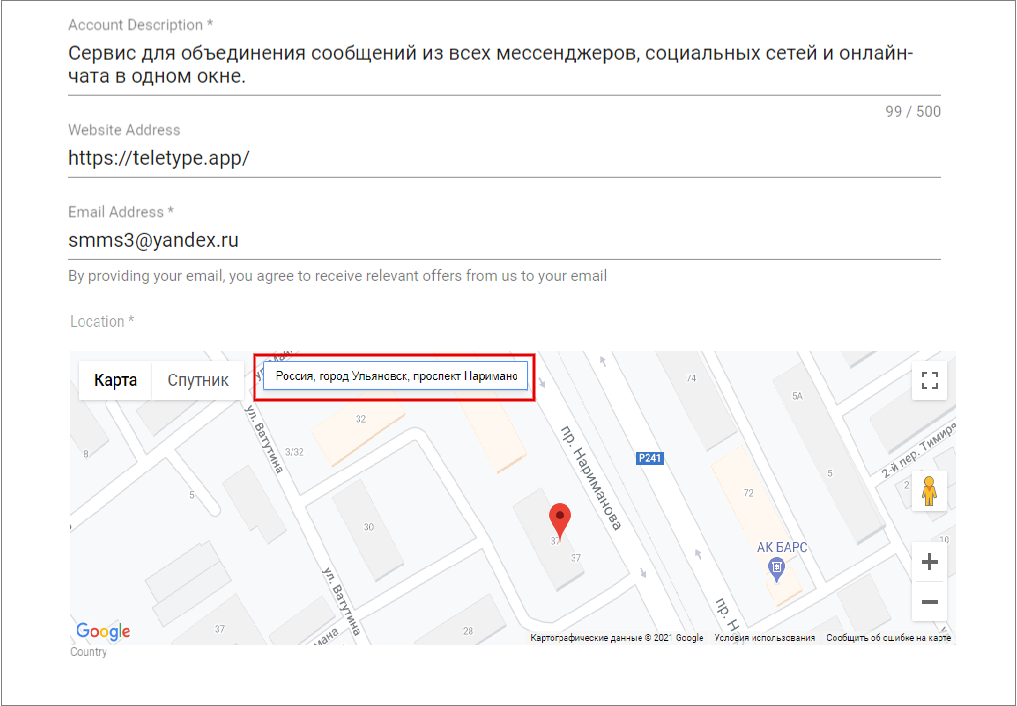
- Check the boxes in all three fields.
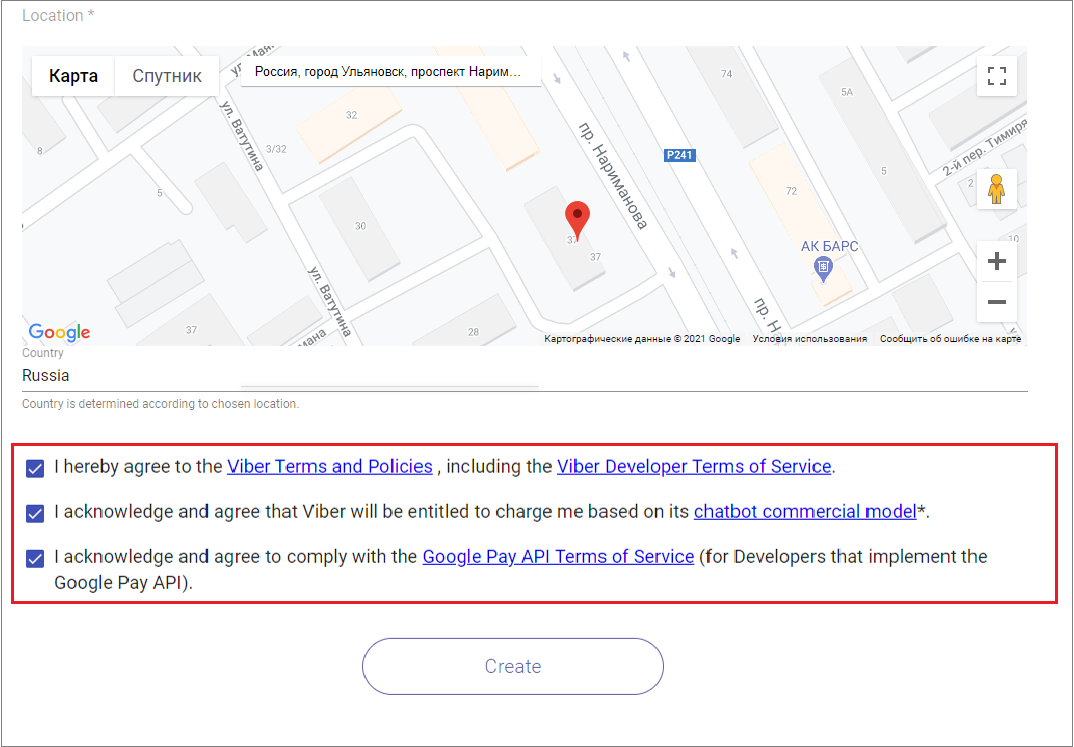
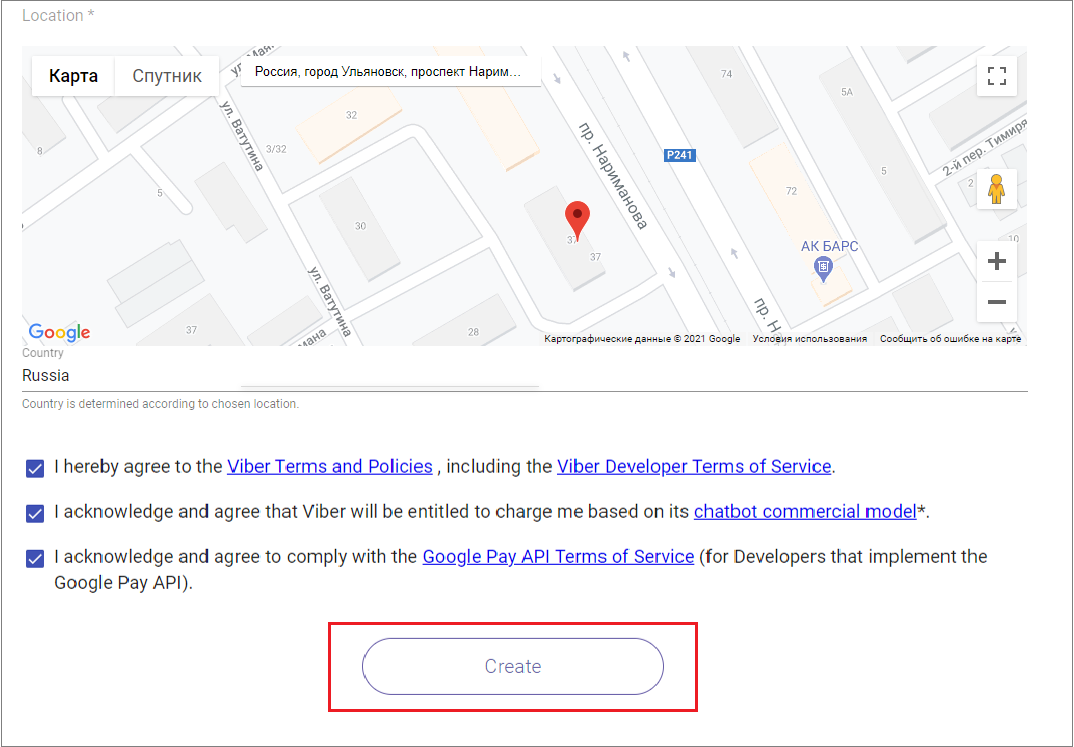
- Click “Create”.
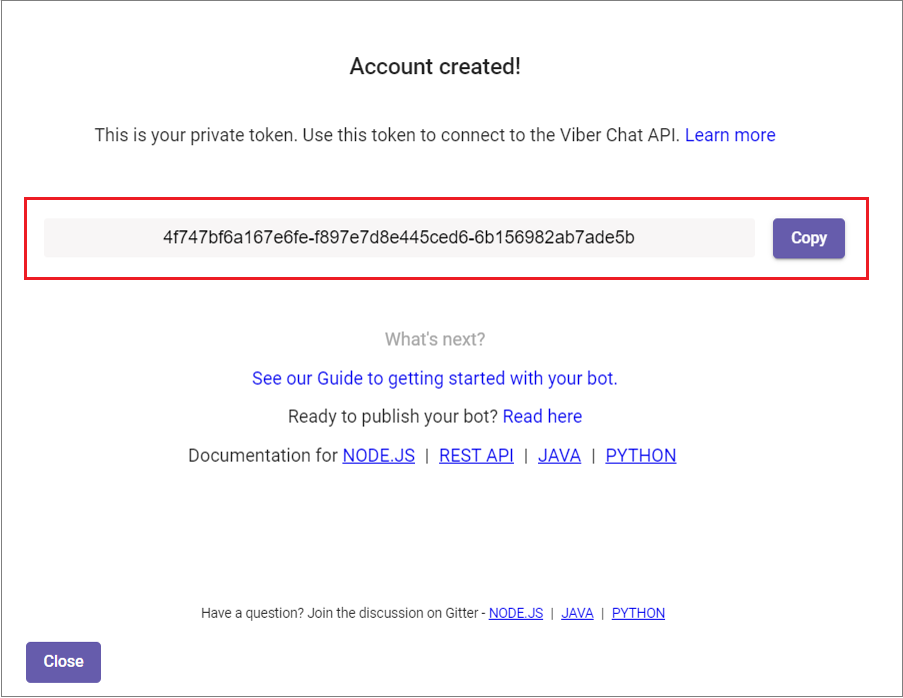
- Copy the unique token from the window that appears.
9. Go to the “Add Channel” section in the left menu of the Teletype panel or in the project settings.
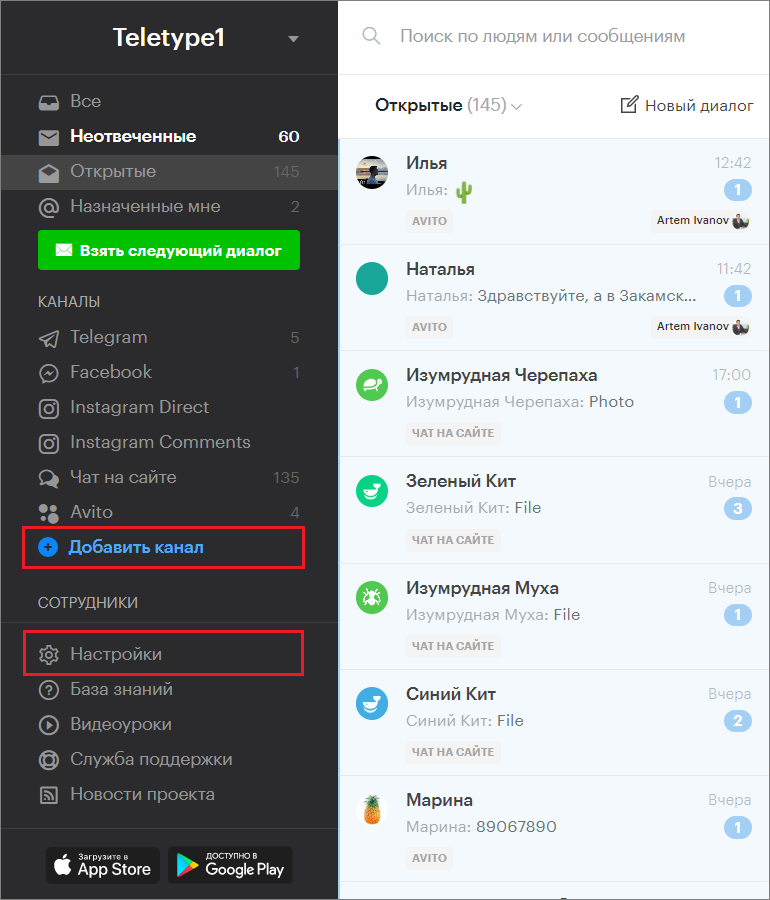
10. In the window that appears, select the “Viber” block.
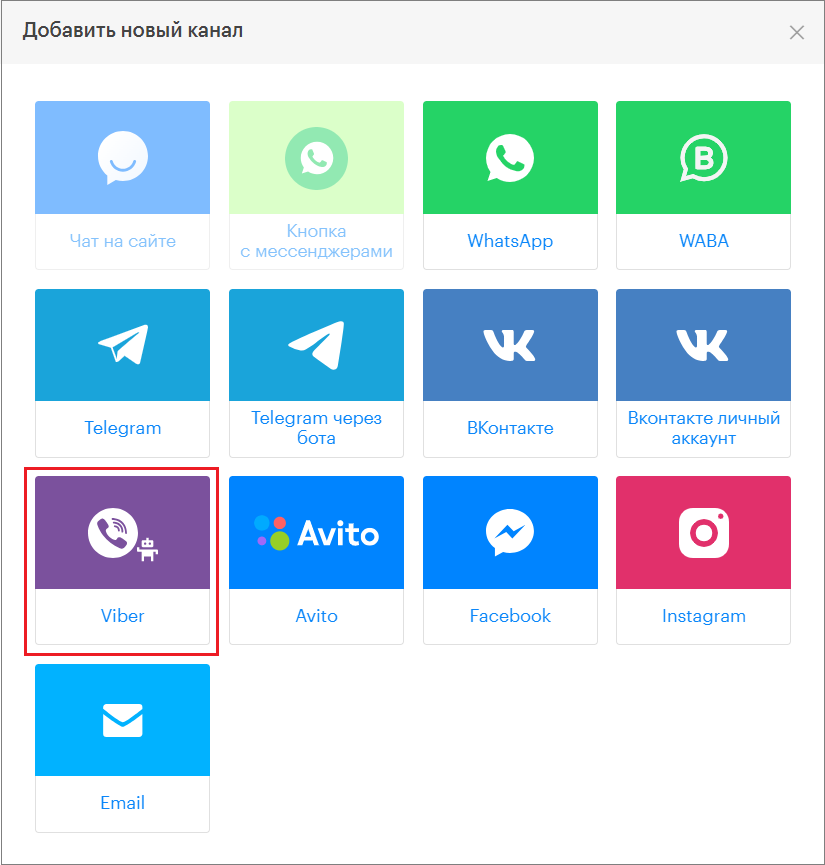
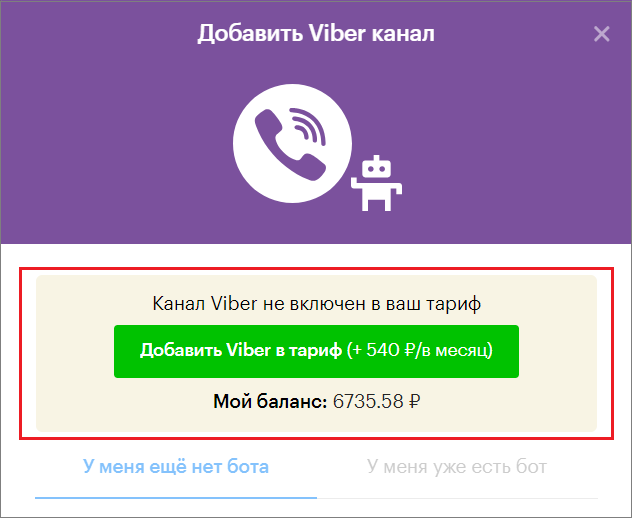
11. Click » Add Viber to the plan ».
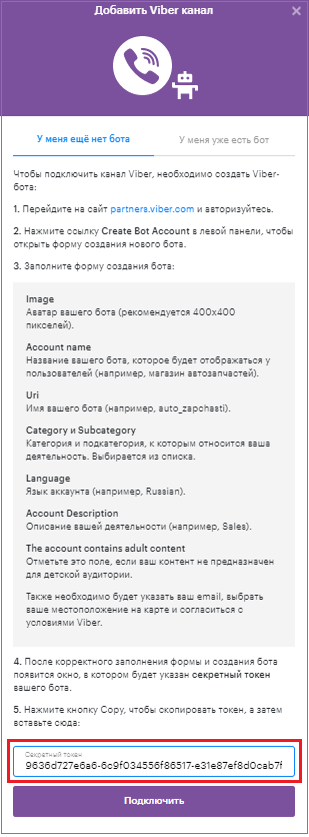
12. Paste the copied token into the corresponding field.
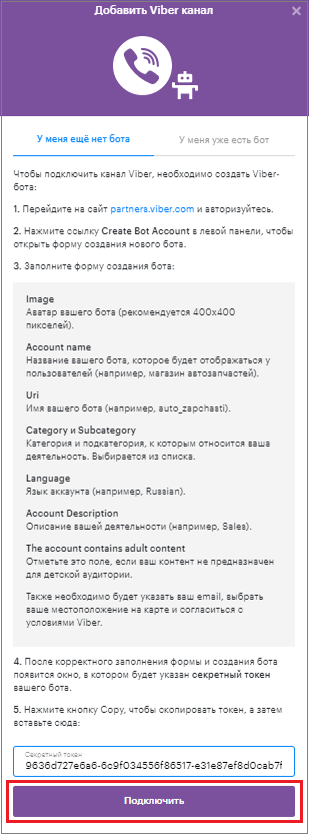
13. Click “Connect”.
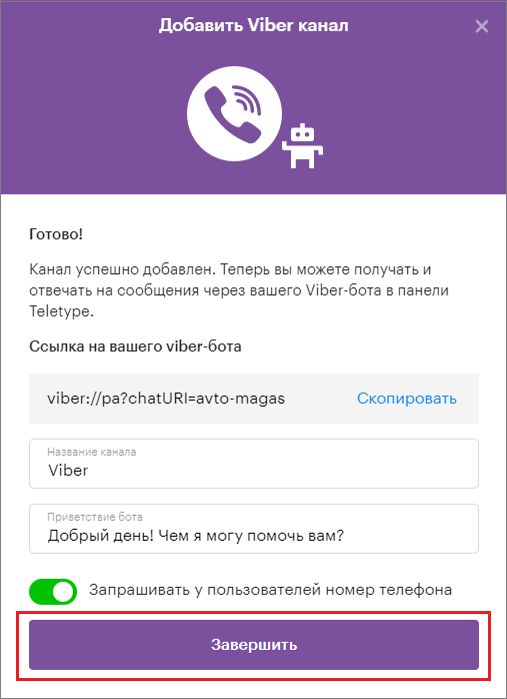
14. Change the channel name (if necessary).
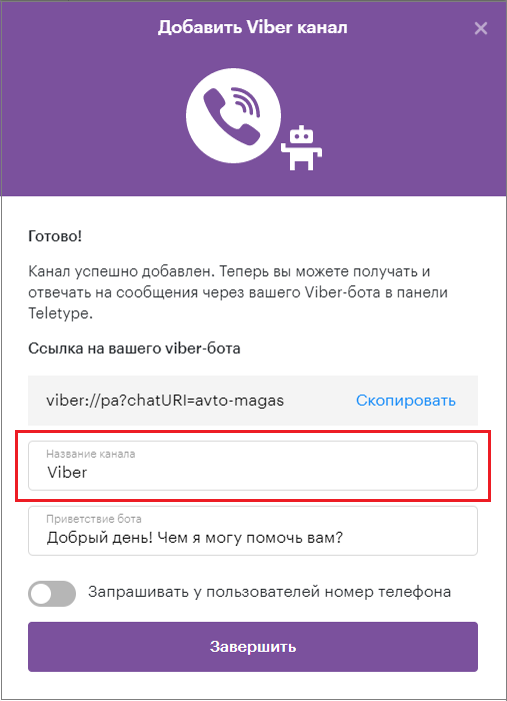
15. Add an automatic bot greeting.
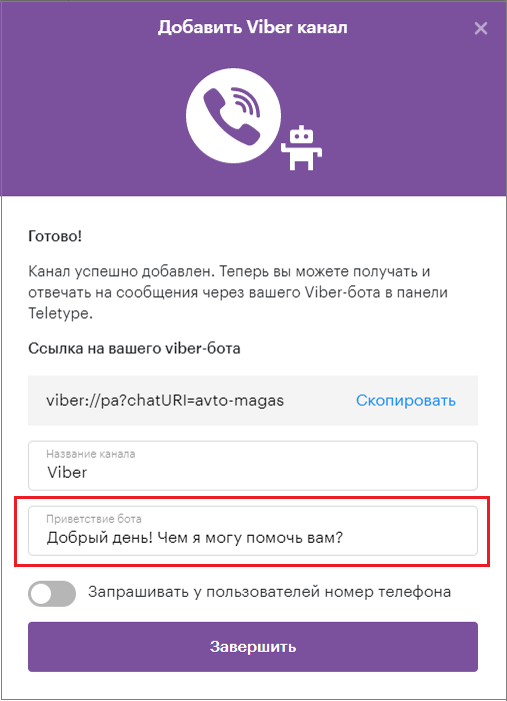
16. Enable the request for users’ phone numbers (if necessary).
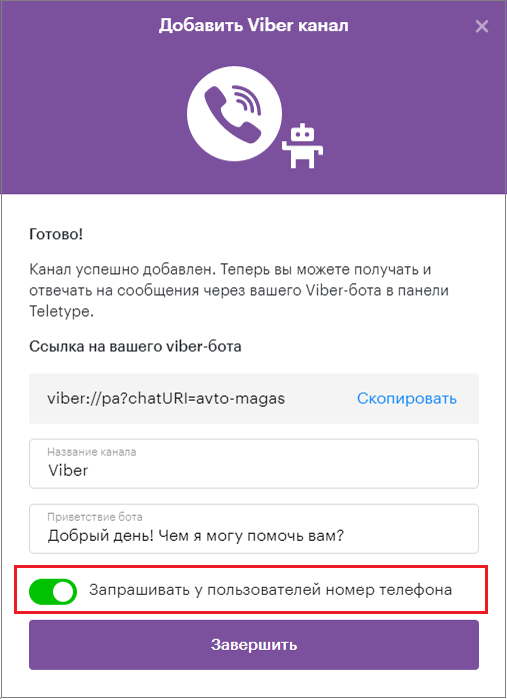
17. Click “Finish”.
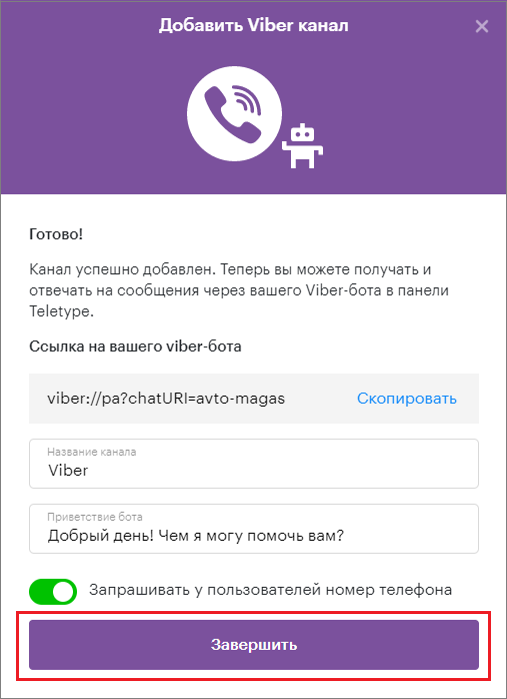
If you already have a Viber bot
1. Go to the website https://partners.viber.com/.
2. Select your country (Country)
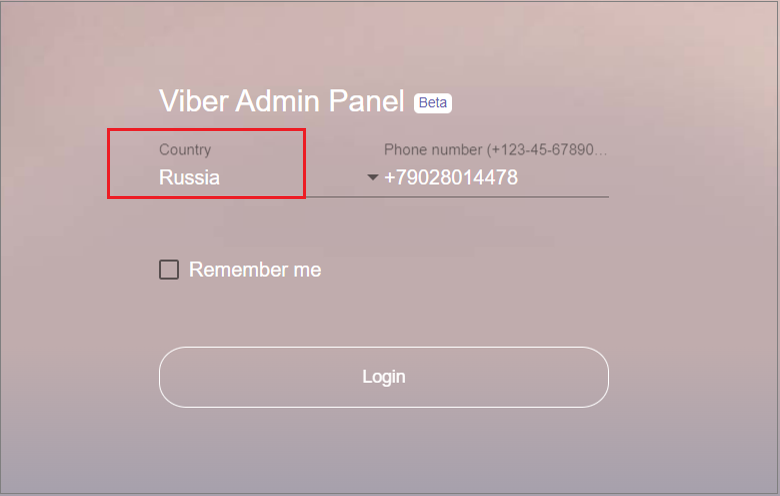
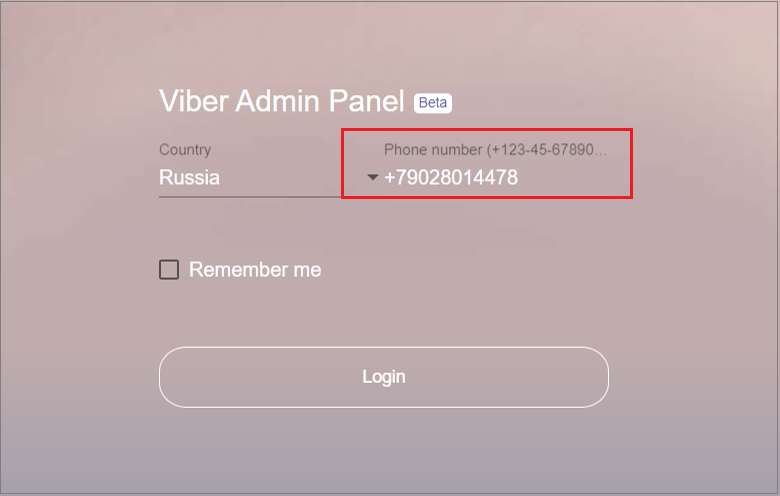
3. Enter your phone number (Phone number).
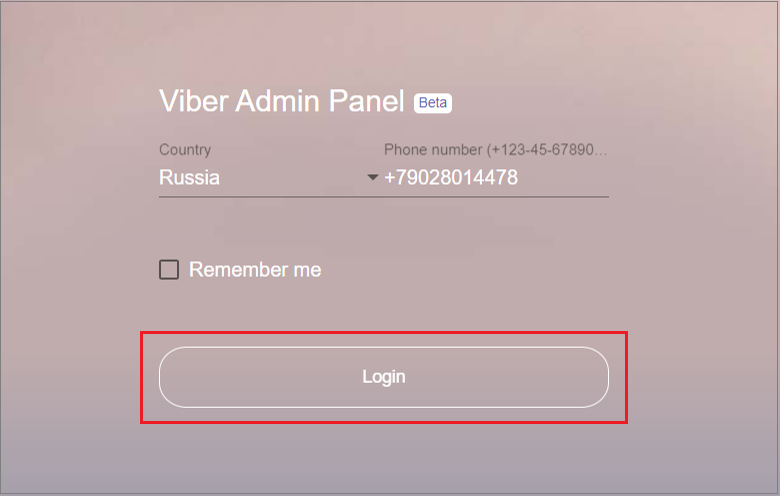
4. Click “Login”.
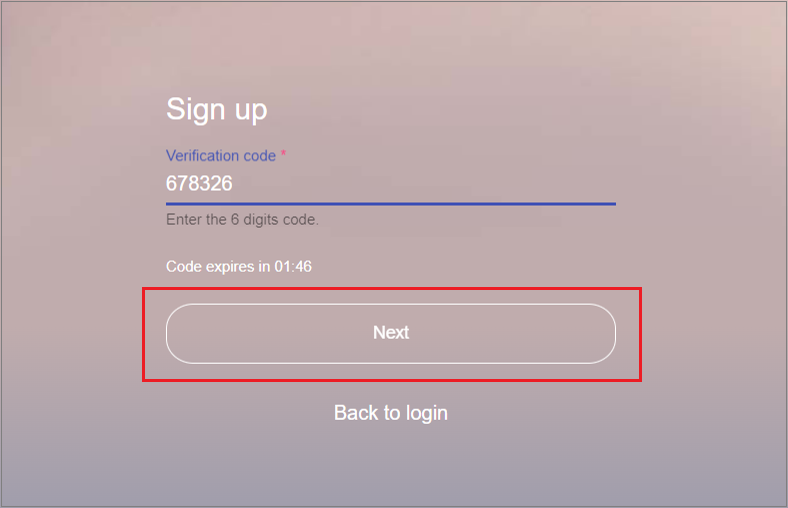
5. Enter the verification code sent to the specified phone number in the “Verification code” field.
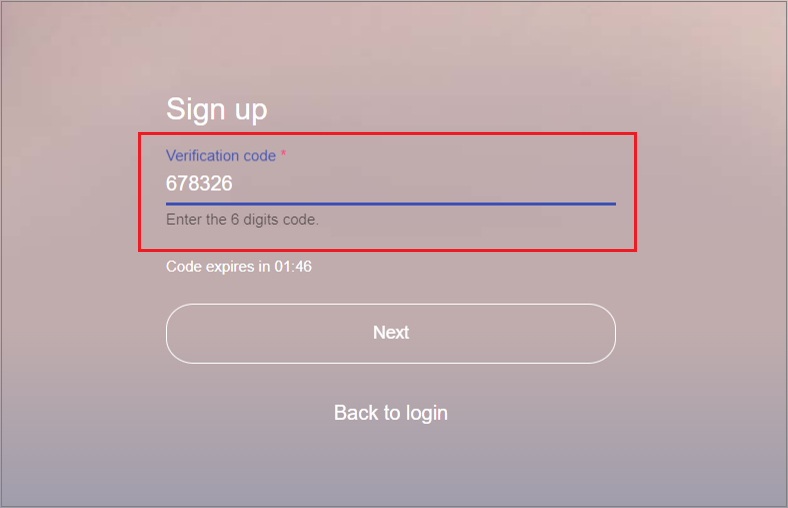
6. Click “Next”.
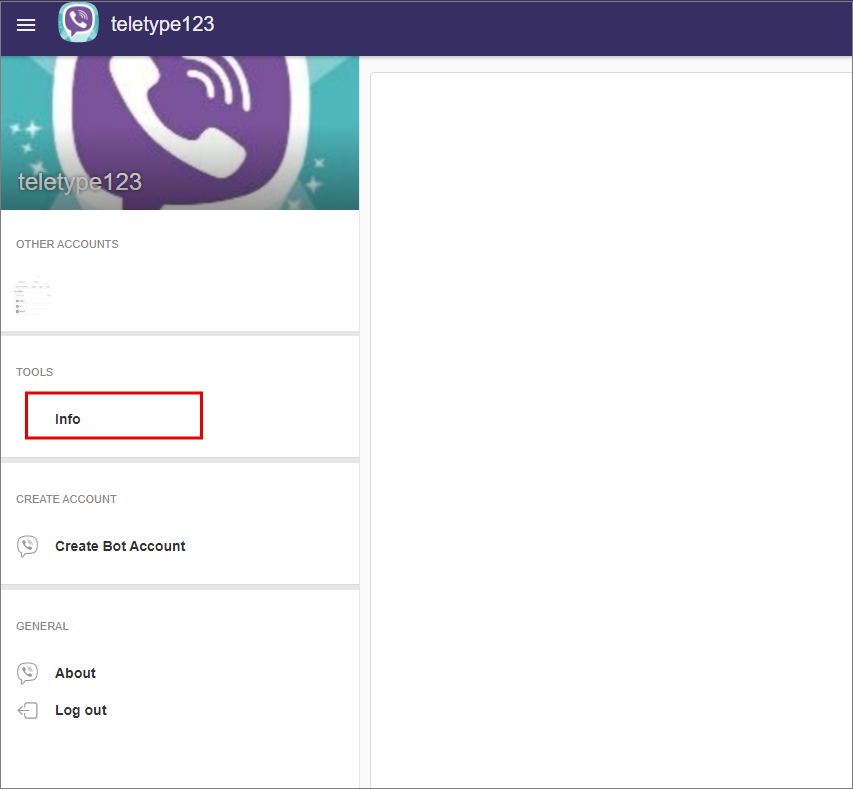
7. Click “Info” in the left panel.
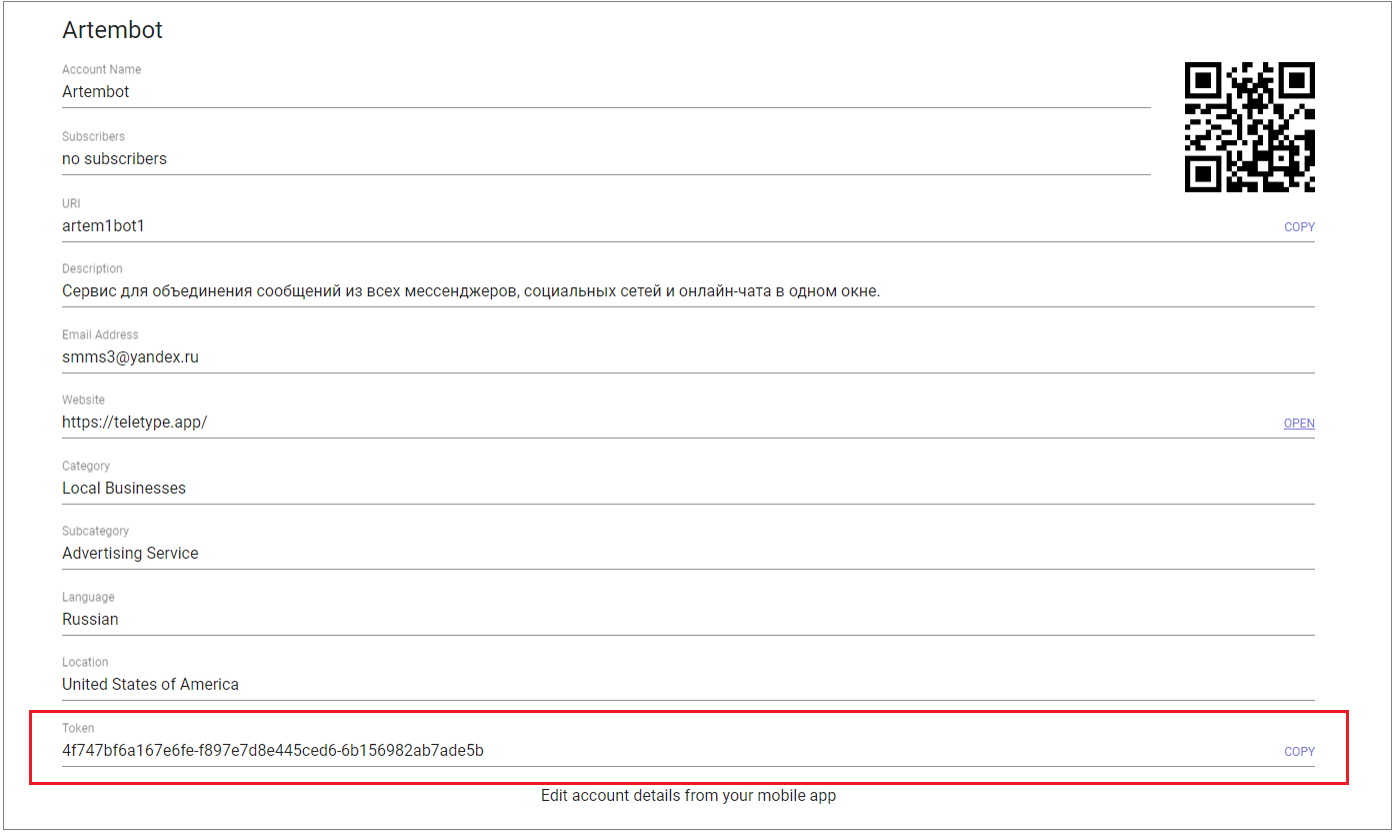
8. Copy the secret token at the bottom of the screen.
9. Go to the “Add Channel” section in the left menu of the Teletype panel or in the project settings.
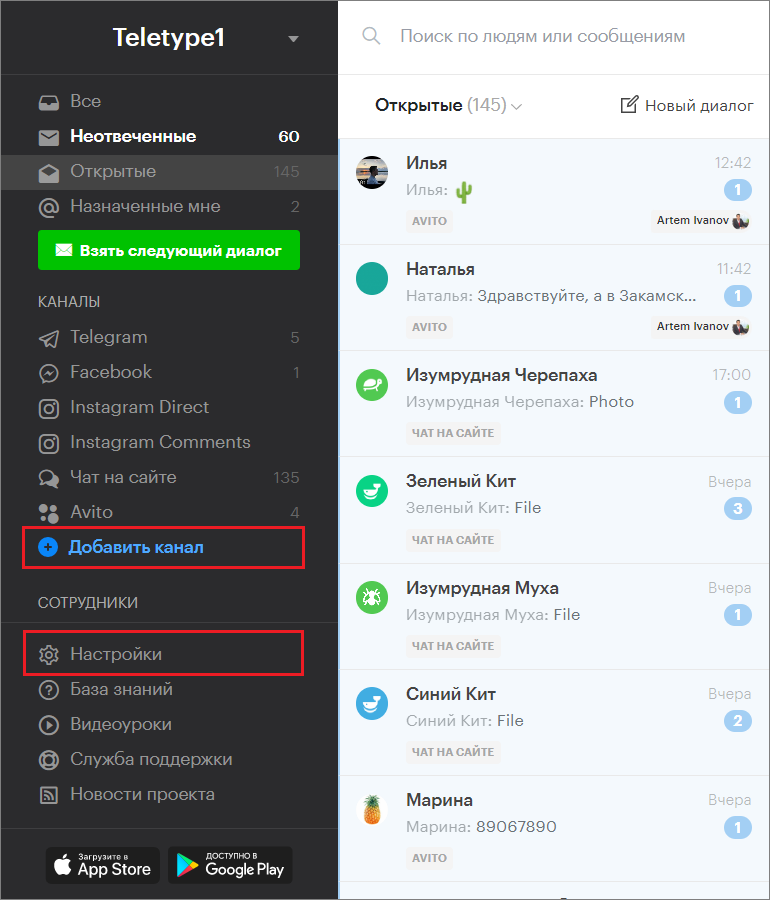
10. In the window that appears, select the “Viber” block.
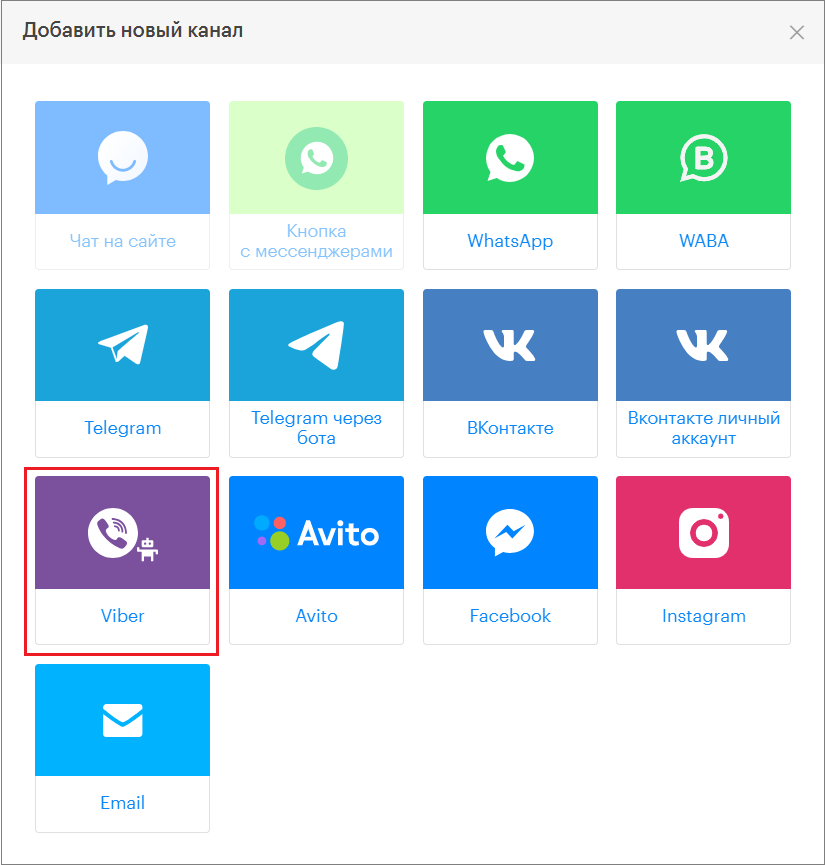
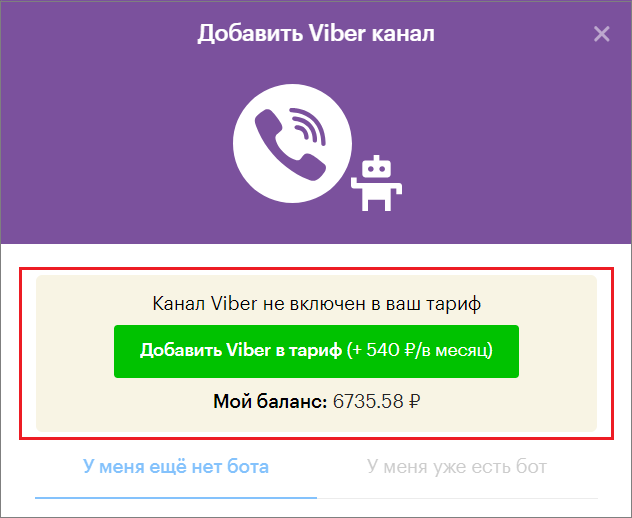
11. Click «Add Viber to the plan»
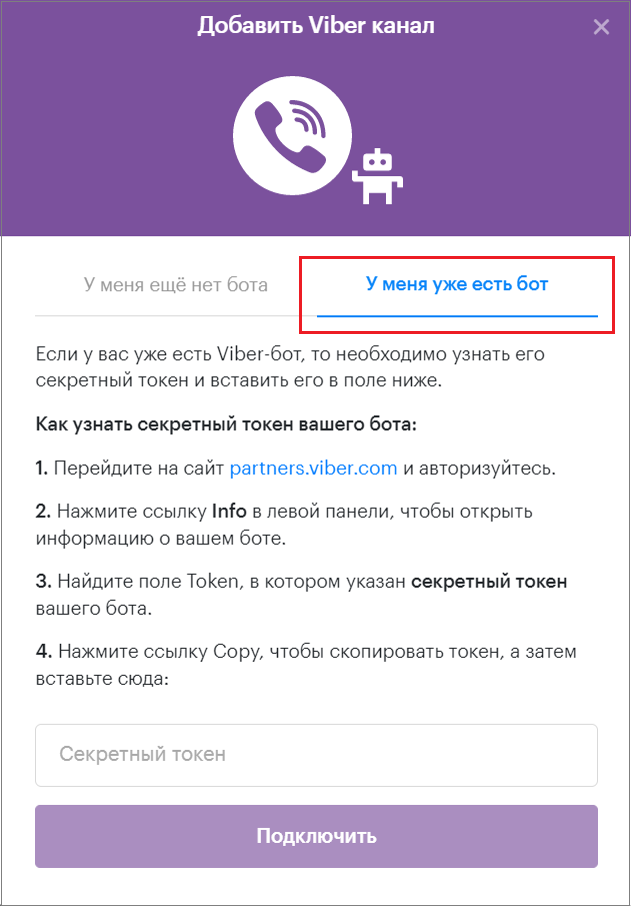
12. Select “I already have a bot”.
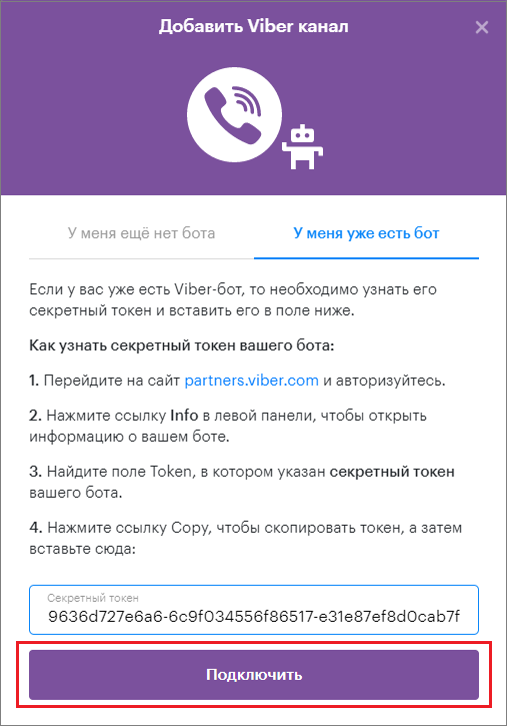
13. Paste the copied token into the corresponding field.
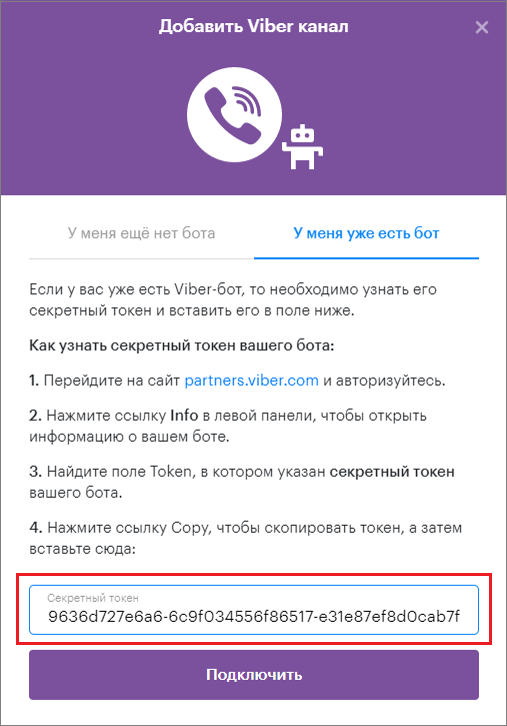
14. Click “Connect”.
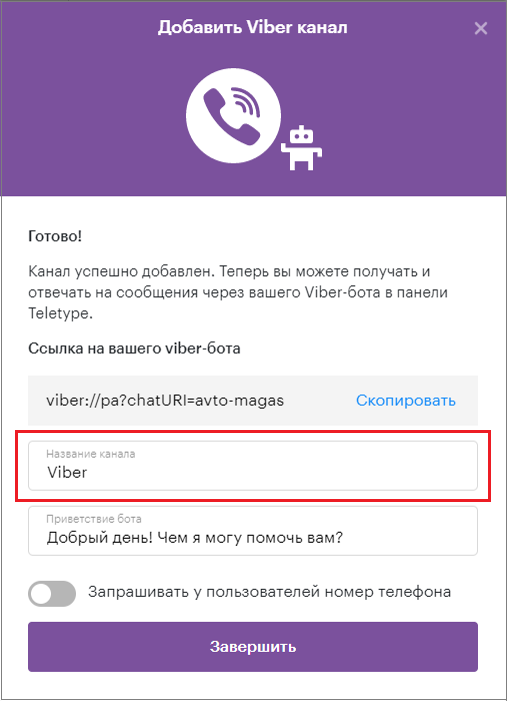
15. Change the channel name (if necessary).
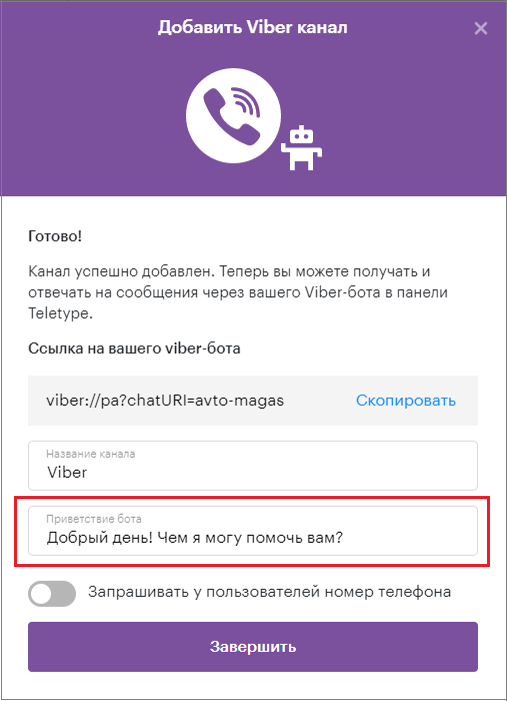
16. Add an automatic bot greeting.
17. Enable the request for users’ phone numbers (if necessary).
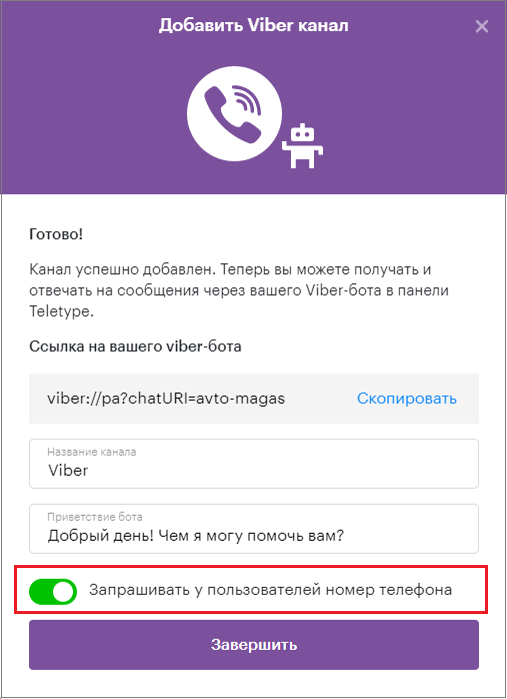
18. Click “Finish”.
Important Information
Only Viber bots can be connected to Teletype; connecting a personal account is not possible.