
How can we help?
Connecting to Facebook
Before Connecting Facebook
You need to be logged into Facebook in advance. To connect Facebook, you must have owner or administrator rights for the group. You can connect Fb to Teletype one hour after logging into the social network.
You can connect an unlimited number of Facebook accounts to a project in Teletype.
Connecting Facebook
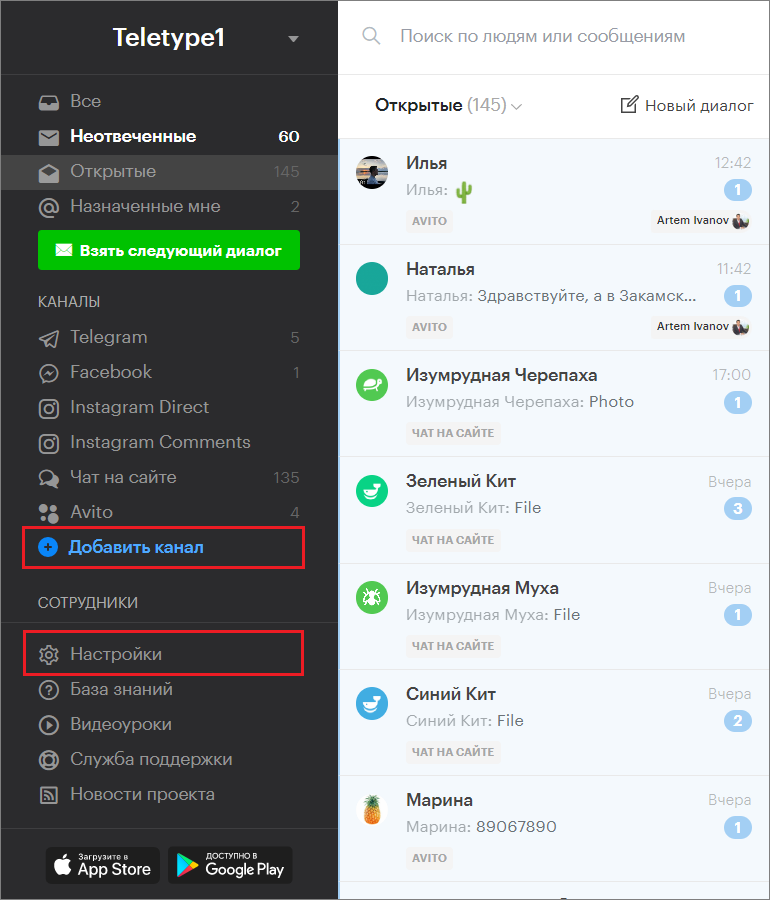
- Go to the “Add Channel” section in the left menu of the Teletype panel or in the project settings.
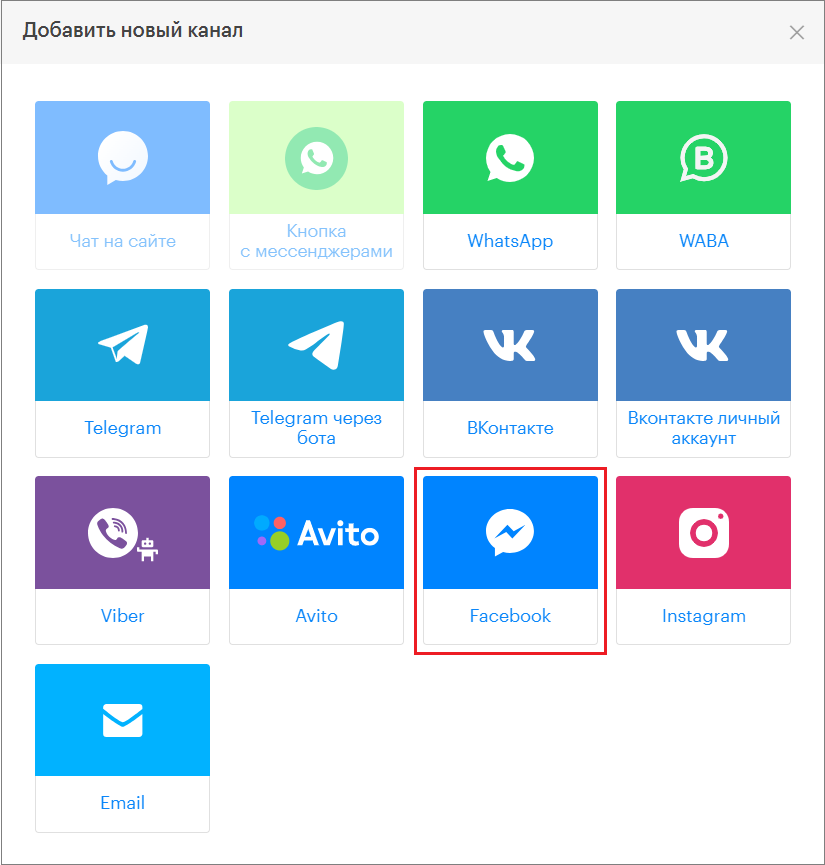
2. In the window that appears, select the “Facebook” block.
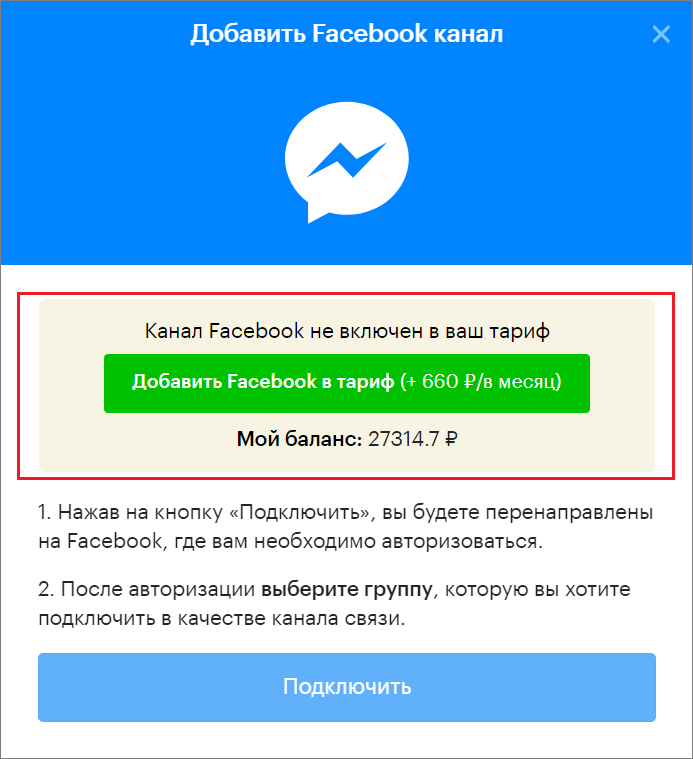
3. Click “Add Facebook to the plan.”
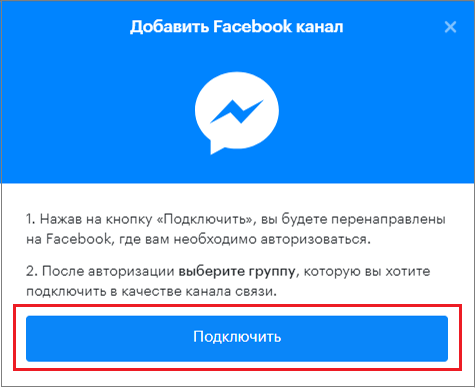
4. Click “Connect.”
5. After automatic redirection to Facebook, select your profile.
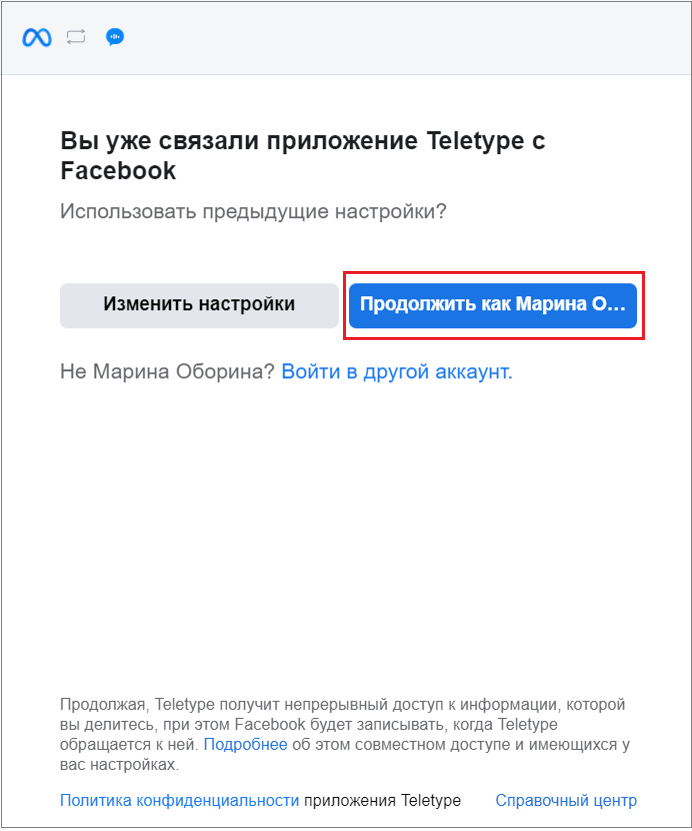
6. Select the group to connect.
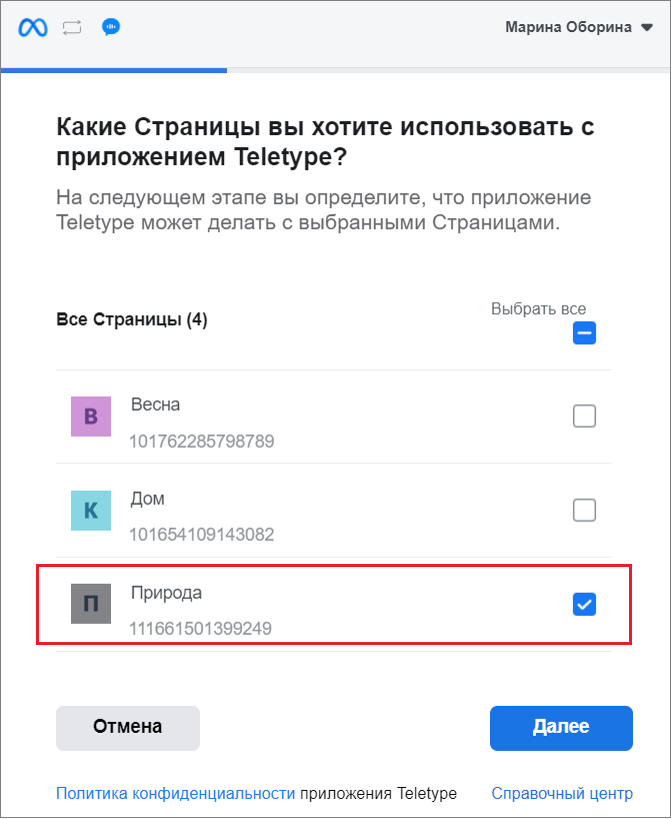
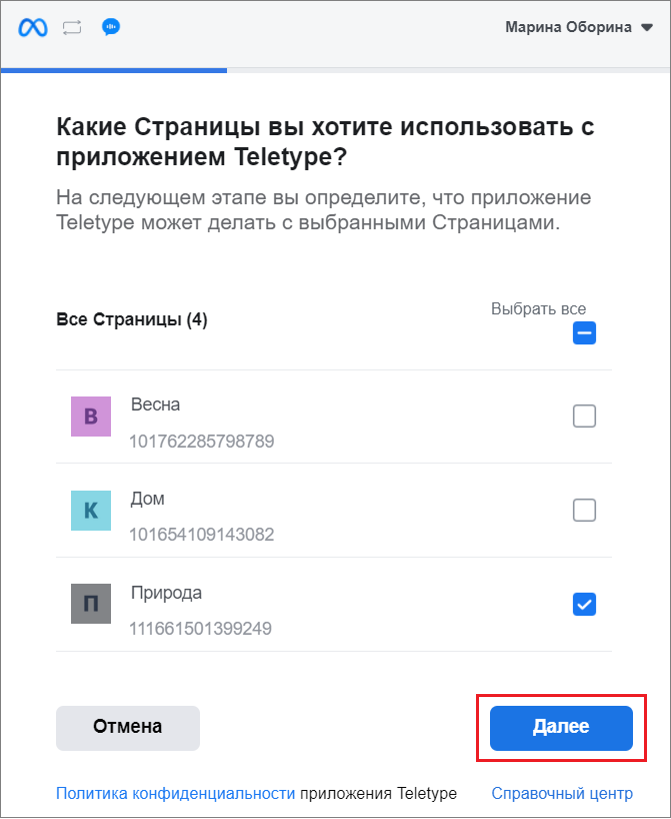
7. Click “Next.”
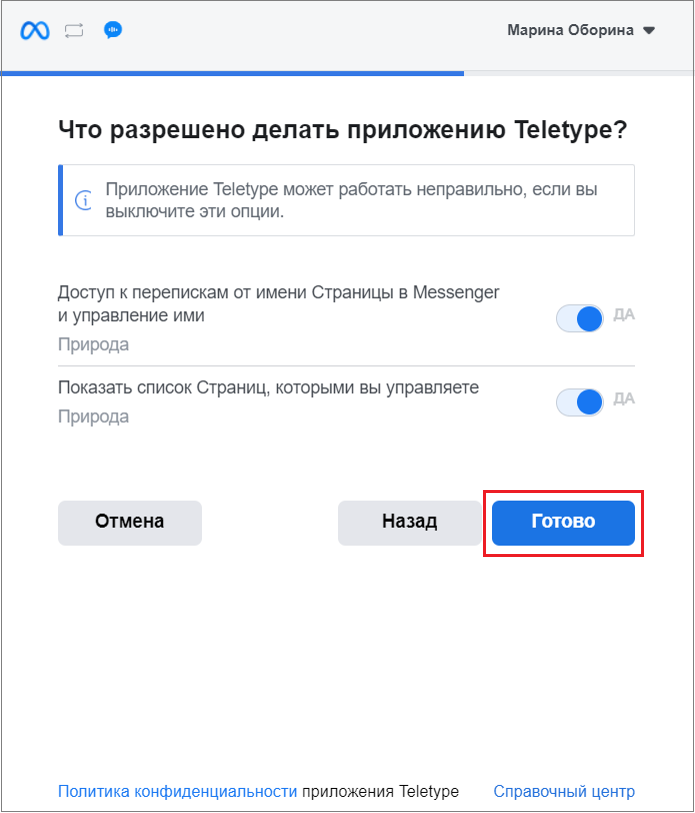
8. Allow the Teletype app access to the requested options.
This consent will not affect the security of your page but will allow the Teletype app to function properly.
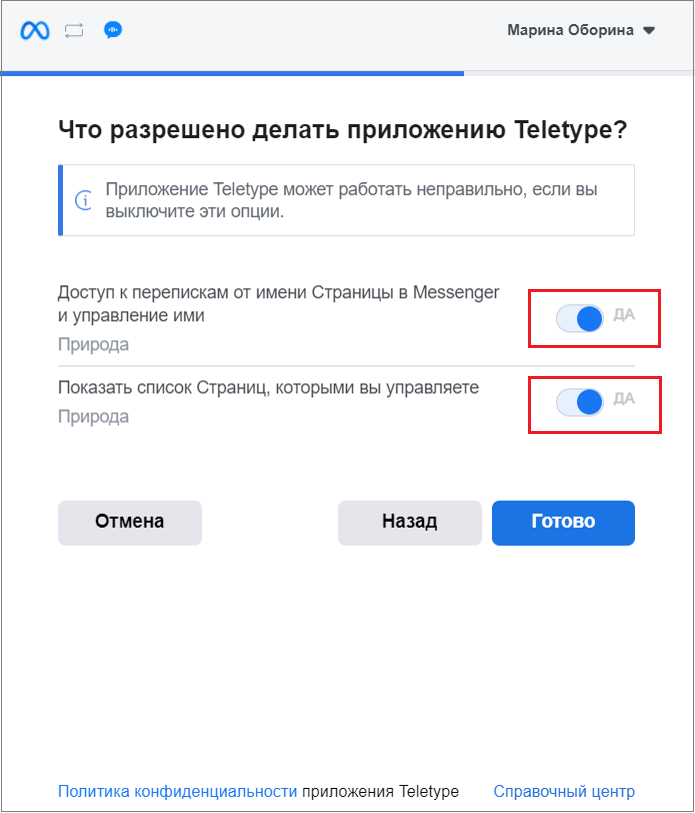
9. Click “Done.”
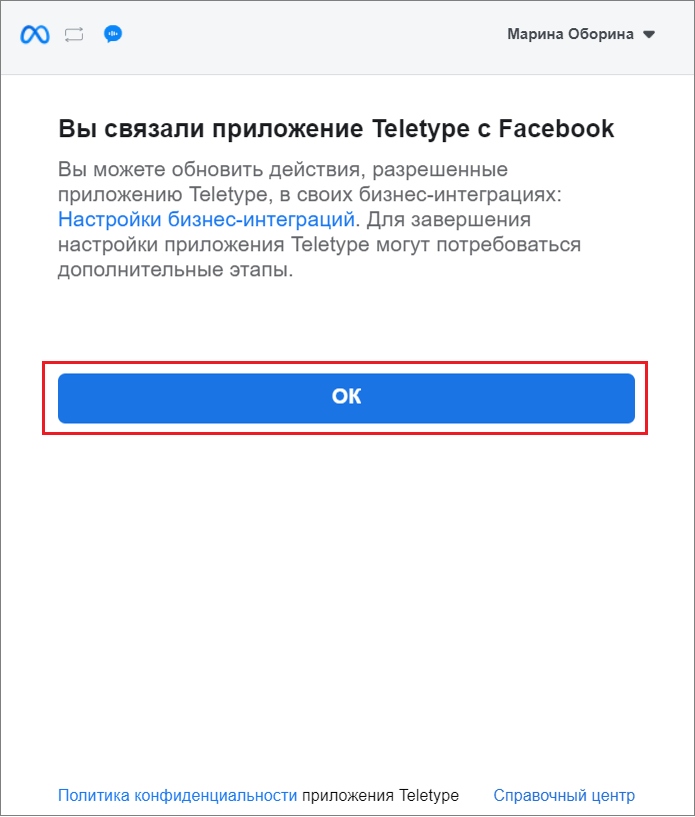
10. Click “OK.”
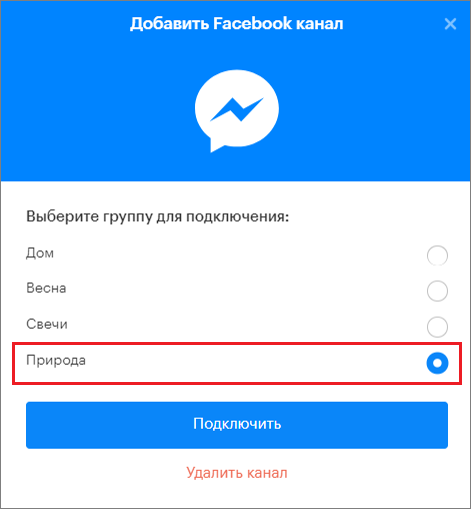
11. After automatic redirection to the Teletype panel, select the group to connect.
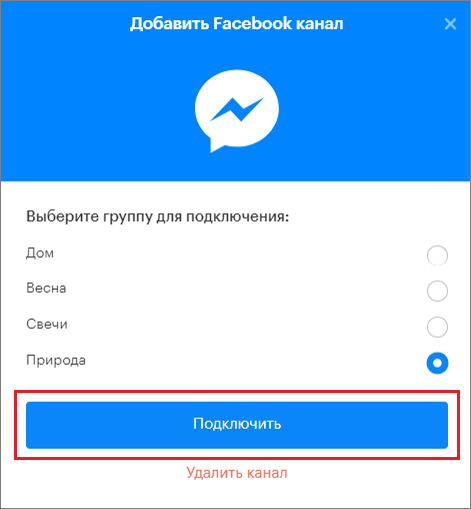
12. Click “Connect.”
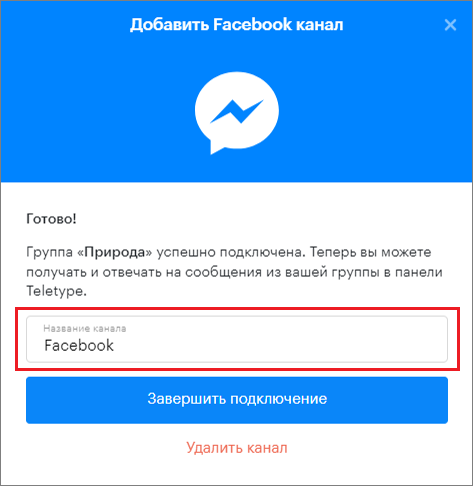
13. Change the channel name if necessary.
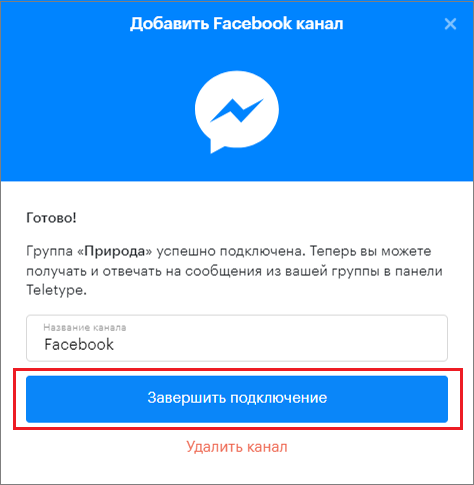
14. Click “Finish Connection.”
Important Information
- If a client who wrote to you does not receive a reply within 24 hours, Facebook closes the conversation and restricts the ability to respond to the client.
- Sometimes some posts do not appear in Teletype. Our integration is official, and due to this, certain Facebook restrictions apply: comments under promoted posts are not delivered to Teletype.
- When sending messages to a client containing a large number of photo or image files at once, Facebook breaks the integration, causing an error in the channel.
Files containing photos or images should be sent no more than 3 at a time, or pauses should be made between sends.
If comments on a regular post do not appear in Teletype, you need to:
- log into Facebook;
- open the connected group;
- open the “Settings” section in the lower left corner;
- select “Business Integrations”;
- review the list of integrations.
All third-party integrations slow down the integration with Teletype. For the service to work correctly, we recommend disabling unnecessary integrations.