
How can we help?
Working with Channel and Dialogue Filters
Dialog filtering allows you to view only the necessary conversations.
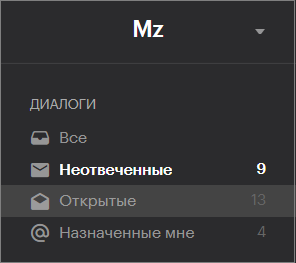
“Open” – conversations where the operator is still active and the chat with the client is not yet closed.
“Unanswered” – conversations with no response from the operator.
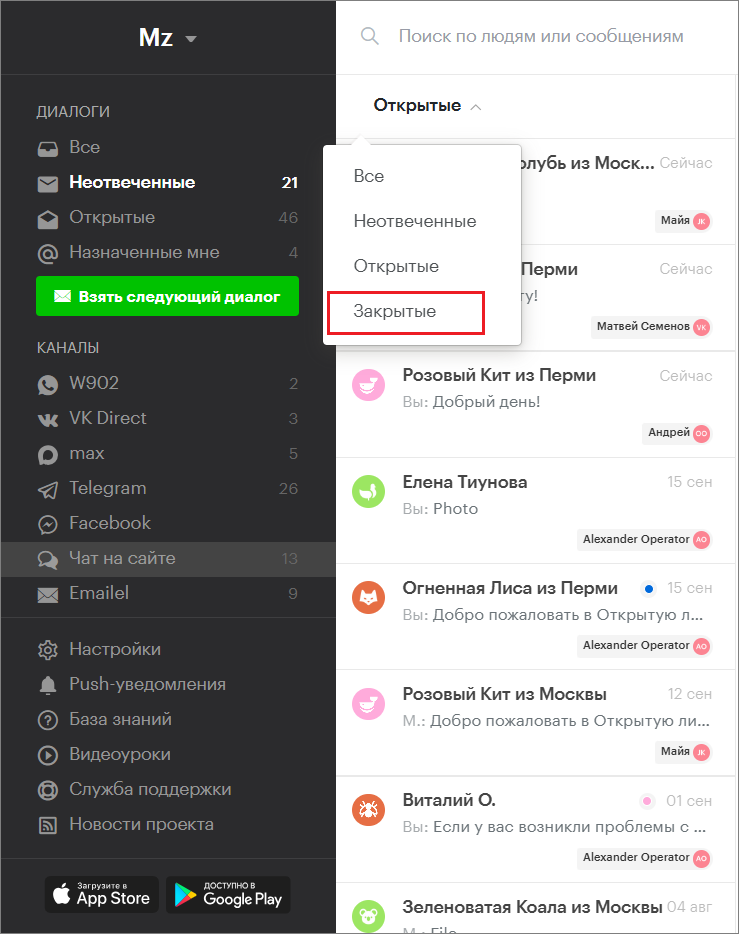
“Closed” — conversations closed by the operator.
If a conversation has been assigned to an operator, they can find it in the “Assigned to me” section.
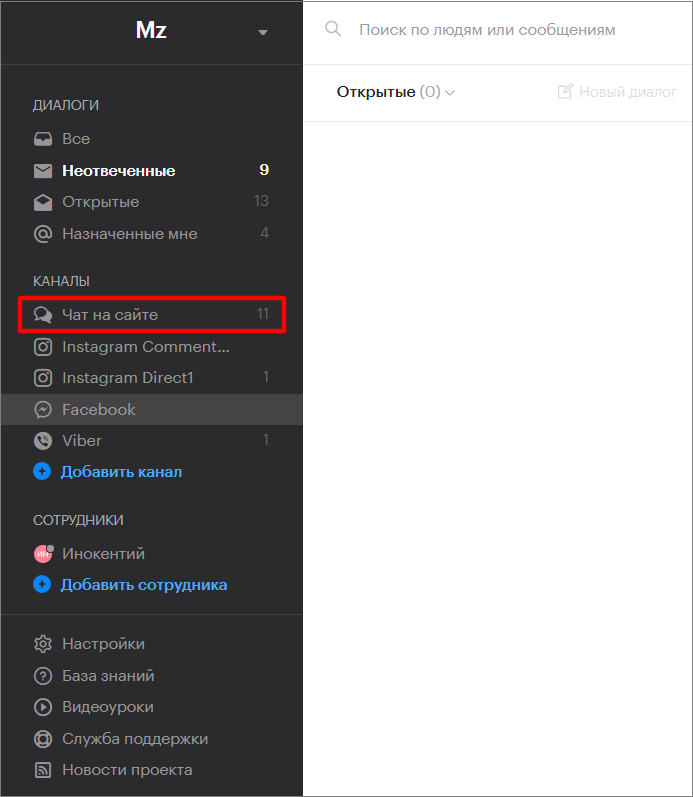
Filtering by channels allows you to view messages coming through any specific channel.
All filters can be combined to view only messages from a specific channel and of a certain type.
Combining Filters
- Select a channel in the “Channels” block.
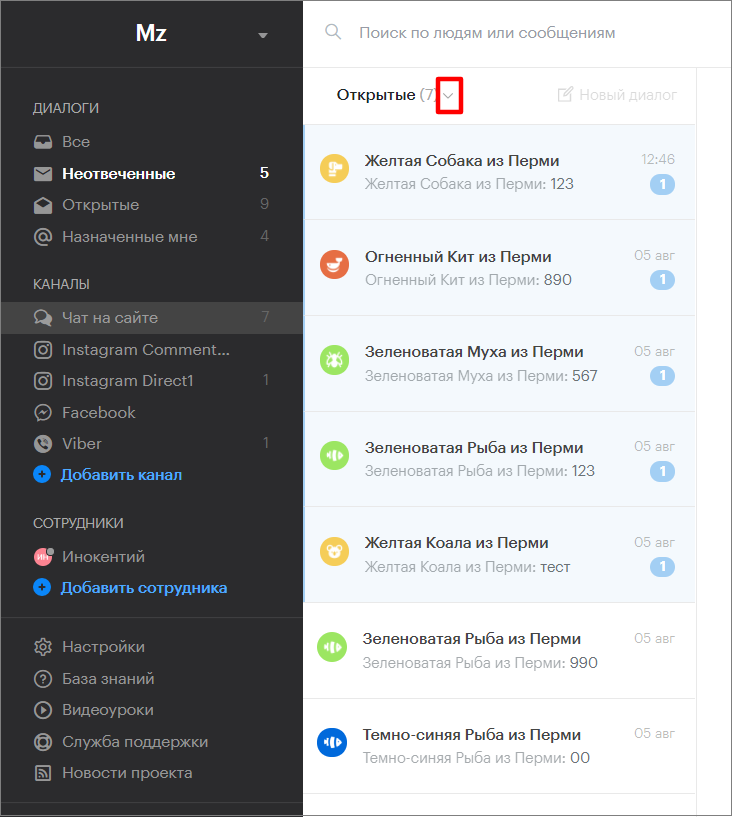
2. Click the arrow to the right of the filtering option.
3. Select an option from the dropdown list.
Search by Any Text String
- Open the messages panel.
- Enter a phrase (or phone number, client name, note text) in the search bar.
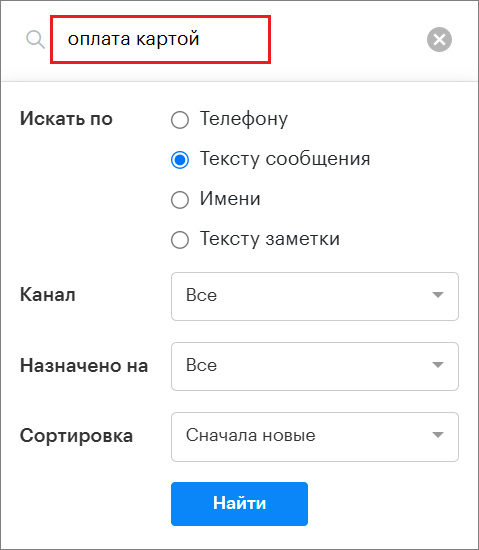
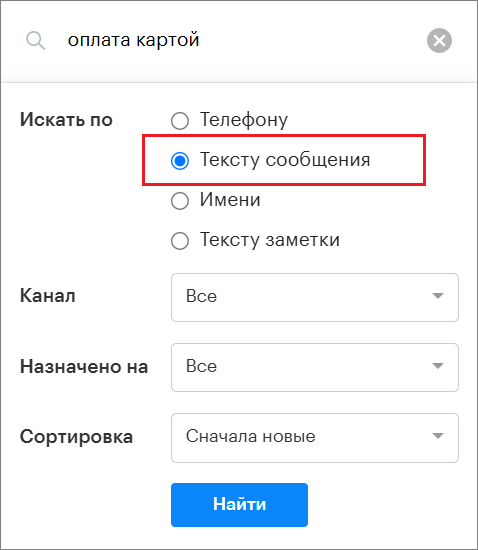
3. Select the appropriate option from the “Search by” filter.
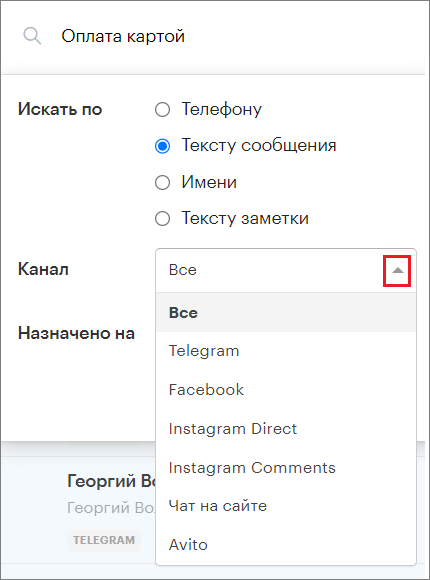
4. Select a channel from the “Channel” dropdown filter.
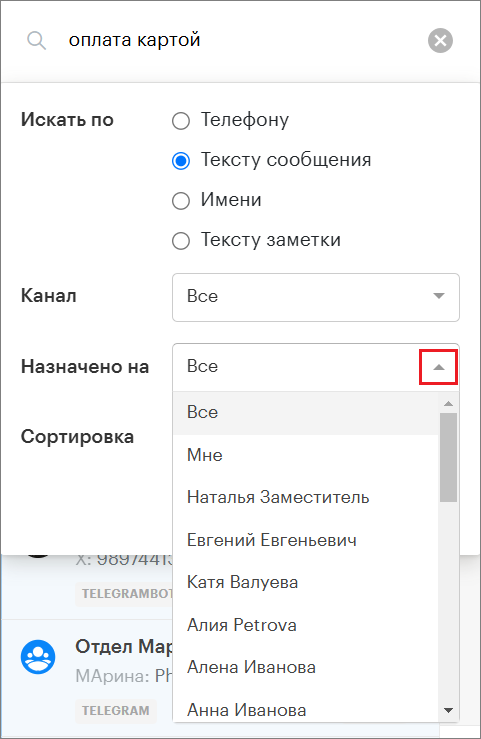
5. Select an operator from the “Assigned to” dropdown filter.
6. Choose the sorting order for the conversations.
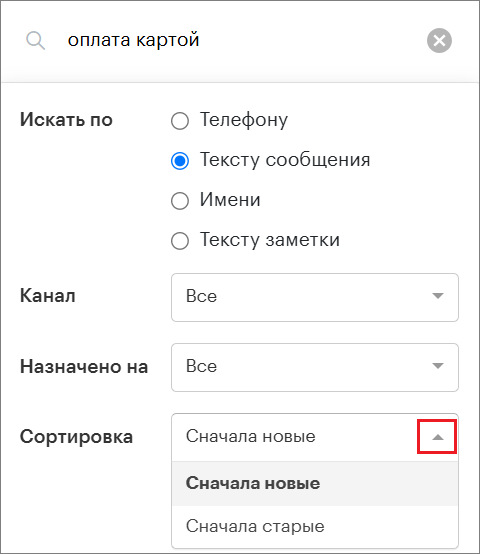
7. Click the “Find” button.
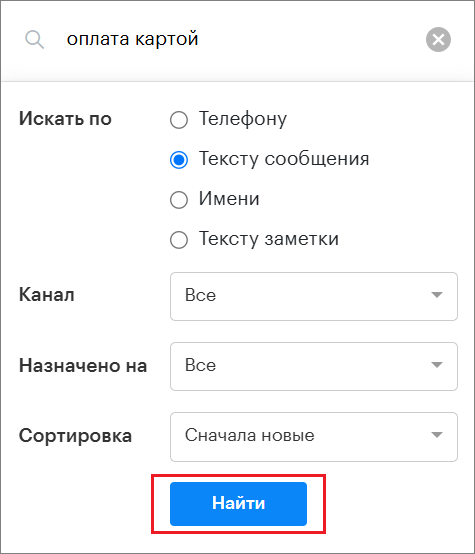
The “Search by” parameter:
“Phone” – the search will be performed only by client phone numbers.
“Message text” – the search will be performed only within message texts.
“Name” – the search will be performed only within client names.
“Note text” — the search will be performed only within note texts.
The “Channel” parameter:
The search will be performed only within the selected channel.
The “Assigned to” parameter:
The search will be performed only within conversations assigned to the selected operator.
For example, entering the phrase “I placed an order yesterday” will show only those conversations where this phrase was mentioned.
The “Sorting” parameter:
You can also sort the search results from oldest to newest conversations or from newest to oldest.
Important Information
All filters can be combined to perform searches based on specific parameters.
If the client’s name and phrases from the conversation are unknown, you can search by phone number: the search system will recognize it as a phone number and look for it in client profiles.
When searching by a default name (for example, Зелёная Кошка), you should enter the name in English (for example, Green Cat).