How can we help?
Teletype Sender
In Teletype Sender, you can create message campaigns to clients by phone number through WhatsApp, WABA, and Telegram channels.
How to Create a Campaign in Teletype Sender
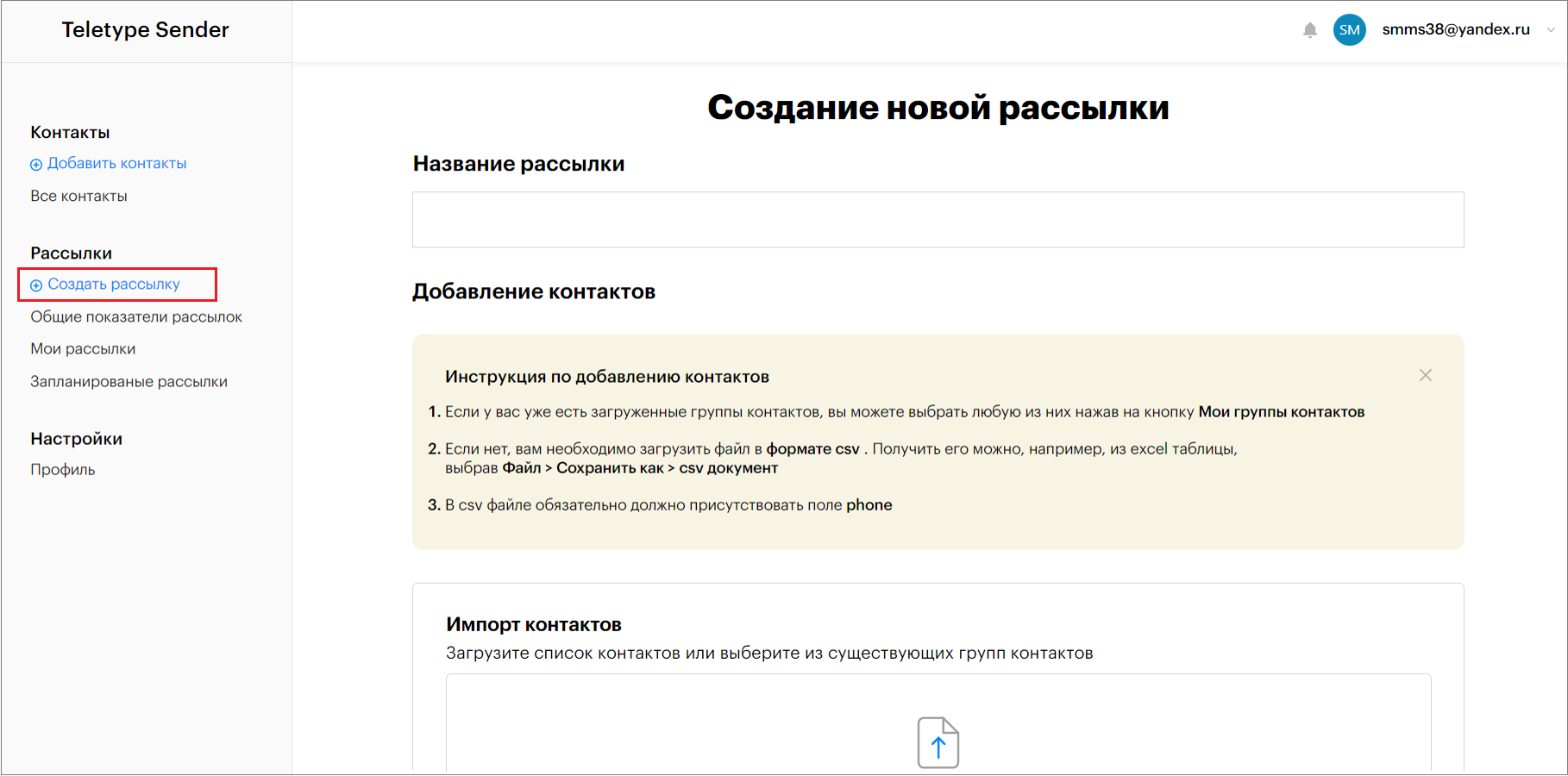
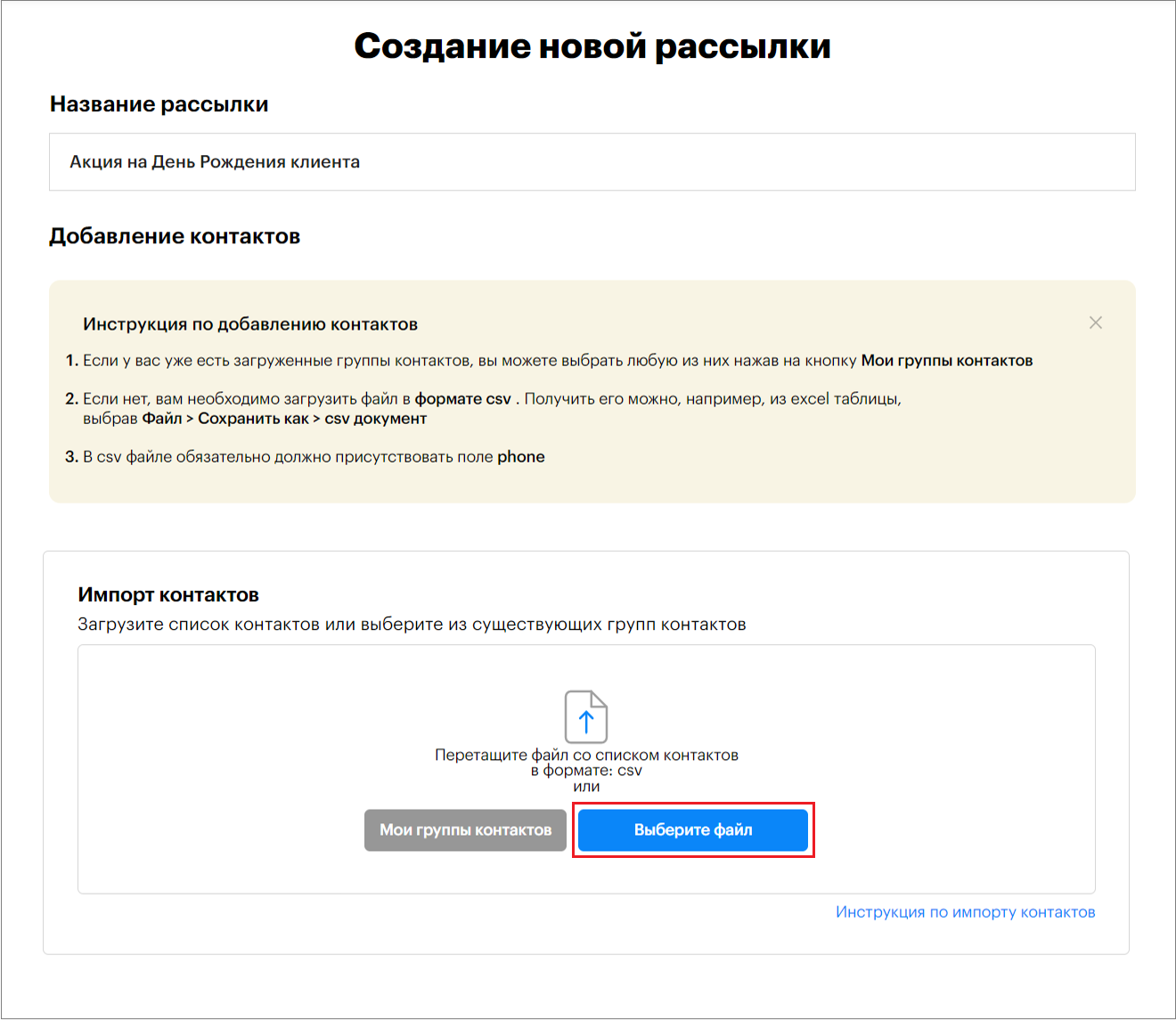
- Click “Create Campaign” in the left menu of the Teletype Sender panel.
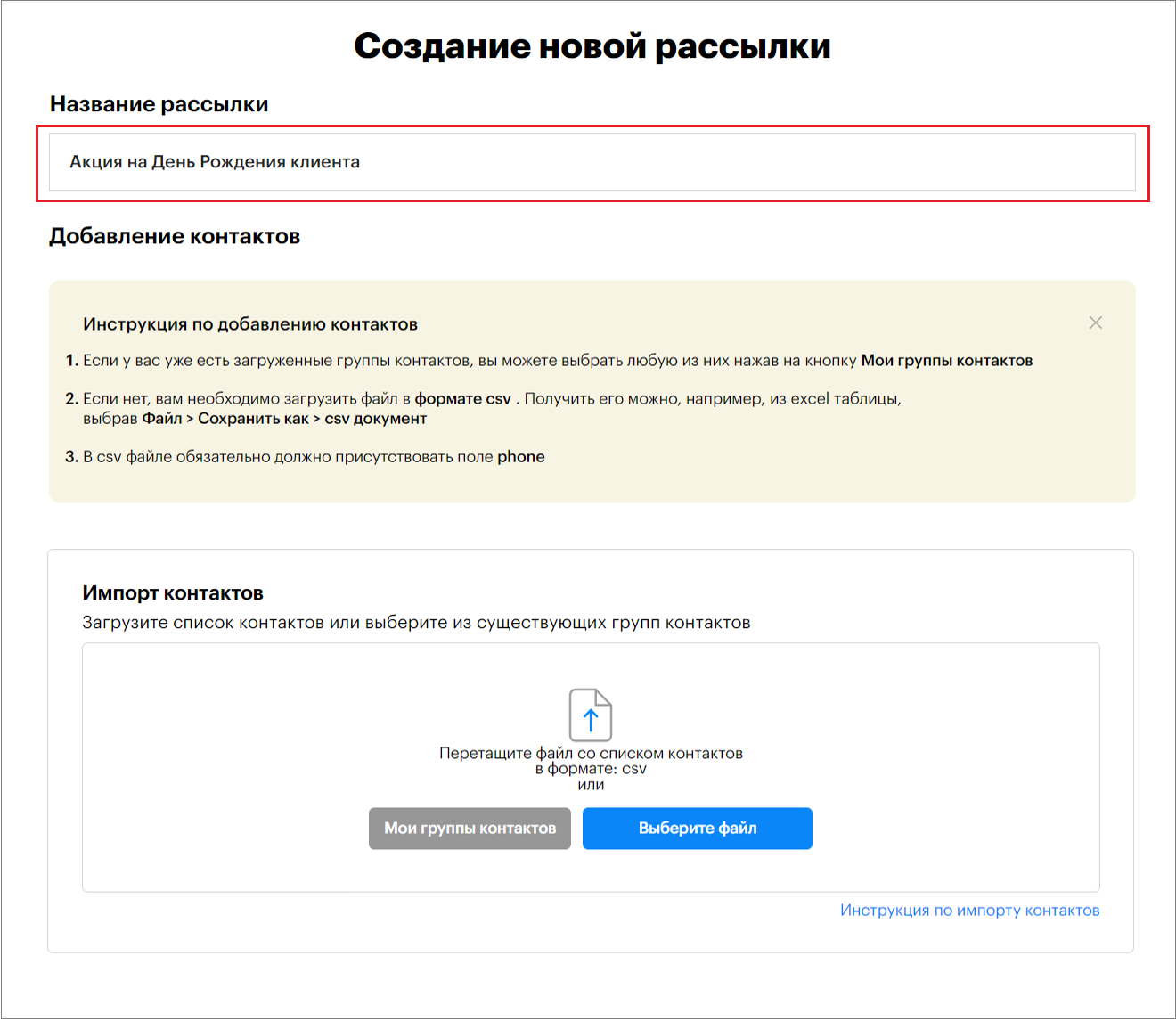
2. Enter the campaign name.
3. Add a Contact List.
The contact list must be in CSV format.
You can learn how to create a contact list in CSV format in the article “How to Create a Contact List in CSV Format”.
To do this:
— click “My Contact Groups”
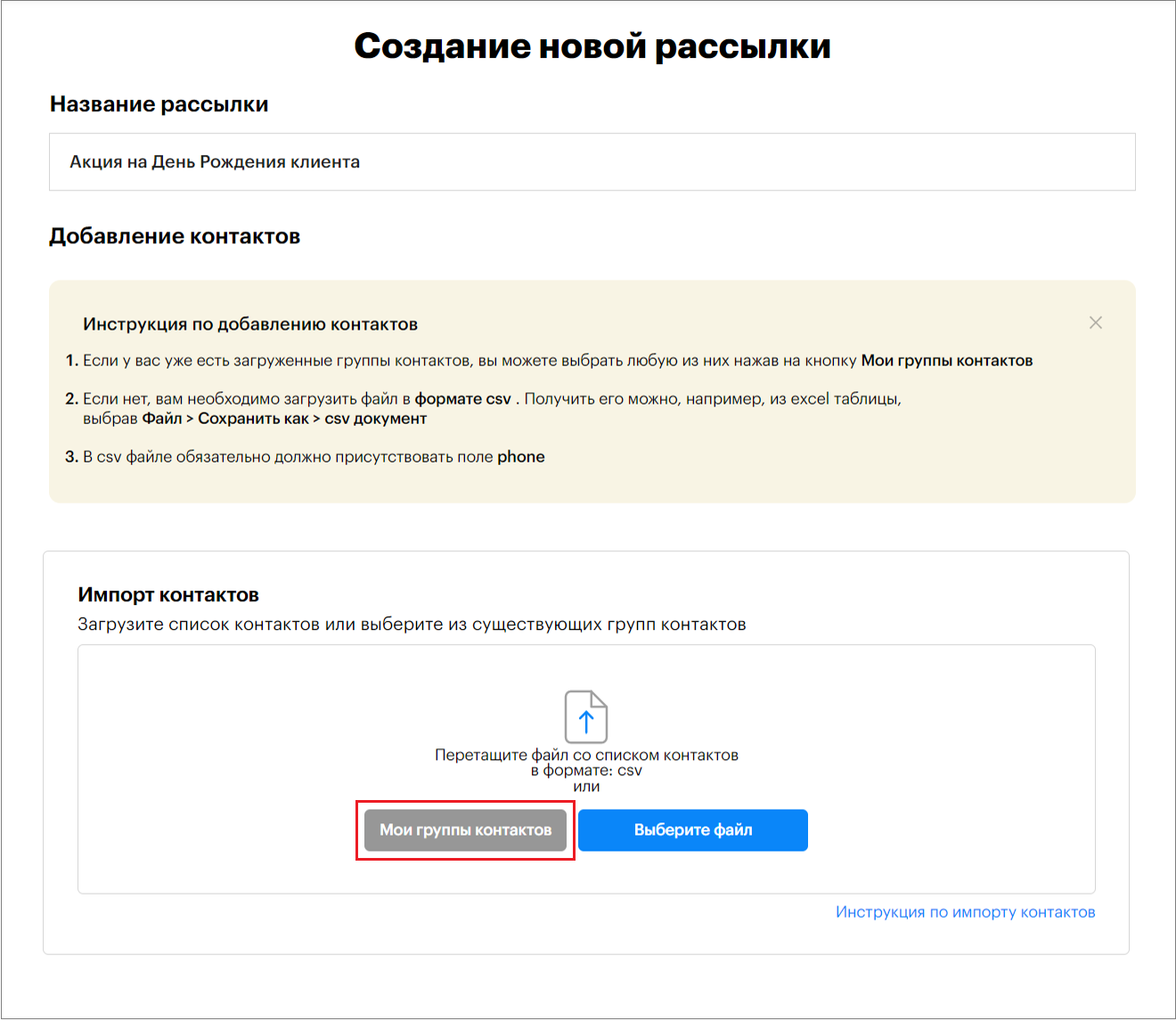
— select a contact group and click “Confirm”
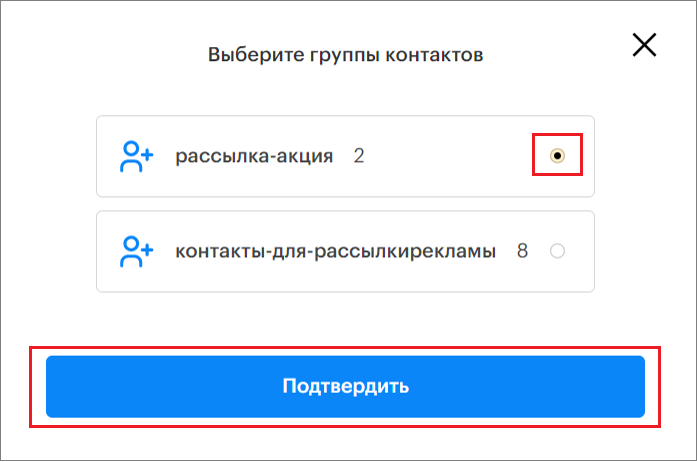
— or click “Select File” and upload a contact list in CSV format
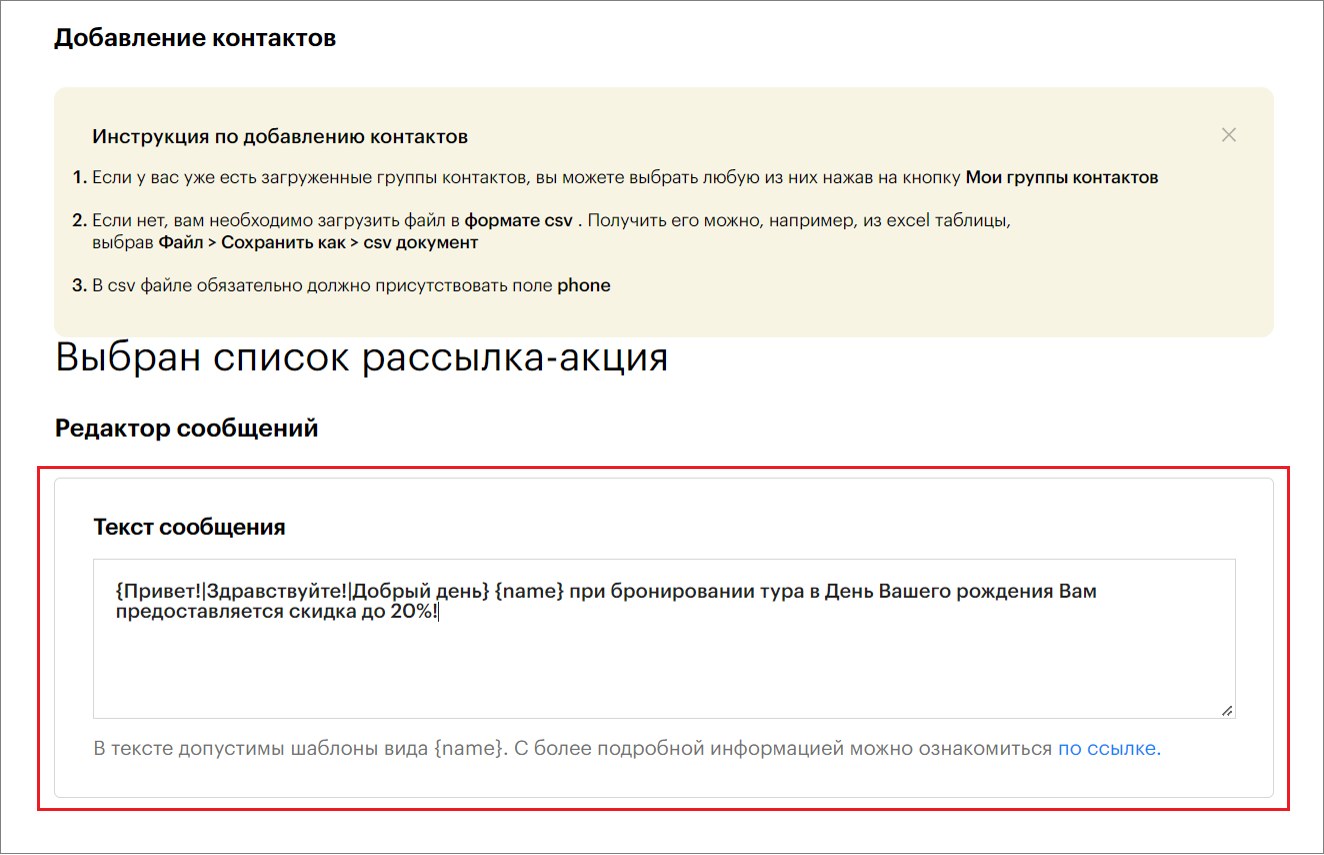
4. Enter the message text for the campaign.
If the contact list (CSV file) contains additional fields such as name, order, etc., you can insert them into the message text.
To do this, include them in curly braces in the message text, for example, {name} or {order}.
Certain words in the message text should be replaced; they are indicated in curly braces separated by a vertical bar, for example, {Hello!|Hi!|Good day}; {Already|Right now}, etc. Each time the campaign is sent, one word will be randomly selected—either Hello, Hi, or Good day. This helps make each message slightly different to avoid being banned on WhatsApp/Telegram.
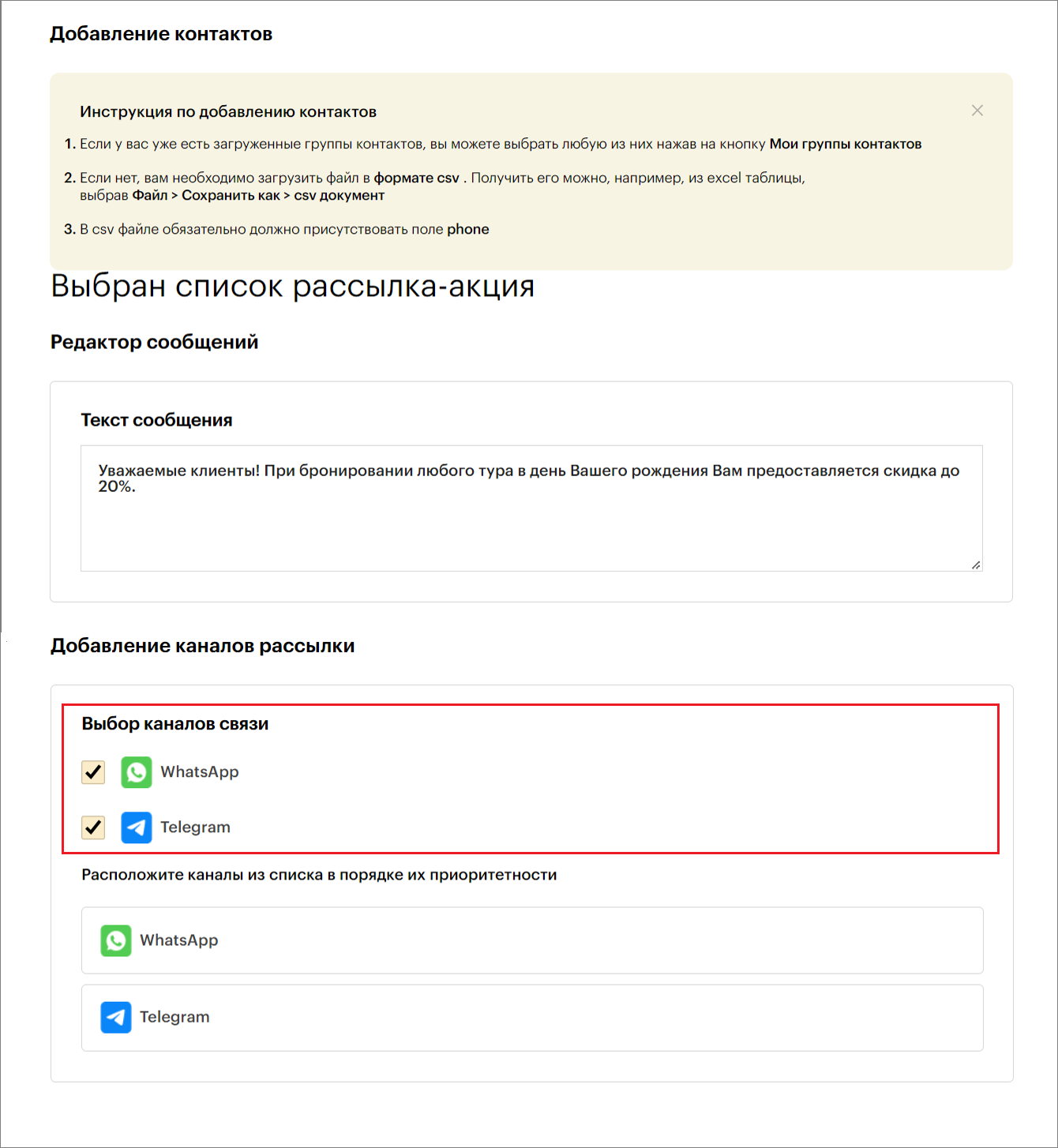
5. Select the communication channel through which the messages will be sent.
Only WhatsApp/Telegram channels connected to the Teletype panel will be displayed here.
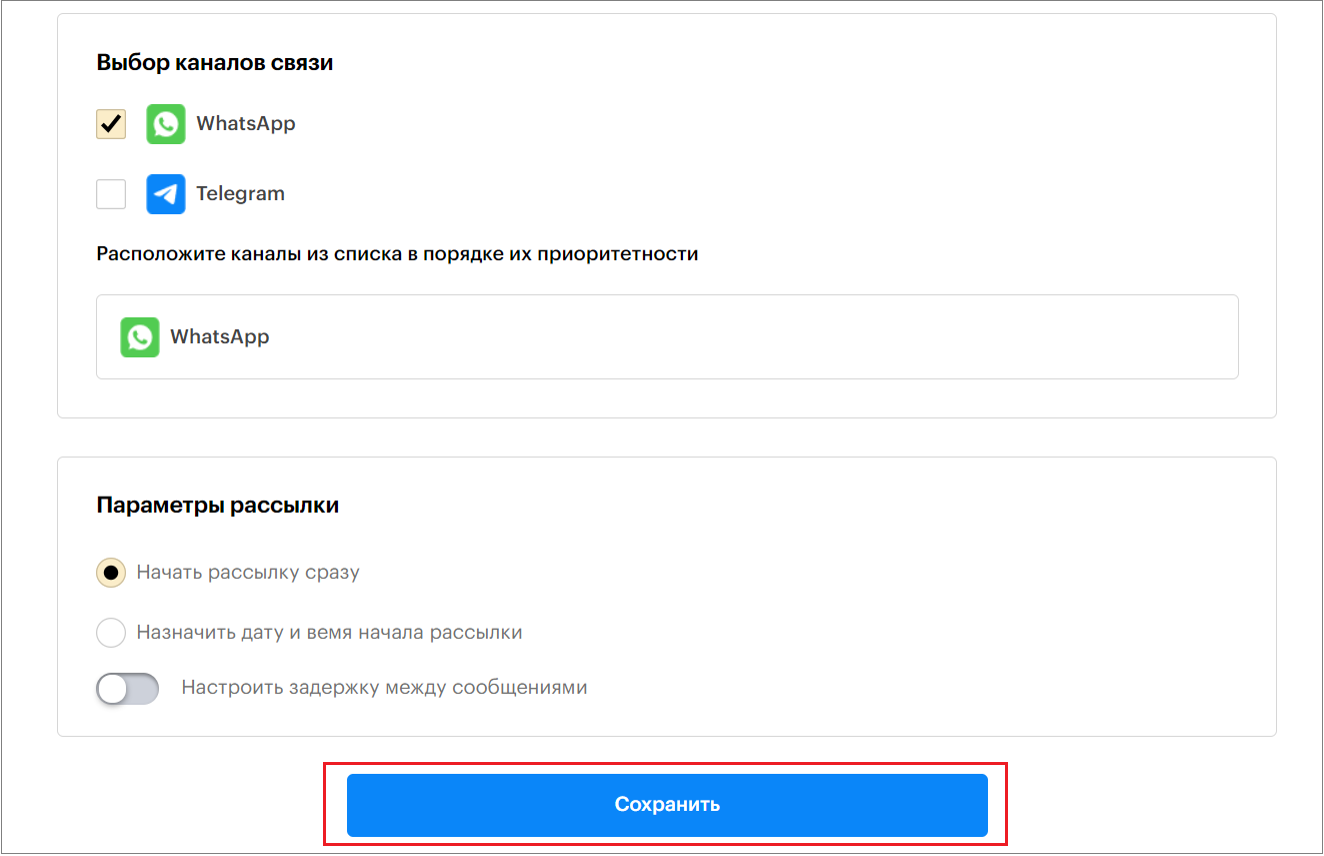
6. Configure the Campaign Settings.
Campaign Settings:
— You can start the campaign immediately by enabling the “Start Campaign Immediately” option.
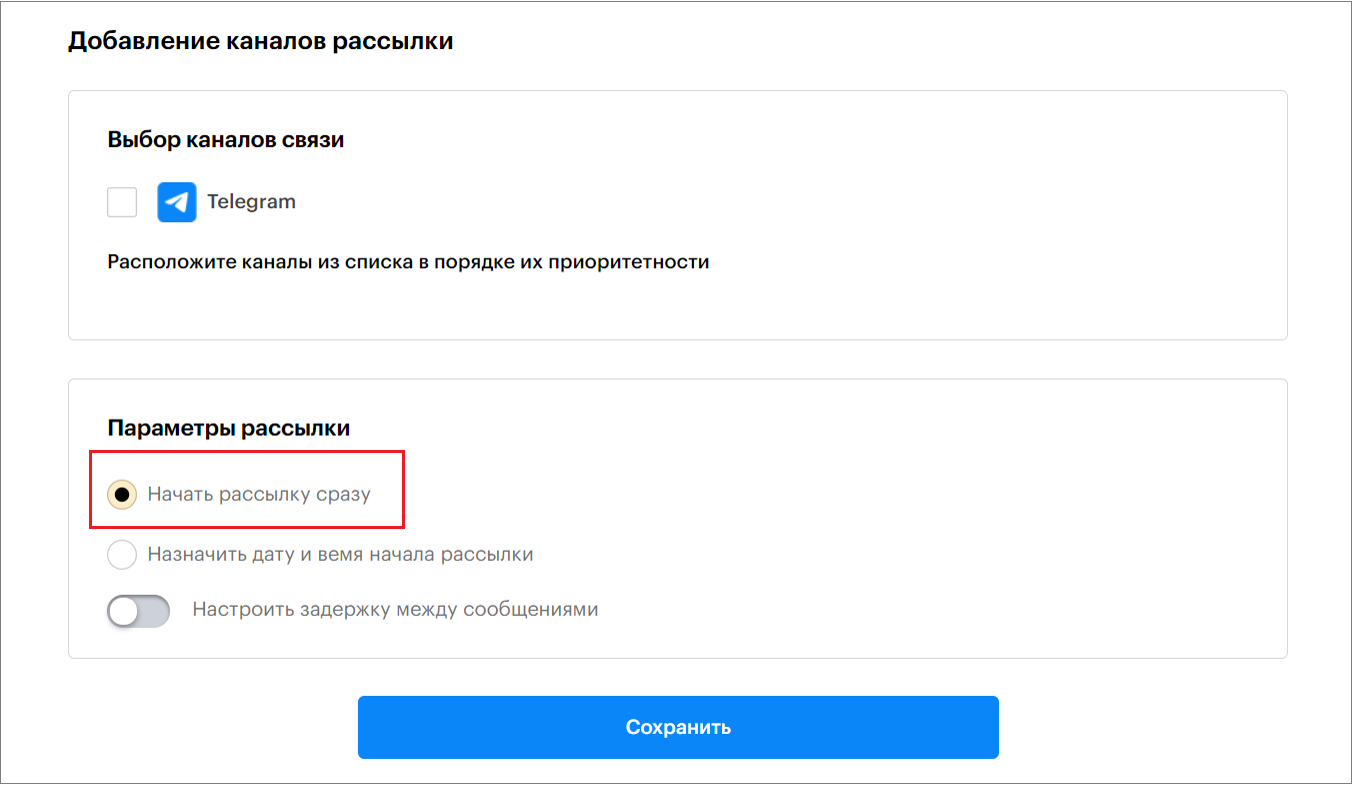
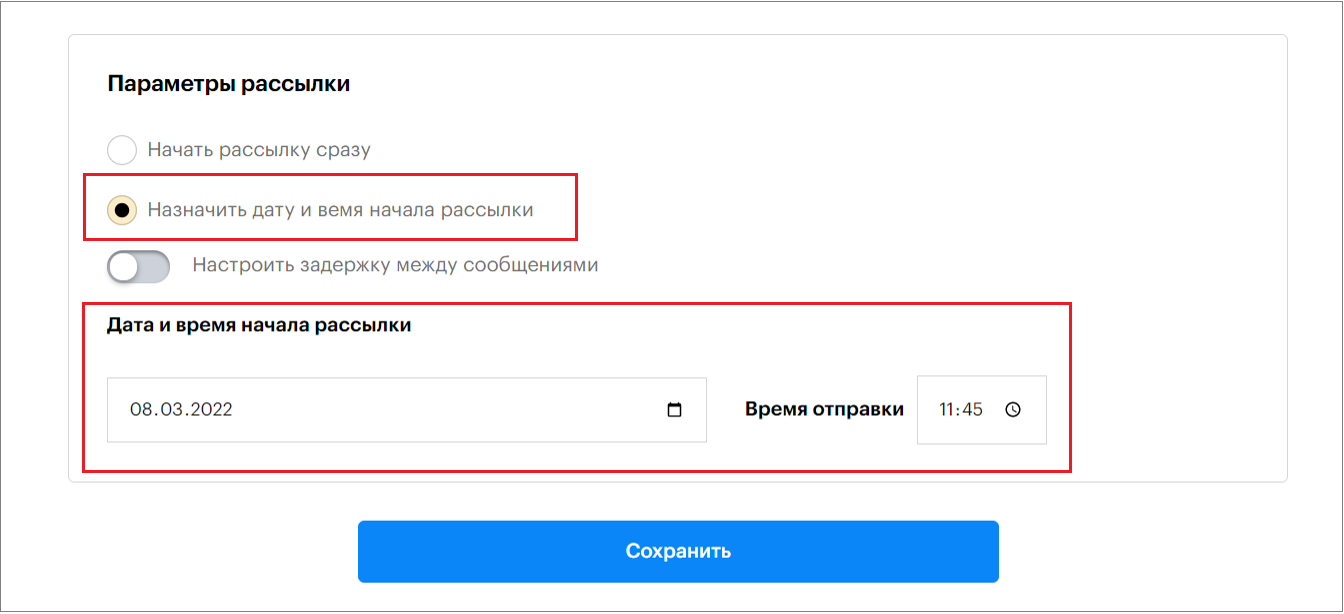
— Or schedule the campaign by date and time.
To do this, enable the “Set Campaign Start Date and Time” option and specify the start date and time.
— Set a delay between messages
Here you can specify the time interval in seconds between sending messages.
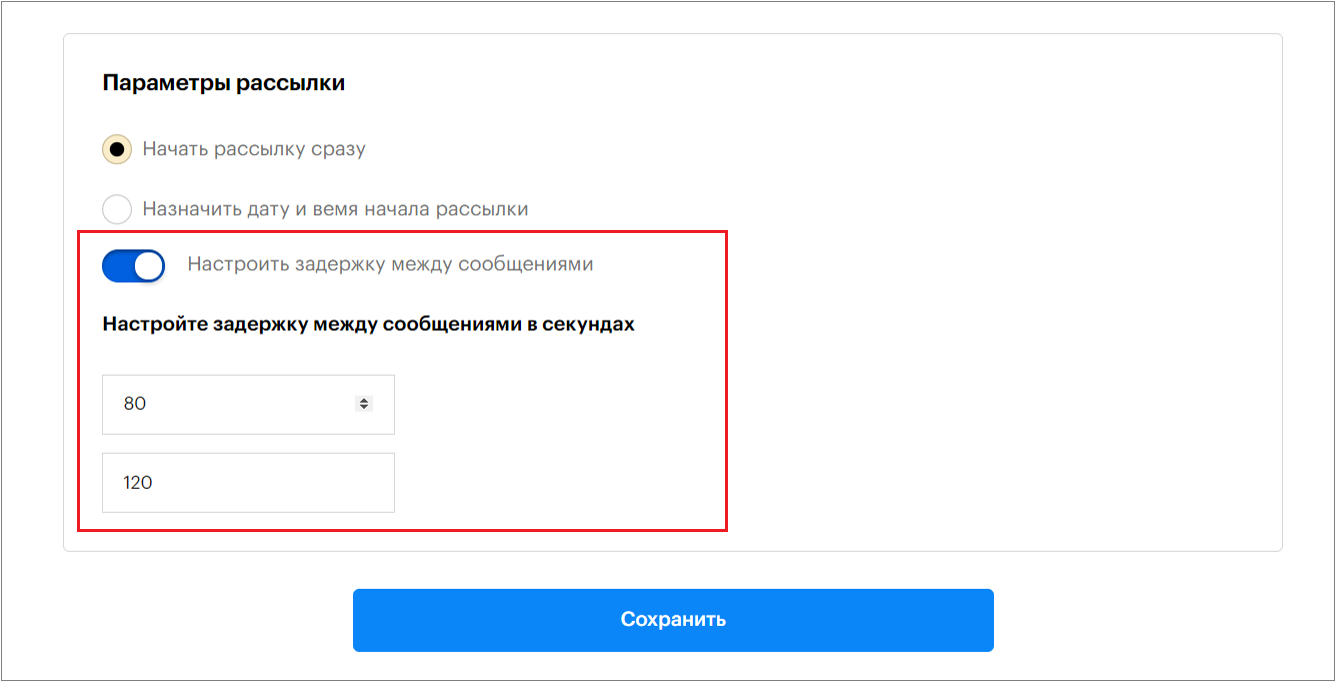
If you do not set this option, messages will be sent every 40-80 seconds.
7. Then click “Save”.